How to Turn the GPT-6 Astra Launch into Shorts with CinLink
Learn how to turn GPT-6 Astra launch coverage, interviews, and demos into clear Shorts, TikToks, and Reels with a simple CinLink workflow.
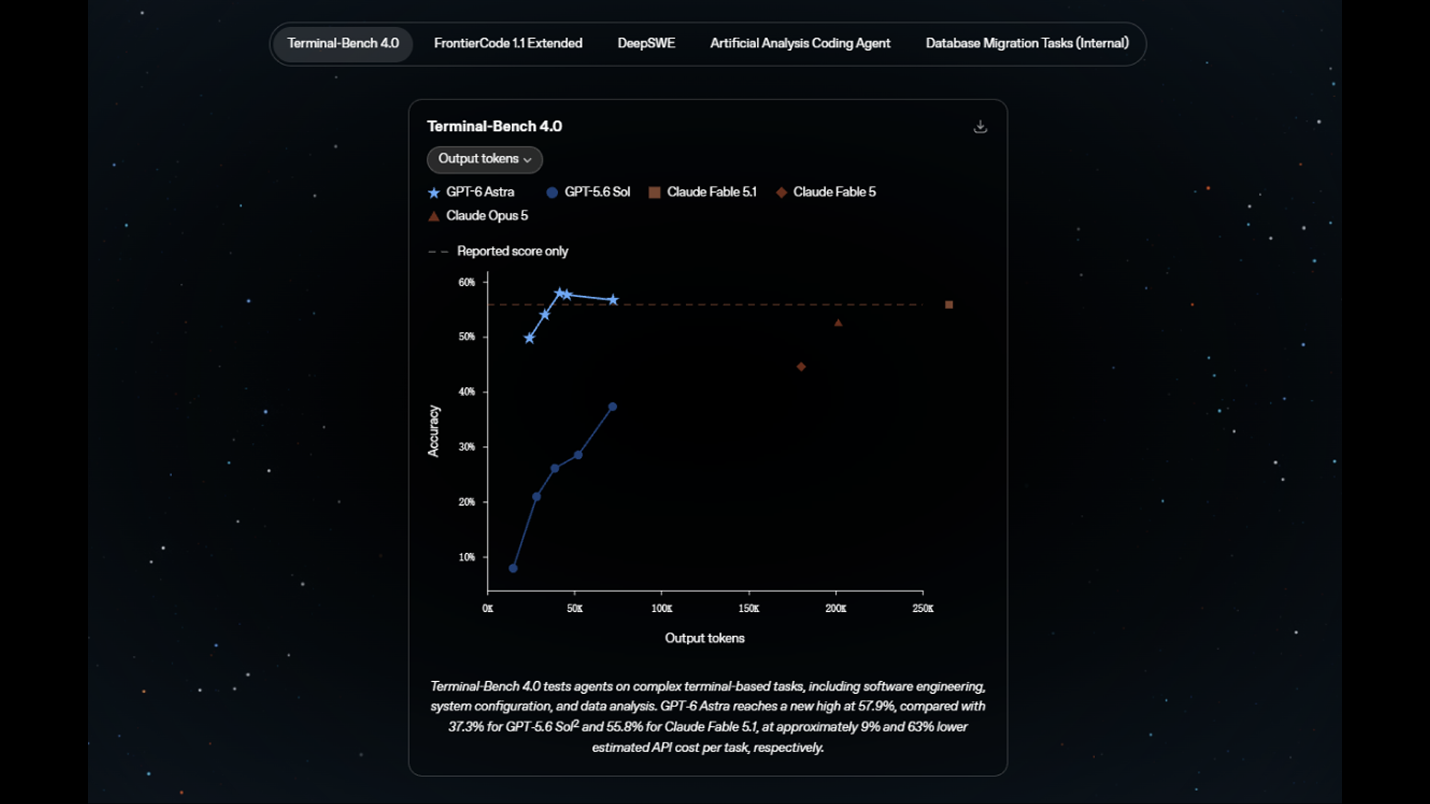
GPT-6 Astra is the AI story everyone seems to be talking about right now. OpenAI's launch coverage touches coding, research, computer use, and other kinds of complex work. That gives tech creators a lot to discuss, but it also creates a familiar problem: the useful ideas are spread across a long keynote, demo, interview, or podcast.
You do not need to publish the whole conversation. With the right workflow, one long GPT-6 Astra video can become a few focused Shorts, TikToks, or Reels.
Here is a simple way to do it with CinLink.
Start with the right source
Use a video you own, have permission to edit, or are allowed to use under a rights basis your team has reviewed. A product launch can be covered through your own commentary, a licensed interview, an approved press recording, or a screen recording of your own analysis.
The source does not need to be short. In fact, a 30-minute discussion is often better material because it gives you several angles to choose from.
1. Map the whole conversation first
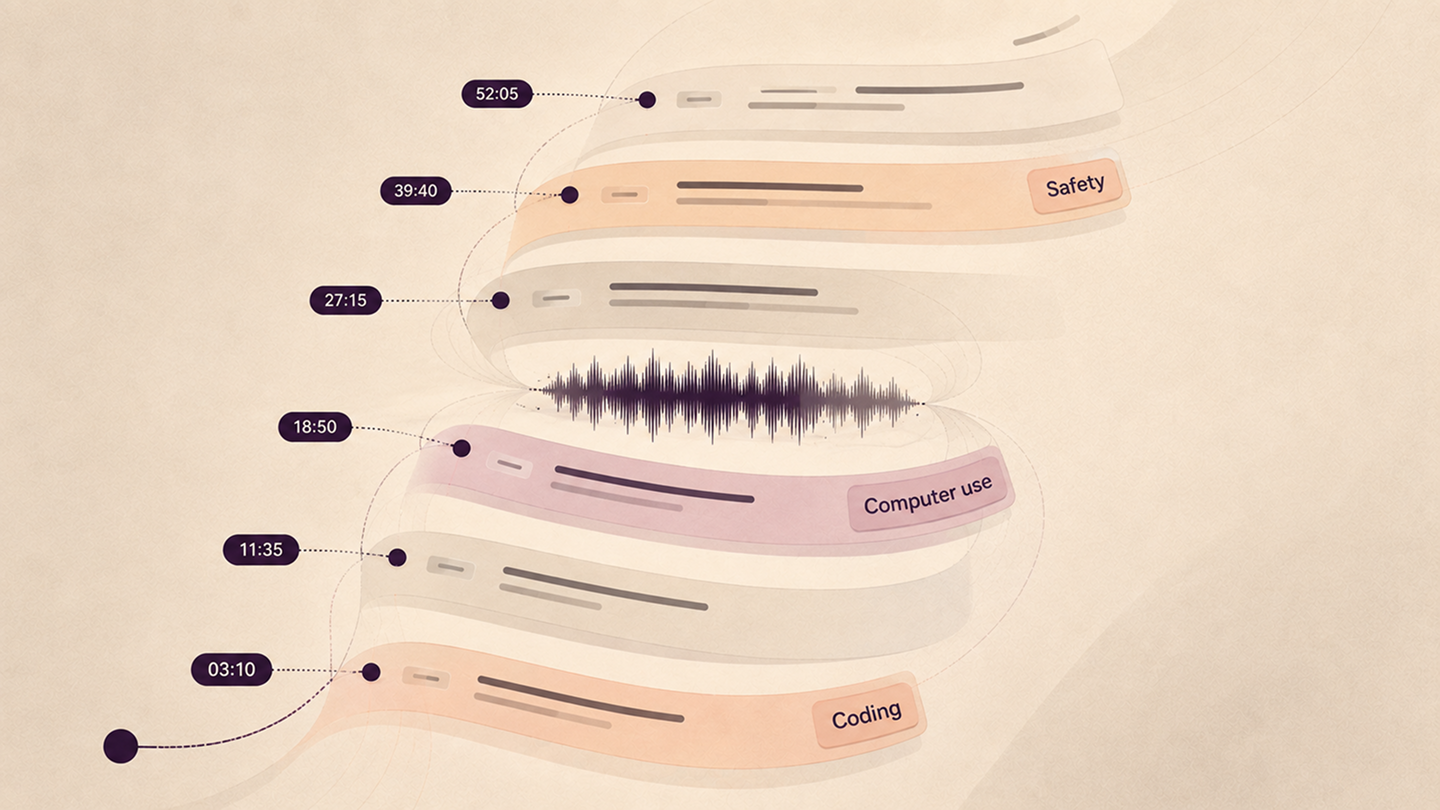
Upload the video to CinLink and ask it to create a timestamped map before you start cutting. This helps you find the useful sections without scrubbing through every minute.
Now you have a shortlist. Open the timestamps and check whether each moment makes sense without the rest of the video. A strong clip usually has a clear question, one useful idea, and a satisfying answer or demonstration.
2. Pick moments that stand on their own
For GPT-6 Astra coverage, look for ideas people can understand quickly:
- A live coding or software workflow demonstration
- A before-and-after example of computer use
- A researcher explaining what changed in the new model
- A clear answer about safety, limits, or human review
- A strong disagreement about what the launch actually means
Do not choose a clip just because it contains the words “GPT-6 Astra.” Choose a moment with a point. The model name can provide the context, but the idea is what keeps someone watching.
3. Cut the setup down to the useful part
Most tech videos take too long to get to the answer. Keep enough of the question or setup to make the speaker's point fair, then remove long pauses, repeated phrases, and side discussions.
If a demo needs more room, keep the longer version. If the idea is simple, make a tighter cut. The best length is the shortest version that still feels complete.
4. Add captions people can read
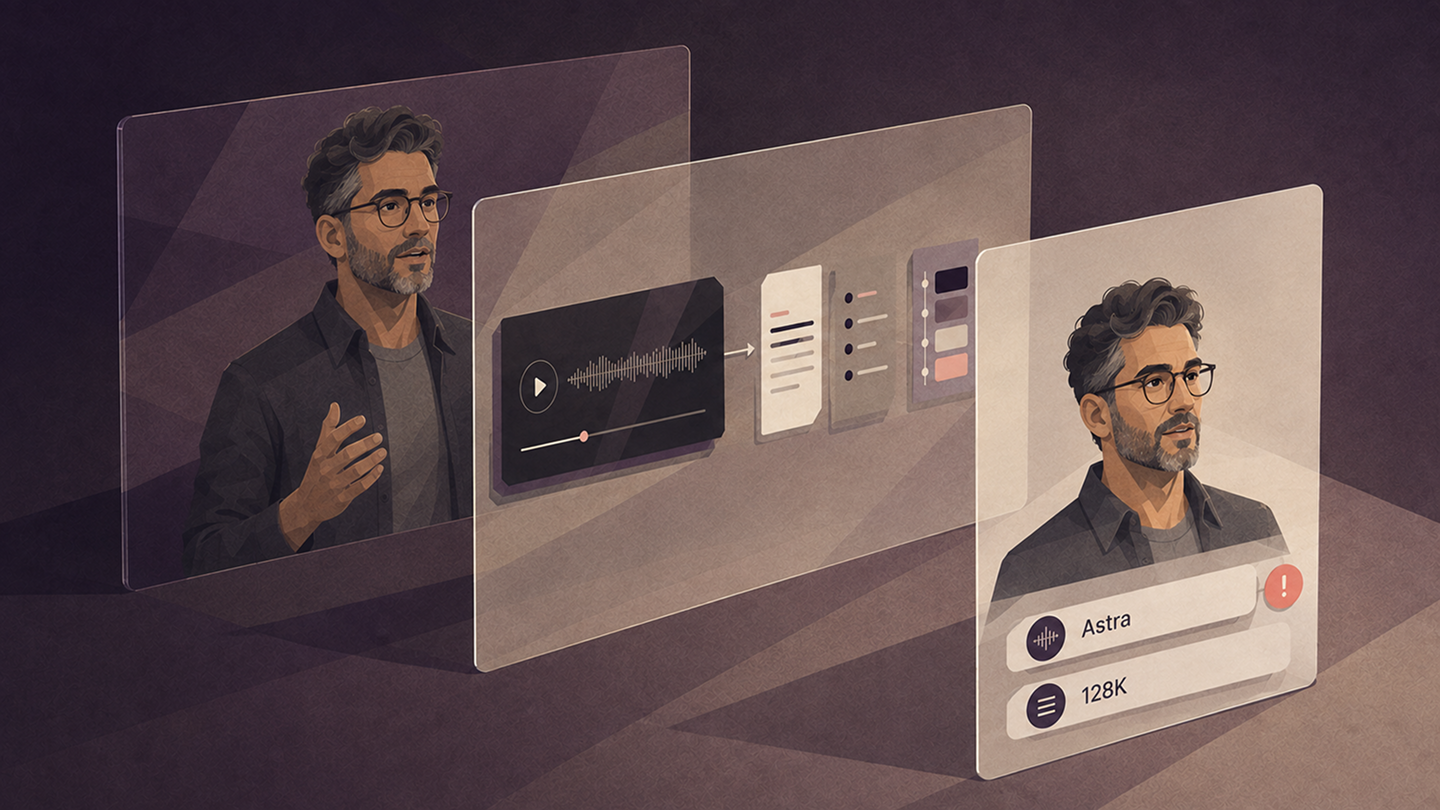
Tech clips often include model names, product terms, and dense explanations. Captions make the idea easier to follow when people are watching with the sound off.
Read the captions once before exporting. Check “Astra,” product names, benchmark names, and every number that matters. A small transcription error can make a technical clip look careless.
5. Write the hook after the edit
Once you know what the clip actually says, write a hook that promises the real idea:
- What GPT-6 Astra can do differently in a real workflow
- The computer-use demo that made people stop scrolling
- Why this AI launch is about more than a bigger model
- The safety question behind the new agent capabilities
Ask CinLink for a few options, then choose the one that matches the clip. Specific beats dramatic. You want viewers to understand the payoff before they press play.
Give every clip one human review
AI can find the moments and speed up the first edit. You still make the final call.
- Does the clip make sense without the full launch video?
- Are model names, technical terms, and numbers correct?
- Do the captions match the audio?
- Is the speaker's meaning and context intact?
- Do you have permission to publish the source material?
Also be careful with big claims. “OpenAI says” and “this demo shows” are usually more accurate than declaring that a model has solved every problem or definitively achieved AGI.
One prompt for the whole workflow
Once you know the style you want, you can ask CinLink to handle the first pass in one request:
Then watch the clips, make your editorial choices, and export the versions you actually want to publish.
Turn AI coverage into useful short-form content
GPT-6 Astra is the current hook, but the workflow works for almost any technology keynote, product demo, or interview. Start with CinLink AI Video Summarizer to understand a long recording, then use Long Video to Shorts to create focused clips. For the final polish, try the AI Subtitle Generator.
Download CinLink and turn your next long tech conversation into a week of clear, useful videos.
Quick questions
What kind of GPT-6 Astra video should I clip?
Good options include a launch presentation, product demo, technical interview, podcast, or your own reaction video. Choose a source with clear audio and a point of view.
How long should each short be?
Start around 25 to 60 seconds. Use the shortest cut that preserves the context and makes the idea feel complete.
Can I clip an official OpenAI launch video?
Check the source's terms and your legal basis before publishing. A public video is not automatically free to reuse. Your own commentary, licensed material, approved embeds, and original analysis are safer starting points.