


Understand the source video
Analyze video speech and create a text layer that can be translated and reviewed.

Video Translator
Turn spoken video content into translated subtitles and localized outputs. CinLink helps you understand, translate, review, and prepare videos for viewers in different languages.
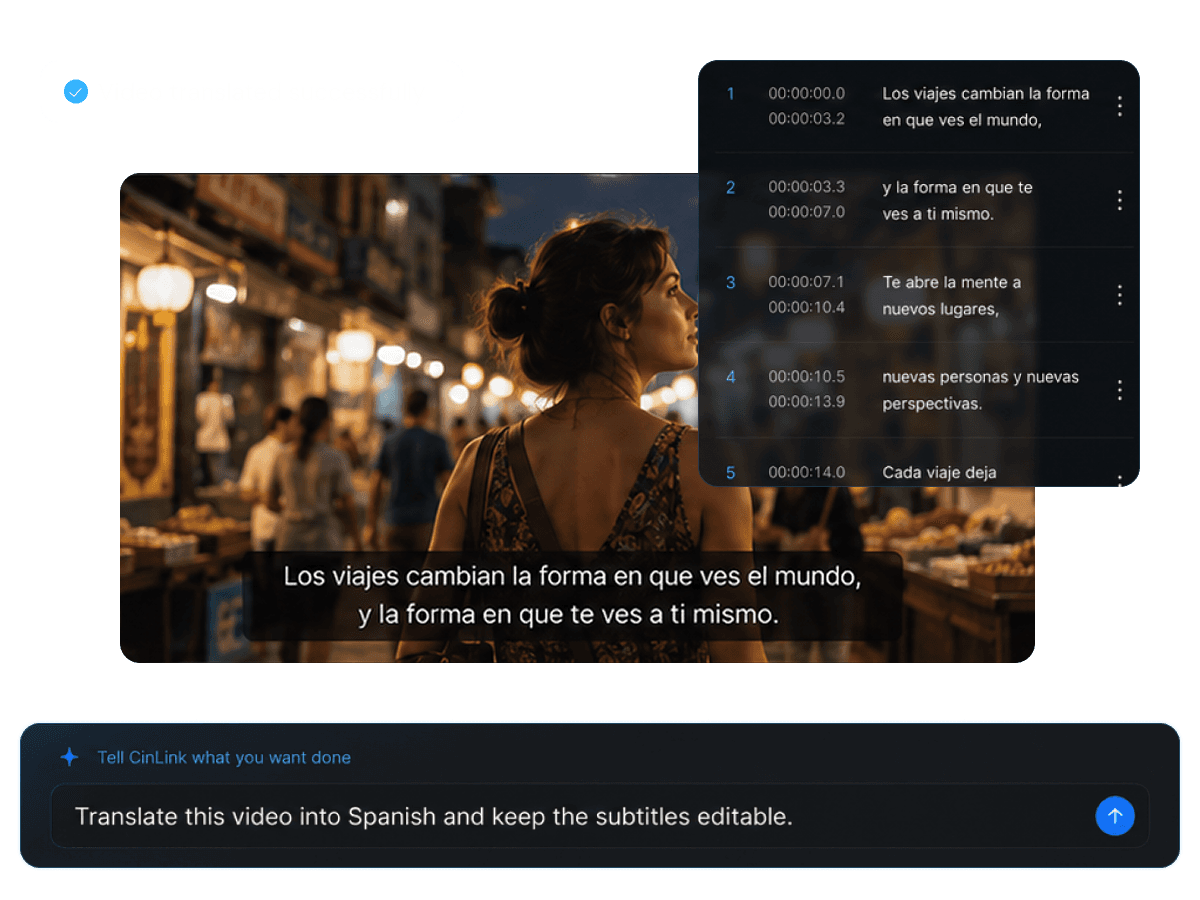
Video Translator
Move from one video to multilingual versions
Overview
CinLink connects transcription, subtitle translation, and video localization in one workflow. Start with the original video, generate the language layer you need, then review and export a localized result.
Benefits
Translate spoken content while keeping video, timing, subtitles, and output formats connected.
Analyze video speech and create a text layer that can be translated and reviewed.
Generate translated subtitle tracks for different audiences while keeping timing easy to adjust.

Check wording, names, cultural context, and timing before exporting the localized version.

Export translated subtitles, burned-in caption videos, or continue into dubbing workflows.
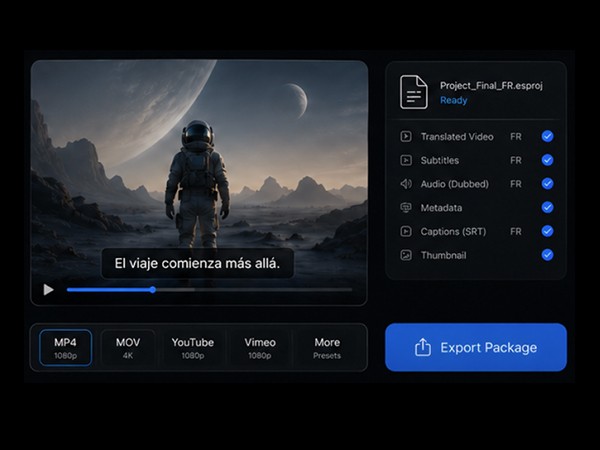
Workflow
Add a video, generate the source transcript, translate the content, and export the localized result.
Upload or select the video you want to translate.
Create translated subtitles and refine wording or timing.
Export translated subtitles or a video with captions embedded.
Export Formats
Choose the output your publishing workflow needs: translated subtitle files, captioned videos, or assets ready for dubbing.


A video version with translated captions ready to publish.
User case
Localize tutorials, social clips, courses, product demos, interviews, and marketing videos.

Reach viewers in more regions with translated captions.

Make short videos easier to understand across languages.

Prepare lessons for international learners.

Localize feature explanations and product walkthroughs.


Adapt campaign videos for global audiences.
Related Tools
Move from video translation into subtitles, dubbing, and publishing.
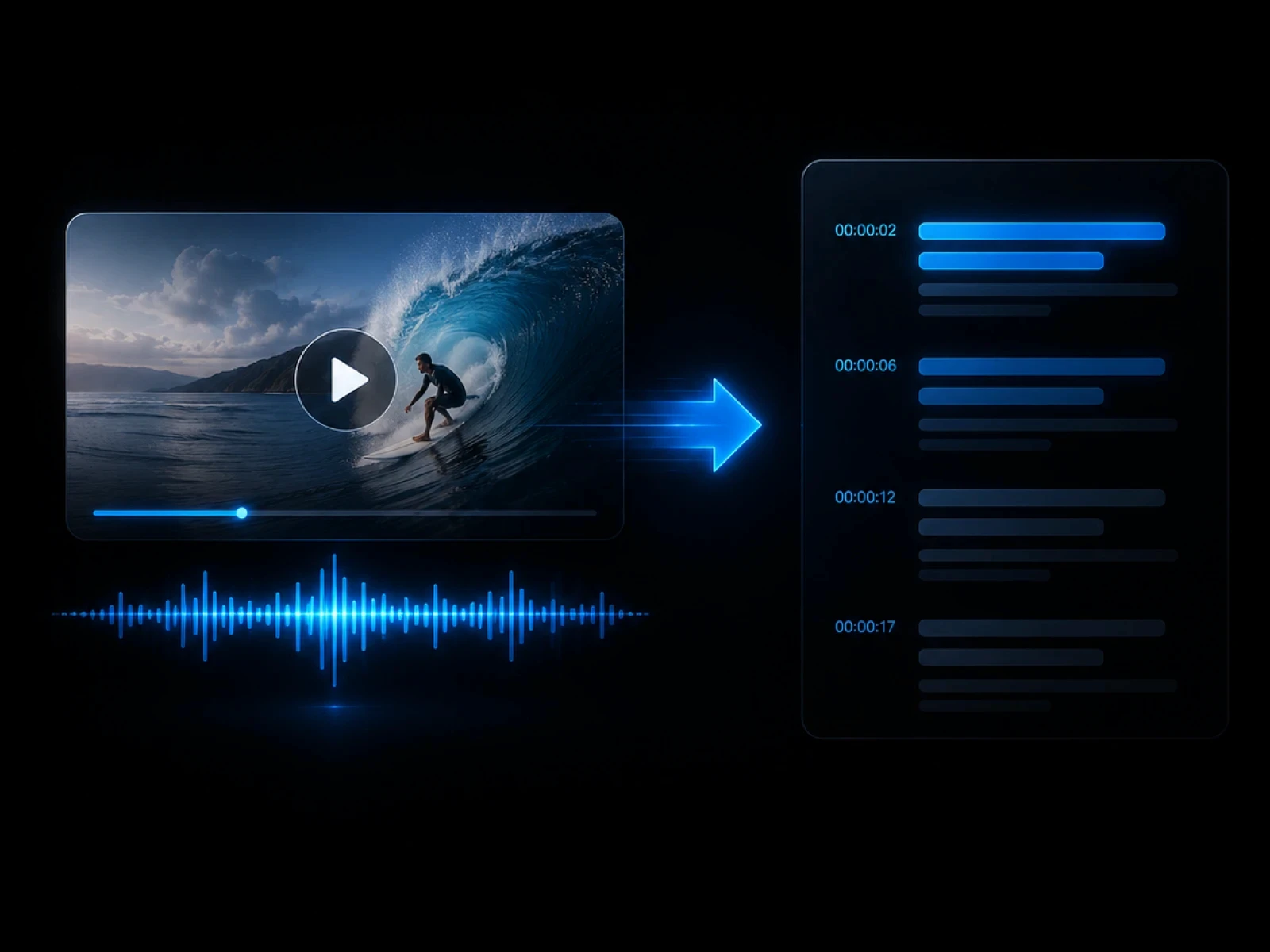
Create source text from speech.
Explore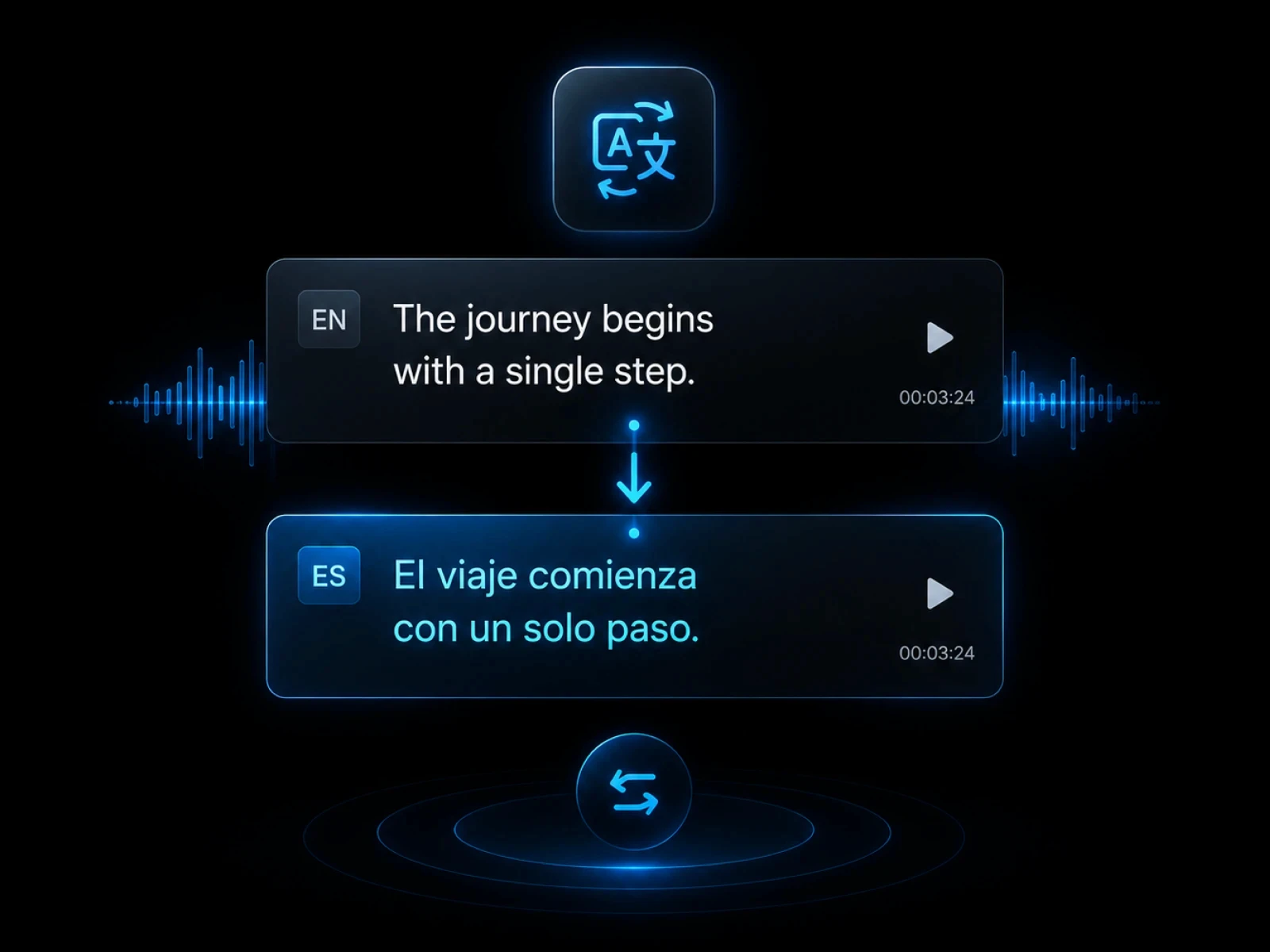
Translate subtitle tracks directly.
Explore
Create dubbed versions for target languages.
Explore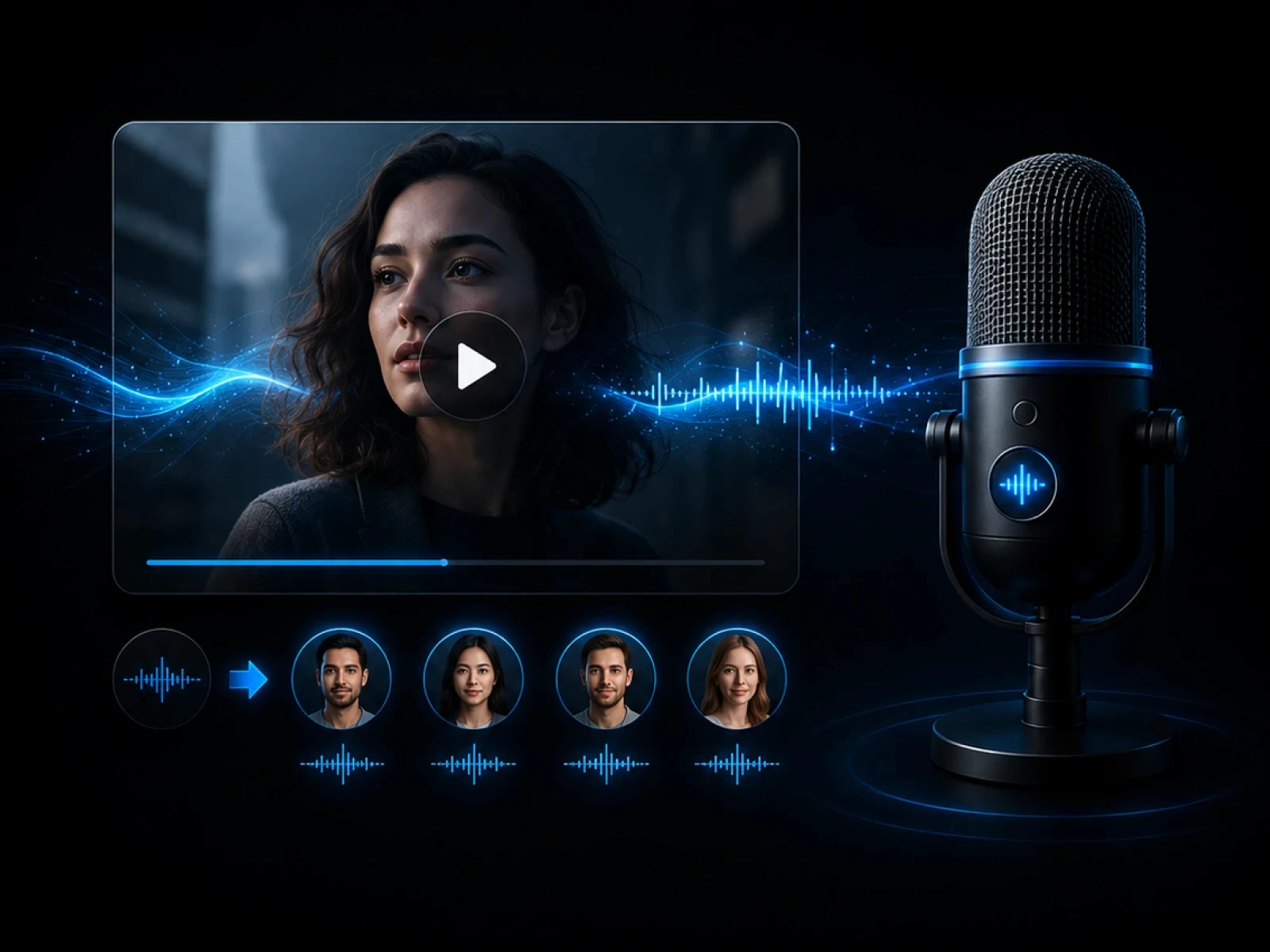
Embed translated captions into video.
Explore
Export translated subtitle files.
ExploreFAQ
Everything you need to know before transcribing videos with CinLink.
A video translator helps convert spoken video content into another language through transcripts, subtitles, and localized outputs.
Yes. You can review translated subtitles and adjust timing or wording before export.
Yes. You can export translated subtitle files or create a captioned video.
Yes. Translated text can become the base for dubbing and multilingual video versions.
Generate subtitles, translate content, and export localized videos in one workflow.