


Translate subtitle tracks
Convert subtitle text into another language while keeping the structure and timing easy to review.

Subtitle Translator
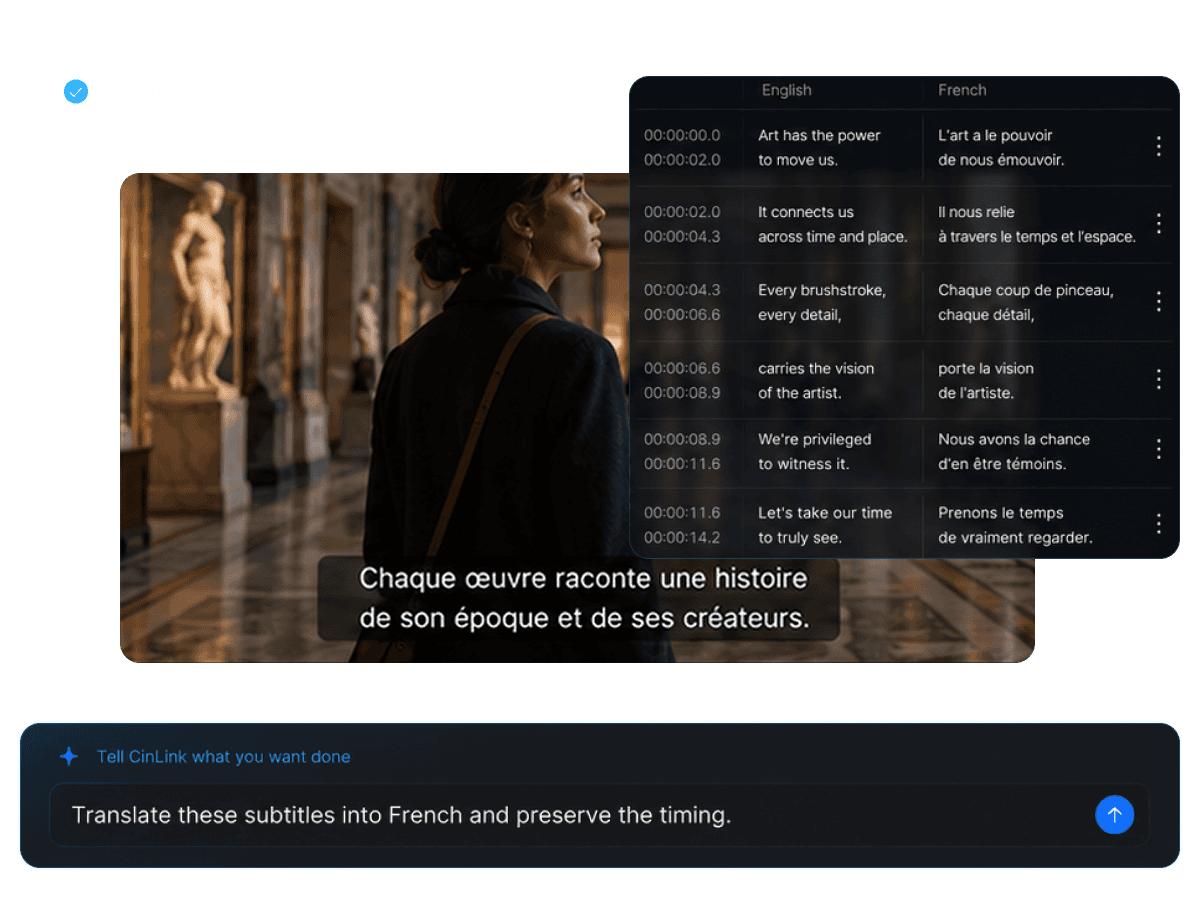
Import or generate a subtitle track, choose a target language, and let CinLink create translated subtitles you can review, refine, and export.
Subtitle Translator
Turn one subtitle track into multilingual content
Overview
CinLink helps creators translate subtitles while keeping timing and video context visible. Start with the original subtitle track, generate a translated version, then refine wording before export.
Benefits
Translate, review, adjust, and export subtitles without losing timing or context.
Convert subtitle text into another language while keeping the structure and timing easy to review.
Review translated lines against the original video so subtitles stay aligned with the speaker.

Adjust tone, names, terms, and cultural expressions before publishing translated subtitles.

Prepare subtitle files for different languages and use them across platforms or localization workflows.

Workflow
Add subtitles, choose a language, review the translation, and export the final file.
Import a subtitle file or generate subtitles from your video.
Compare translated lines with the original video context.
Export translated subtitle files or continue into video localization.
Export Formats
Create translated subtitle files for platforms, editors, localization teams, or multilingual video versions.


A translated subtitle track ready for video translation or dubbing workflows.
User case
Prepare subtitles for social videos, courses, interviews, product content, and localization projects.

Offer subtitle options for viewers in different regions.

Make educational videos easier to understand across languages.

Adapt product messages for international campaigns.

Translate conversation-heavy videos while keeping timing clear.


Use translated subtitles as a base for dubbing and video translation.
Related Tools
Move from subtitle translation into full video localization.

Create the original subtitle track first.
Explore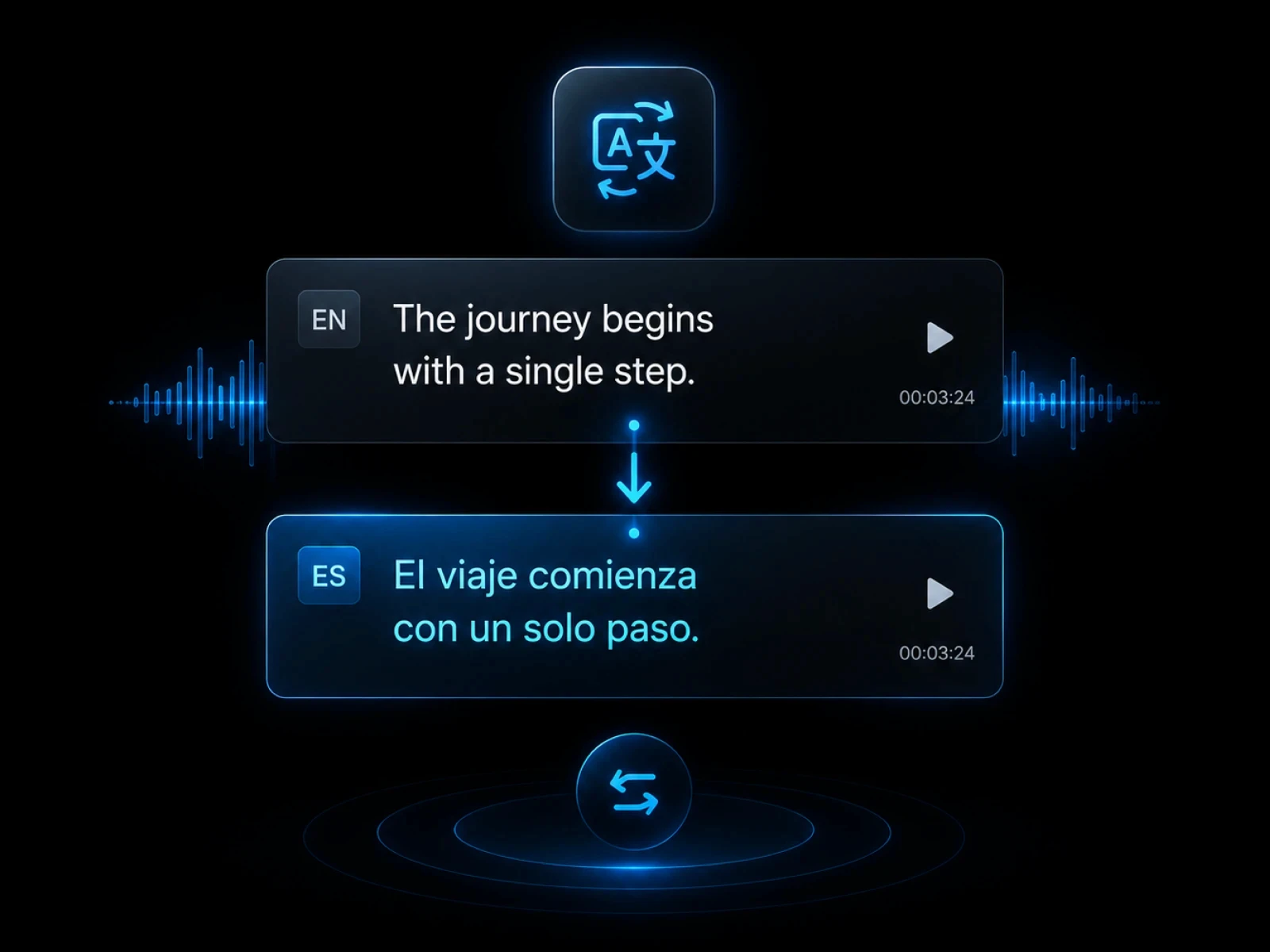
Translate spoken video content with subtitles.
Explore
Create dubbed versions for global viewers.
Explore
Export translated subtitle files.
Explore
Create videos with translated subtitles embedded.
ExploreFAQ
Everything you need to know before transcribing videos with CinLink.
A subtitle translator converts subtitle text into another language while keeping the subtitle track useful for video publishing.
Yes. You can review and refine translated lines before export.
Yes. You can export translated subtitle files for platforms, editors, or localization workflows.
Yes. Translated subtitles can become the base layer for dubbing and video translation.
Create multilingual subtitle tracks and prepare your content for global audiences.