


Keep captions visible
Burned-in subtitles stay inside the video file, so viewers can see captions everywhere.

Burn Subtitles Into Video
Turn subtitle tracks into permanent captions that stay visible wherever the video is shared. Adjust timing, style, and placement before exporting the final file.

Burn Subtitles Into Video
Make captions visible everywhere
Overview
Some platforms do not show separate subtitle files reliably. CinLink helps you burn styled subtitles directly into your video so captions remain visible in every shared file or social upload.
Benefits
Style, position, preview, and export videos with captions already embedded.
Burned-in subtitles stay inside the video file, so viewers can see captions everywhere.
Adjust font, size, color, position, and background.

Review how captions appear before creating the final file.

Create a final video file with captions already embedded.

Workflow
Add a video, prepare subtitles, style captions, and export the final video.
Upload or select the video you want to caption.
Adjust caption appearance and check the final look.
Create a video file with permanent captions embedded.
Export Formats
Create a final video file with permanent captions for platforms where separate subtitle files are inconvenient or unsupported.


A shareable video that keeps captions visible across platforms.
User case
Create captioned videos for social media, ads, tutorials, courses, client delivery, and accessibility.

Publish videos that remain understandable without sound.

Keep key messages visible in every view.

Make instructions easier to follow.

Create captioned lessons for learners.


Help more viewers understand spoken content.
Related Tools
Prepare, translate, export, or publish subtitles in your video workflow.
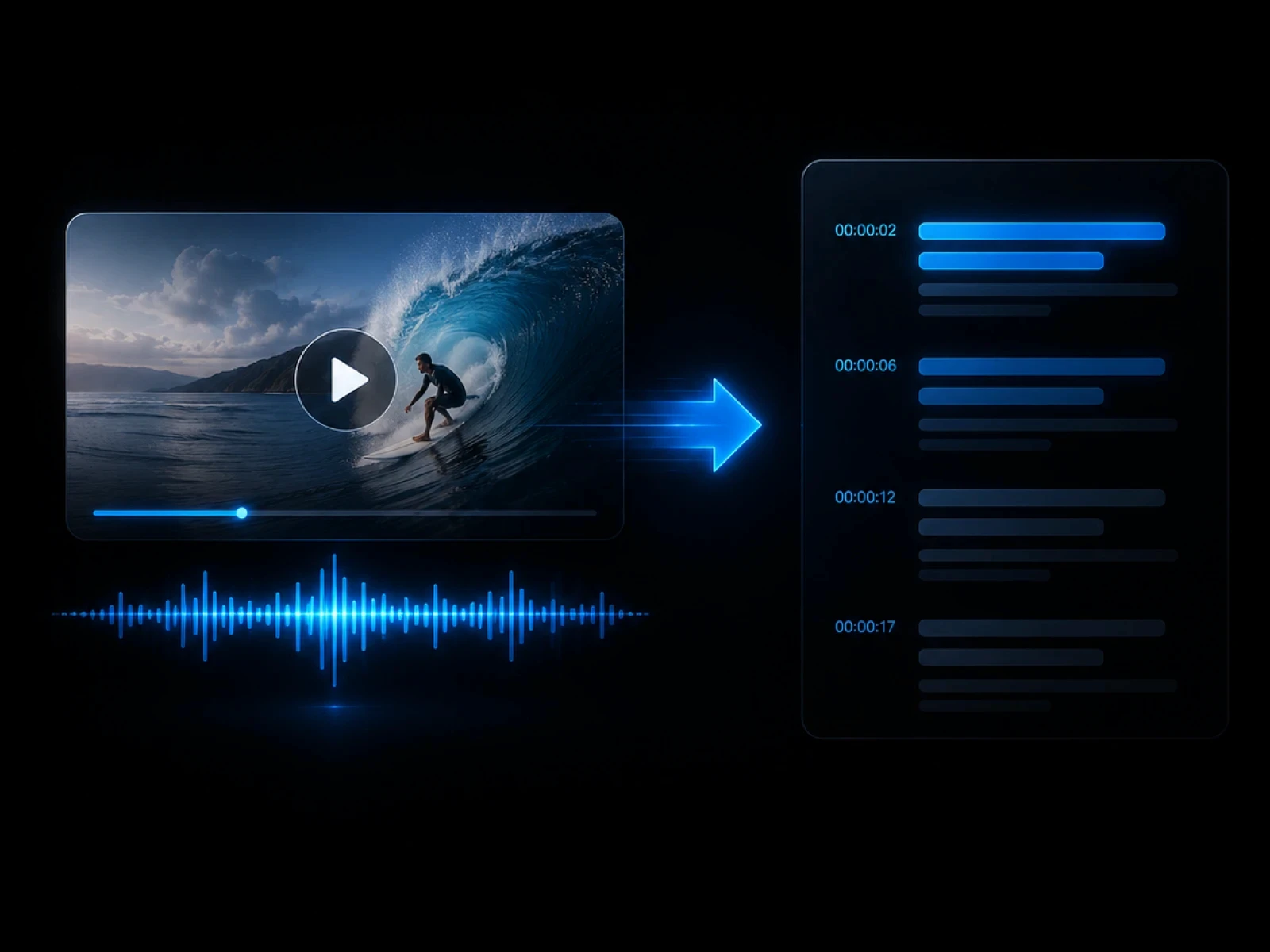
Create the subtitle track first.
Explore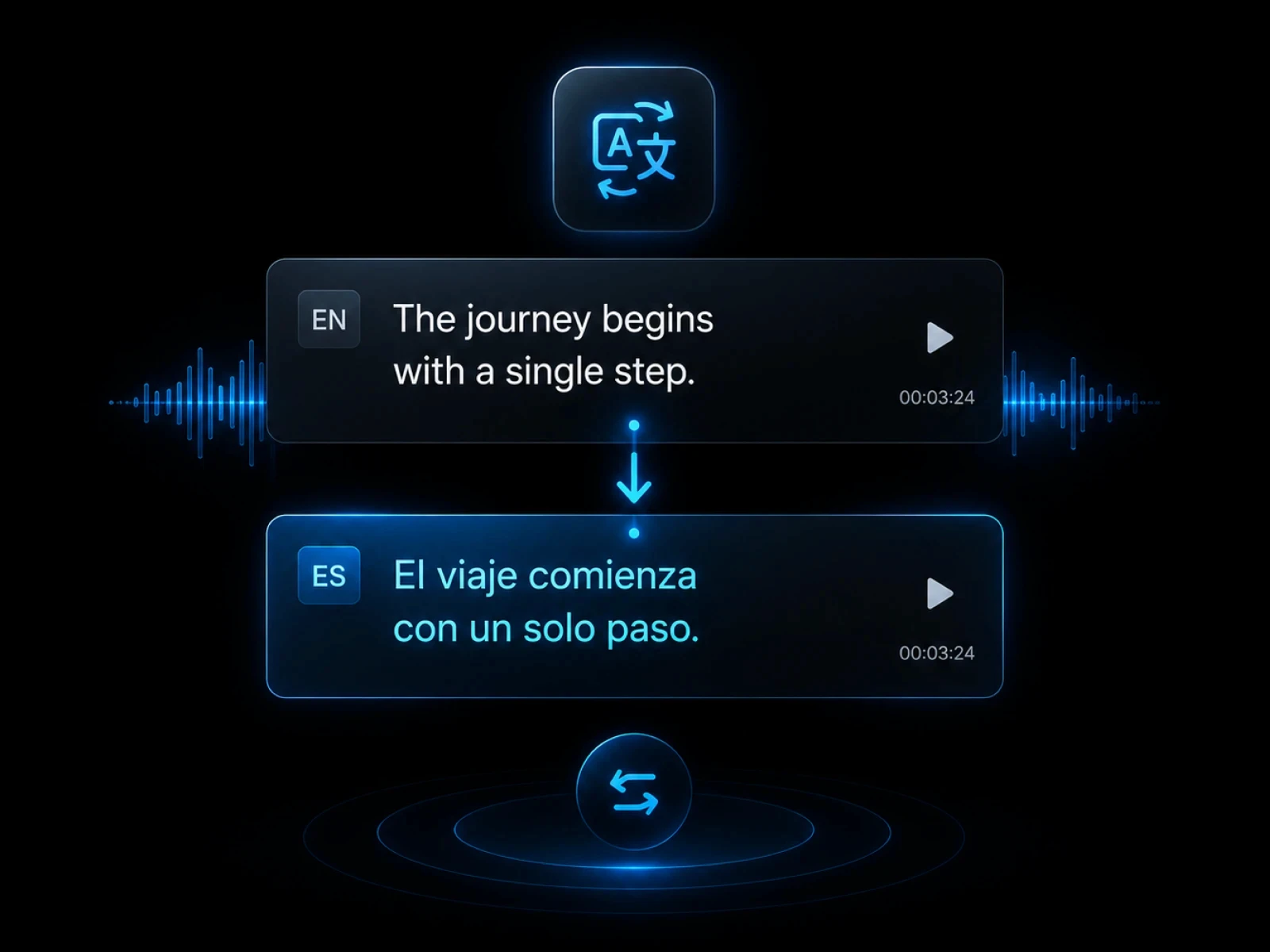
Export subtitle files before burning.
Explore
Translate captions before embedding.
Explore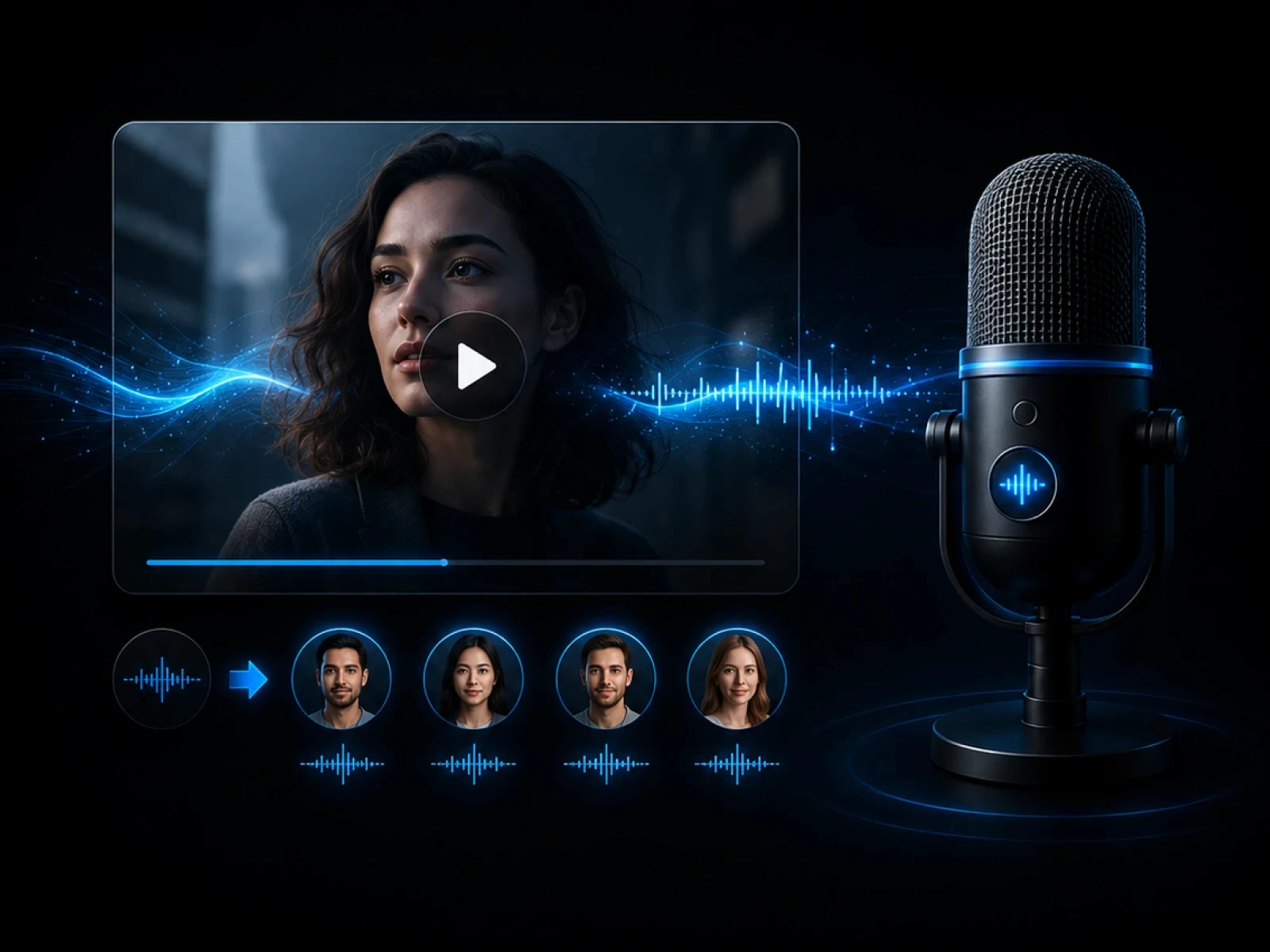
Create localized captioned videos.
Explore
Transcribe speech before creating captions.
ExploreFAQ
Everything you need to know before transcribing videos with CinLink.
Burning subtitles means embedding captions directly into the video image.
Yes. You can adjust appearance before exporting the final video.
Yes. You can import an SRT file or generate subtitles first.
Use burned-in subtitles when captions must stay visible on social platforms or shared files.
Create captioned videos that are ready to publish anywhere.