


Generate source subtitles
Turn YouTube video speech into a timed subtitle track that can be translated and reviewed.

YouTube Video Translator
Use CinLink to turn YouTube video speech into translated subtitles and localized assets. Review timing, refine wording, and prepare content for global audiences.
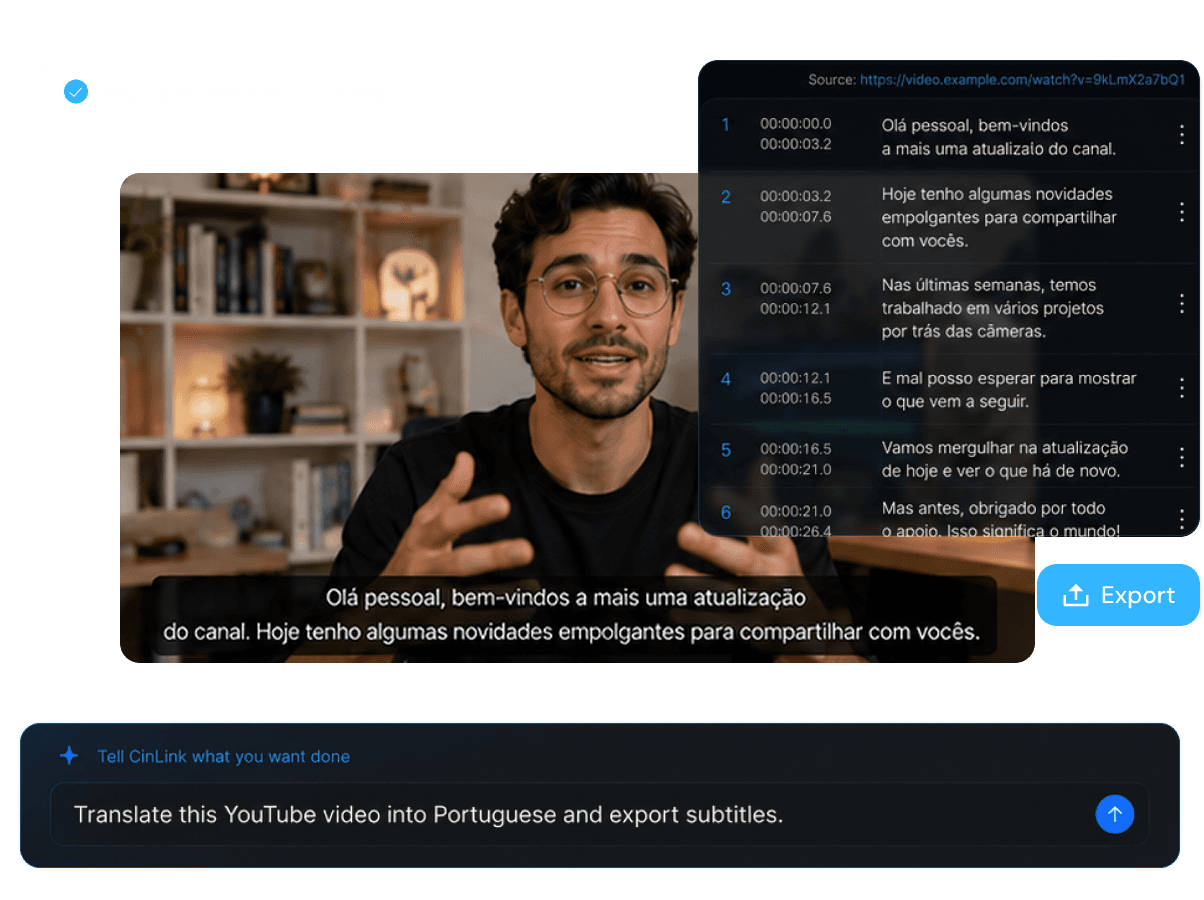
YouTube Video Translator
Make YouTube content easier to understand worldwide
Overview
CinLink helps creators prepare YouTube videos for multilingual audiences. Generate a transcript, translate subtitles, review context, and export assets for publishing or localization.
Benefits
Transcribe, translate, review, and prepare multilingual YouTube video assets faster.
Turn YouTube video speech into a timed subtitle track that can be translated and reviewed.
Create translated subtitle tracks for viewers who speak different languages.

Check translated lines against the video so names, terms, and timing stay accurate.

Export subtitles, create captioned versions, or continue into dubbing and localization workflows.

Workflow
Add your YouTube video, generate subtitles, translate the content, and export assets.
Start with the YouTube video you want to translate.
Translate subtitles and refine wording or timing.
Prepare translated subtitle files or localized video outputs.
Export Formats
Prepare translated subtitles, captioned videos, or localization assets for your YouTube publishing workflow.


Captioned or dubbing-ready assets for global viewers.
User case
Translate videos for creators, educators, marketers, podcasters, brands, and global channels.

Reach viewers outside your original language.

Make lessons accessible to international learners.

Localize campaign videos for more regions.

Translate long-form conversations and episodes.


Maintain multilingual subtitle assets for ongoing publishing.
Related Tools
Move from YouTube translation into subtitles, dubbing, and repurposing.
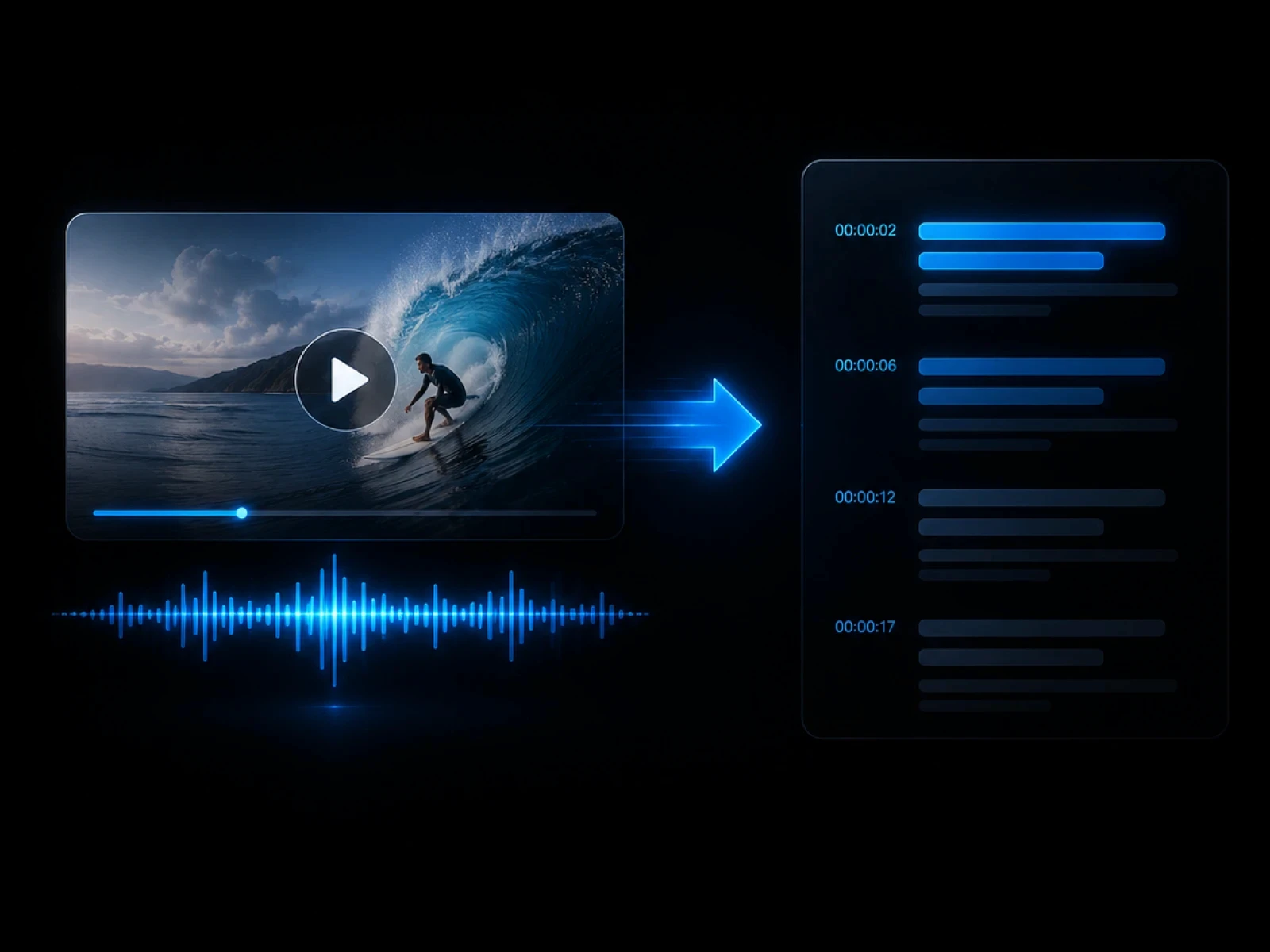
Translate video content across formats.
Explore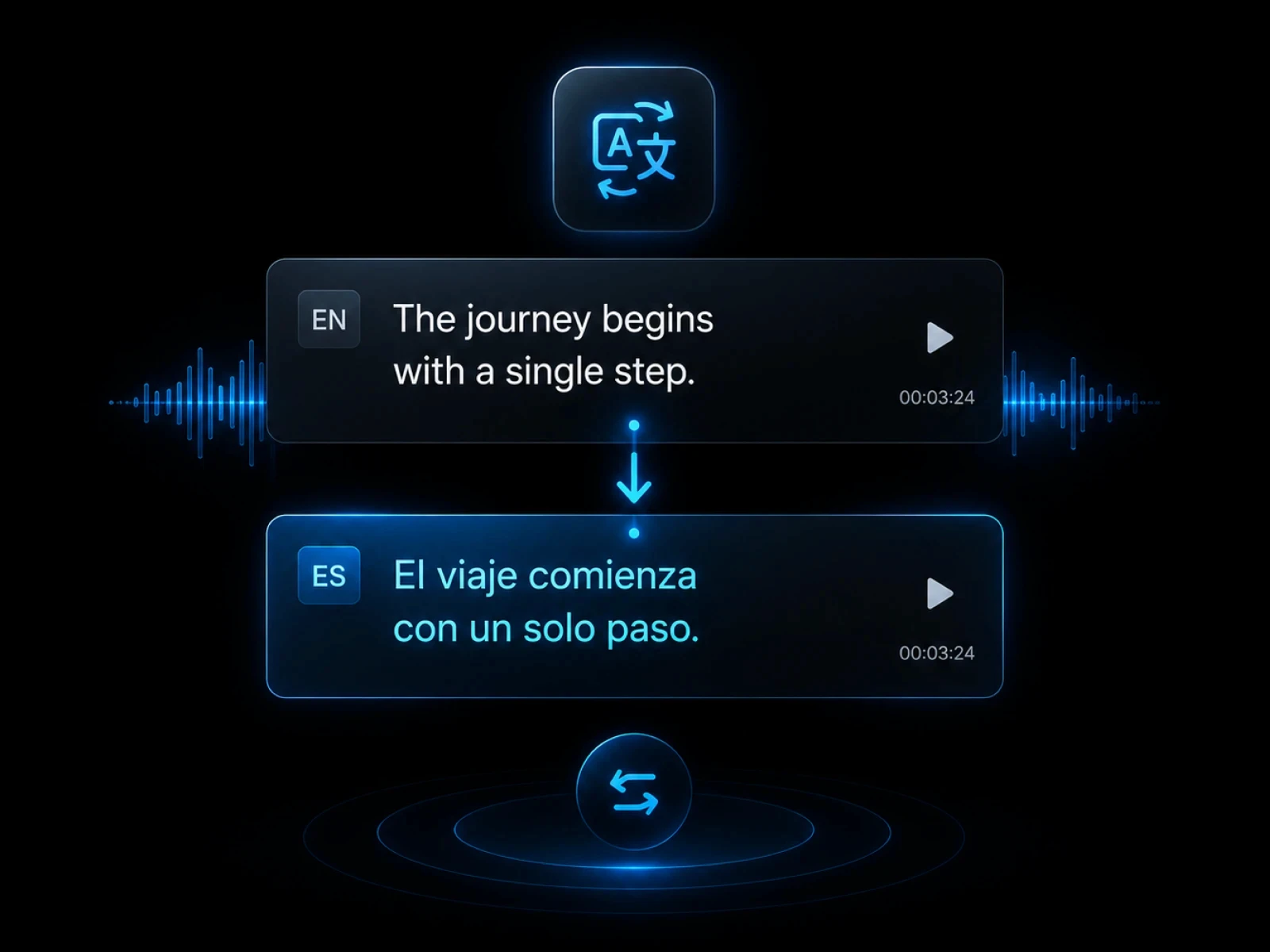
Create source subtitles for YouTube videos.
Explore
Translate subtitle tracks directly.
Explore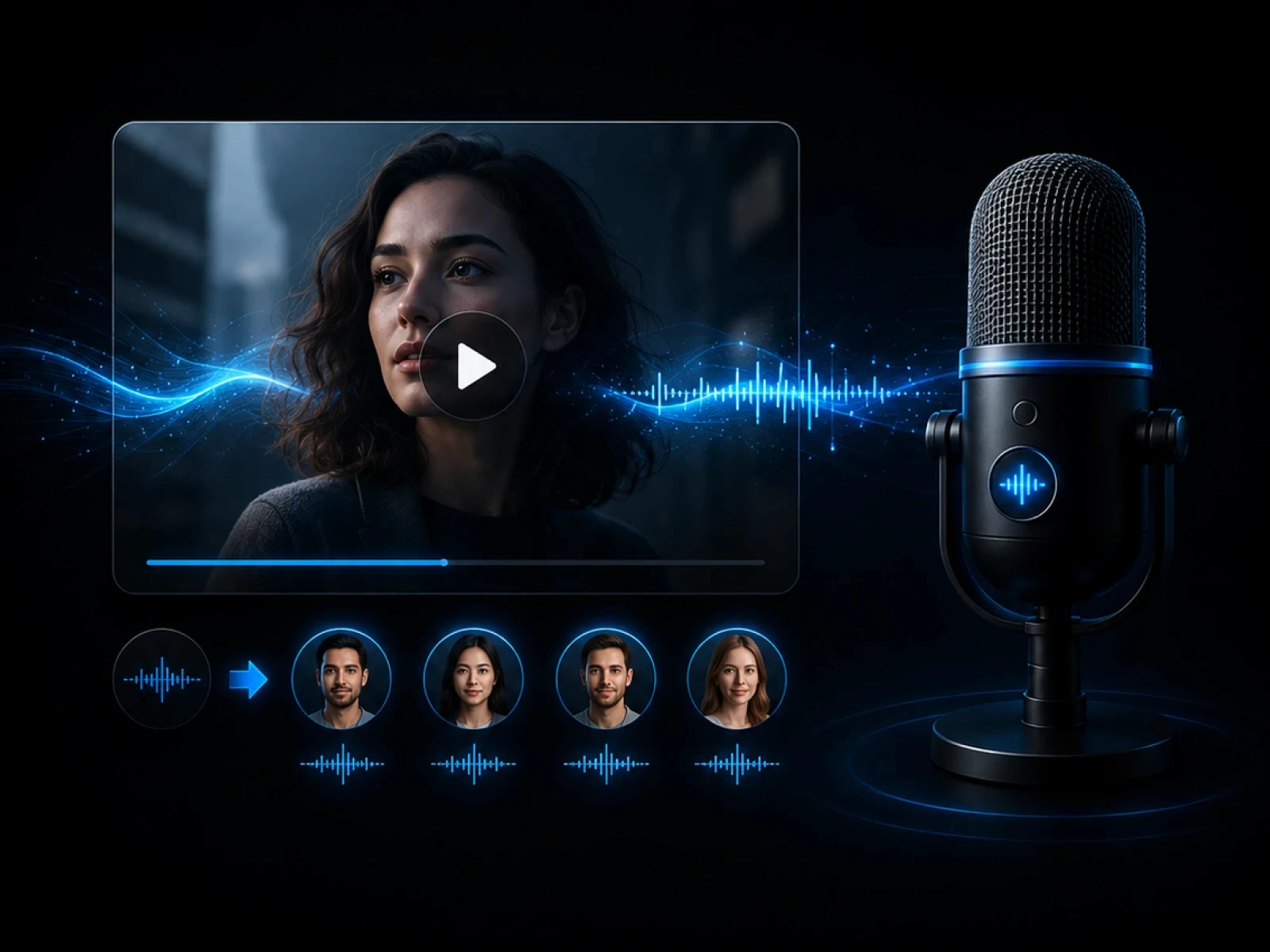
Create voice-led localized versions.
Explore
Turn YouTube videos into short clips.
ExploreFAQ
Everything you need to know before transcribing videos with CinLink.
A YouTube video translator helps turn spoken video content into translated subtitles and localized assets for viewers in other languages.
Yes. Creating source subtitles first gives you a clean base for translation and review.
Yes. You can review wording and timing before exporting translated assets.
Yes. Translated subtitles can become the script layer for dubbing and localized videos.
Create multilingual subtitles and localized assets faster with CinLink.