


Start from translated text
Use subtitles or transcripts as the base layer for creating dubbed voice tracks.

AI Video Dubbing
Turn translated scripts into dubbed video versions. CinLink helps you connect transcription, translation, voice generation, and timing review in one video workflow.
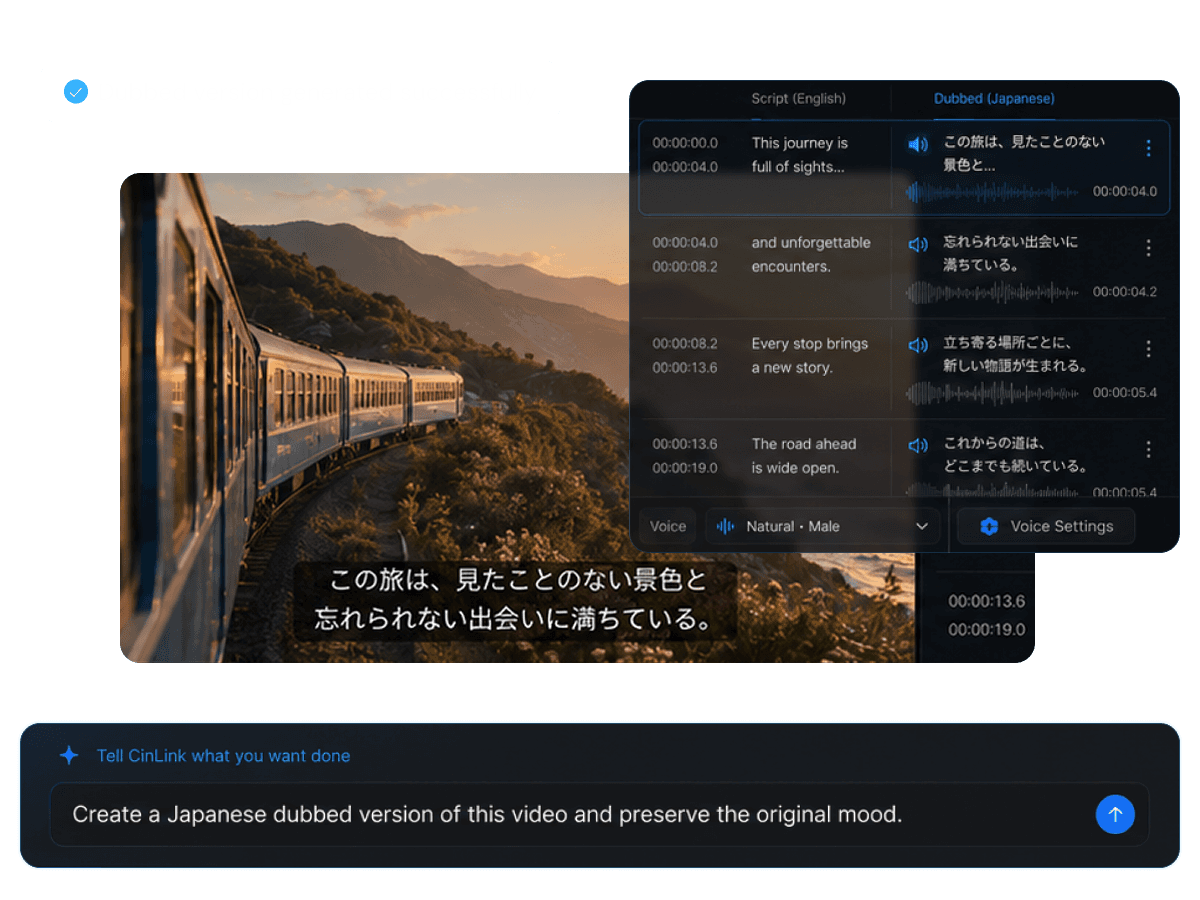
AI Video Dubbing
Go beyond subtitles with dubbed video
Overview
Subtitles are not always enough for every audience. CinLink helps you prepare dubbed versions by turning translated text into voice tracks that align with the original video context.
Benefits
Translate scripts, generate voice, review timing, and prepare localized video versions.
Use subtitles or transcripts as the base layer for creating dubbed voice tracks.
Create voice audio from translated scripts for multilingual video versions.

Check voice timing against the original video and refine alignment before export.

Use dubbed tracks alongside subtitles, translated scripts, and localized exports.

Workflow
Add a video, translate the script, generate voice, and export the dubbed result.
Upload or select the source video for dubbing.
Create voice audio from the translated script.
Check timing and prepare the dubbed video output.
Export Formats
Use the generated voice track in your localized video workflow, with subtitles or translated outputs when needed.


A video workflow ready for viewers in another language.
User case
Create voice-led versions for education, marketing, training, social content, product videos, and localization.

Make lessons easier to follow in another language.

Explain products with localized voice narration.

Adapt campaign videos for global audiences.

Create multilingual training content for teams.


Prepare complete language versions beyond subtitles.
Related Tools
Move from dubbing into translation, subtitles, and publishing.
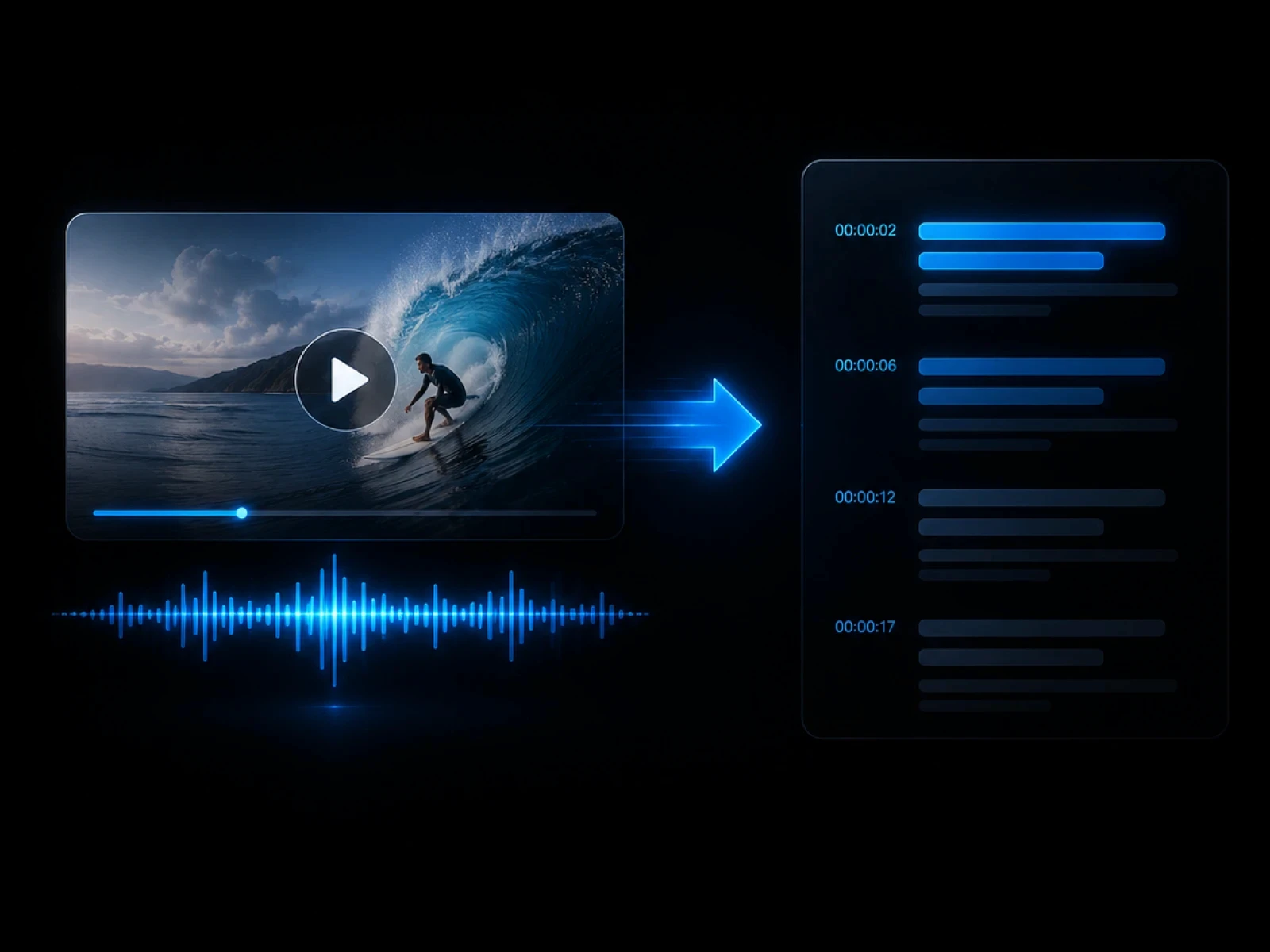
Translate the source video first.
Explore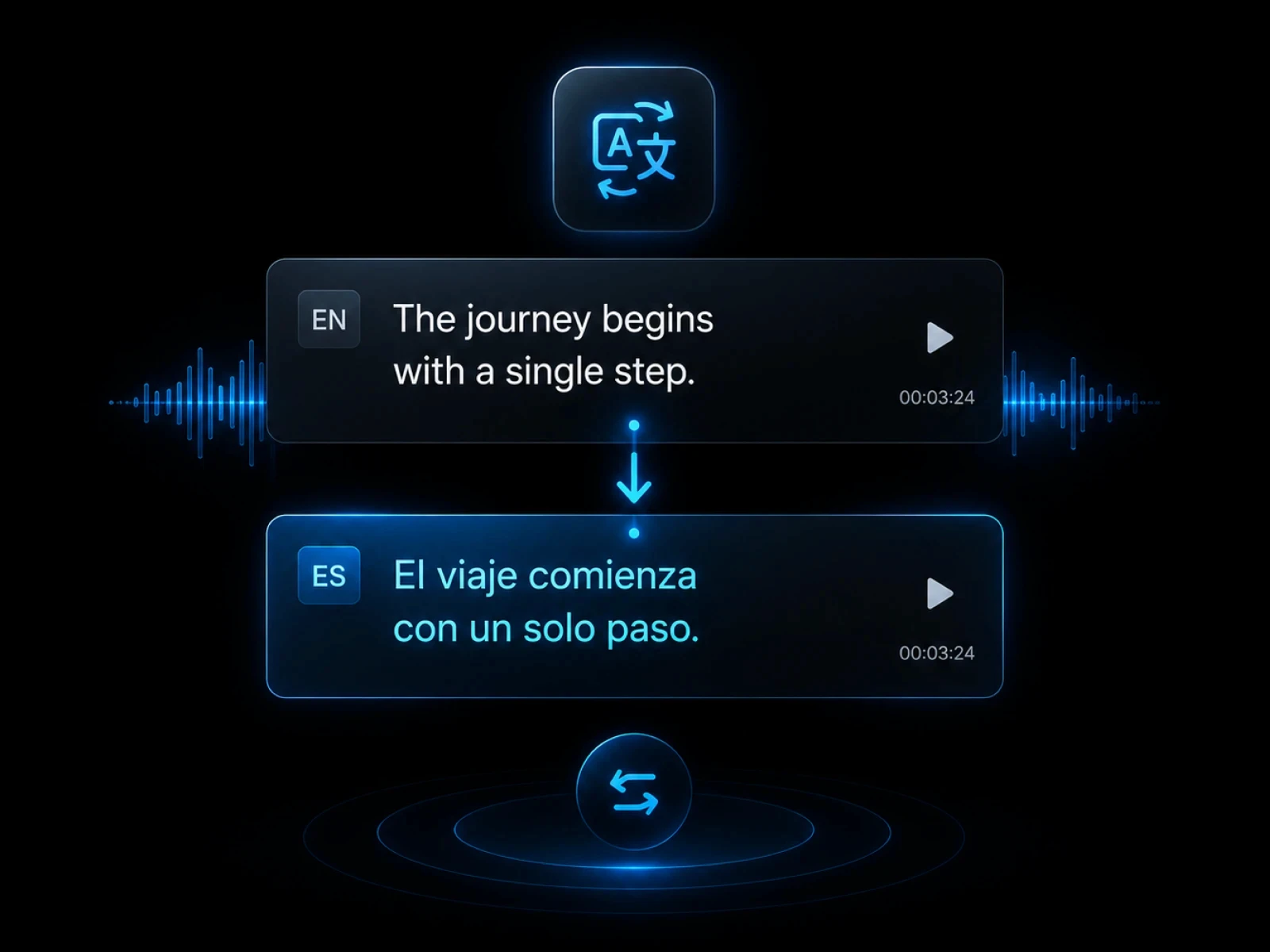
Prepare translated scripts from subtitles.
Explore
Create source text from spoken audio.
Explore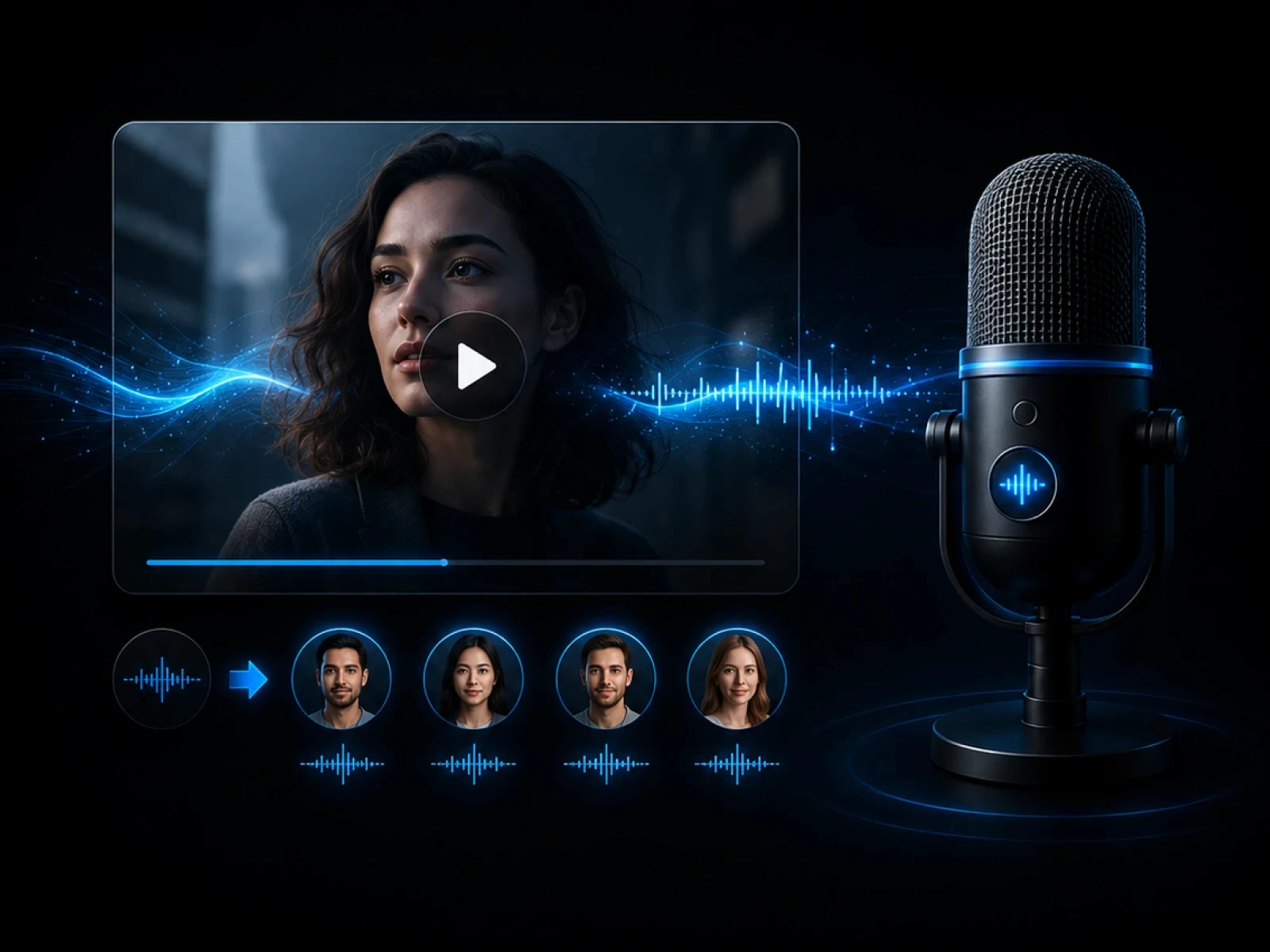
Create subtitles to support dubbing.
Explore
Publish videos with captions included.
ExploreFAQ
Everything you need to know before transcribing videos with CinLink.
AI video dubbing creates voice audio from scripts or translations so videos can be understood in another language.
Subtitles or transcripts are helpful because they provide the script layer for translation and voice generation.
Yes. You can review voice timing against the video before export.
Yes. Translated subtitles can be used as a base for dubbing and localized outputs.
Turn translated scripts into voice-led localized video versions.