How to Turn Claude Fable 5.1 Launch Coverage into Shorts with CinLink
Learn how to turn a Claude Fable 5.1 launch video, interview, or AI podcast into clear, captioned Shorts with a simple CinLink workflow.
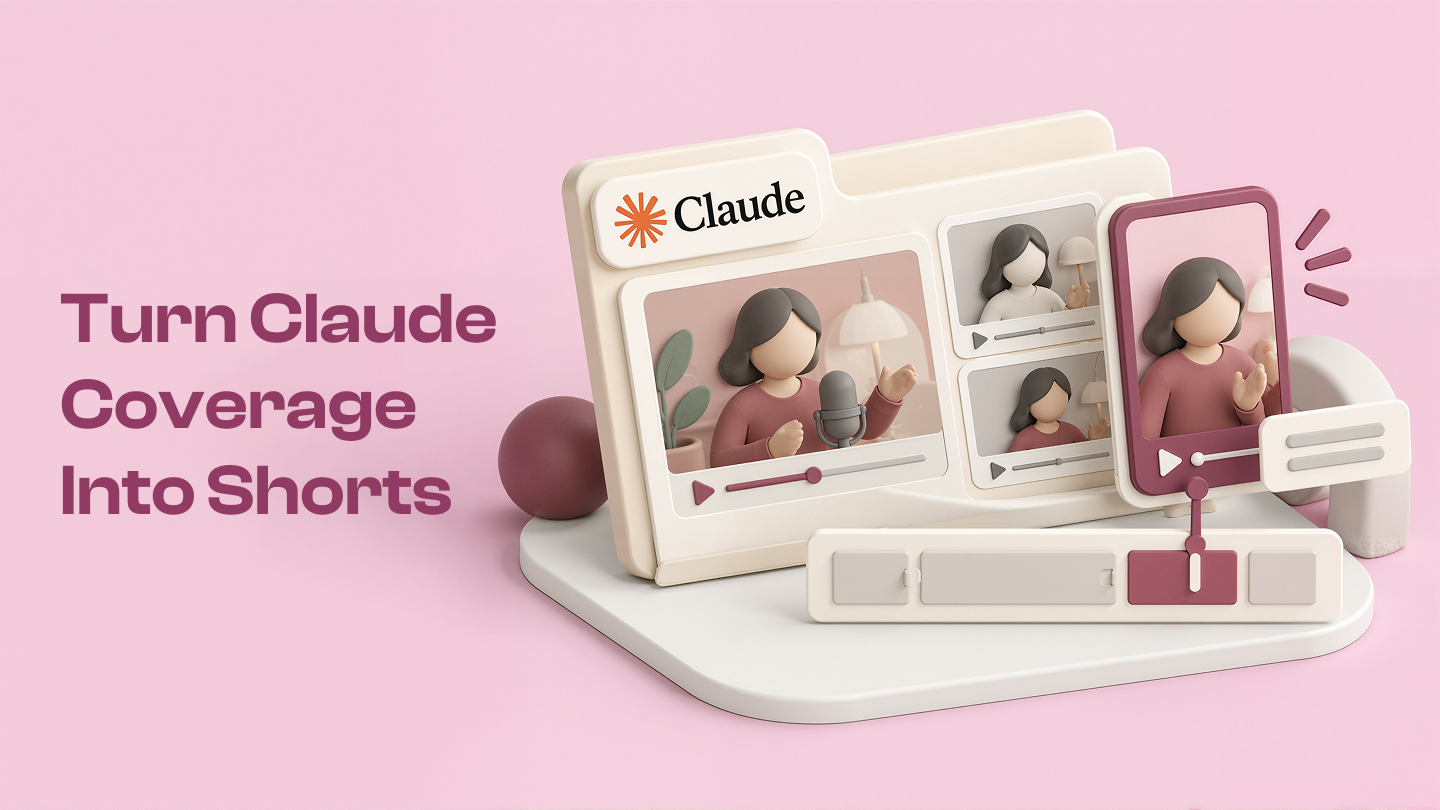
Claude Fable 5.1 is having a big launch moment. Anthropic's announcement covers coding, knowledge work, scientific research, safety, pricing, and long-running AI tasks. That is a lot to fit into one short video.
It is also exactly the kind of story that creates follow-up content: launch explainers, technical interviews, podcast discussions, and product demos. If you recorded one of those videos yourself, CinLink can help you turn the long version into a useful set of Shorts.
The goal is not to repost a company's launch video. It is to find the clearest ideas in your own coverage and give each one room to work.
Start with a video you are allowed to edit
Use your own launch commentary, a licensed interview, a team webinar, or a podcast episode your team has permission to publish. A public announcement is useful context, but it does not automatically give you rights to reuse the original video, music, graphics, or screen recording.
For this example, imagine you made a 45-minute video explaining what changed in Claude Fable 5.1 and what the update could mean for developers and teams.
Map the conversation before you cut
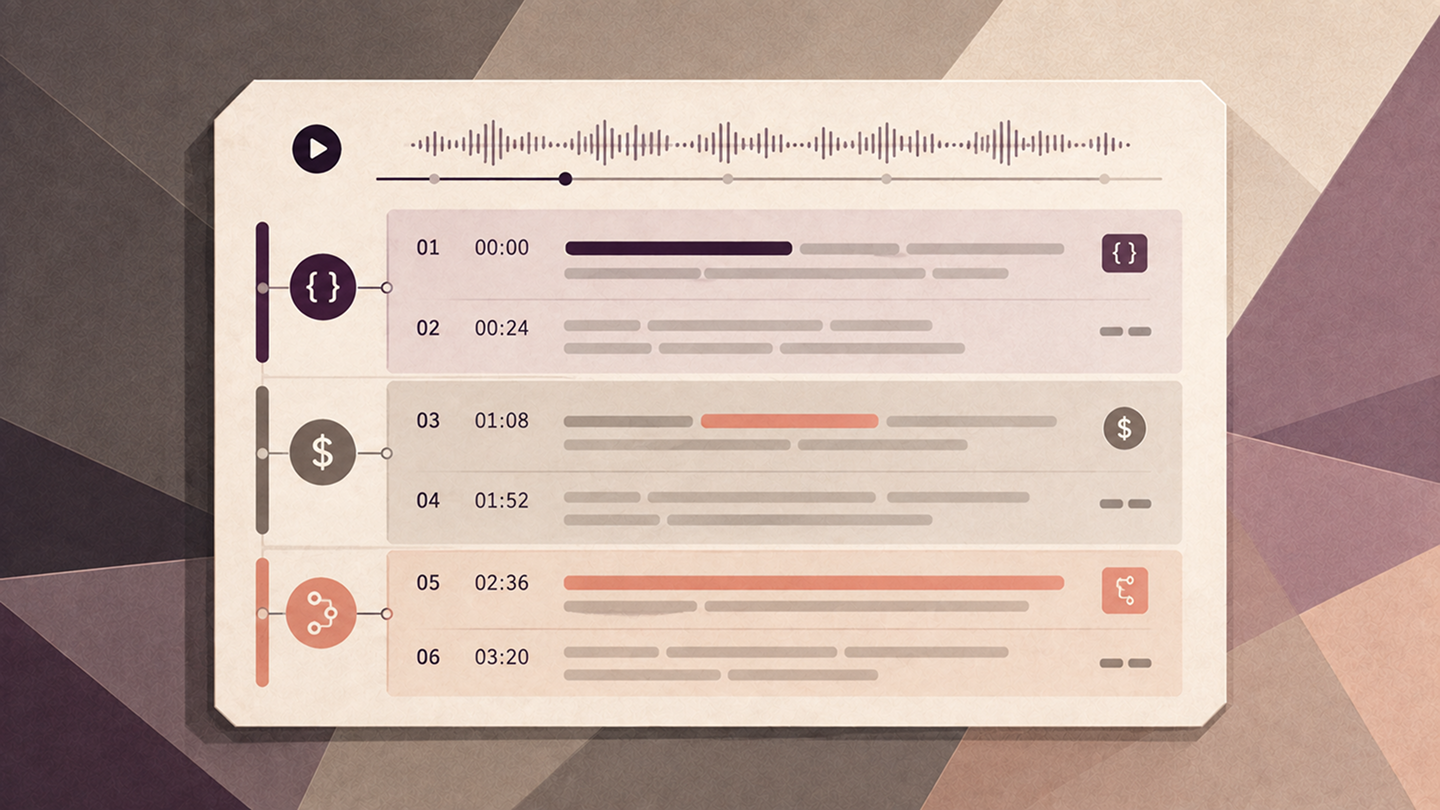
Upload the recording to CinLink and ask for a timestamped outline first:
This gives you a better starting point than scrubbing through 45 minutes. You can jump directly to the pricing discussion, a coding demo, or the part where the host explains why long-running tasks matter.
Choose one idea for each Short
The best clip is not always the most technical one. It is the moment that gives a viewer one clear answer or one useful question.
For a Fable 5.1 launch discussion, look for moments like:
- What the update changes for a developer's daily workflow
- Why a lower cost matters for long-running tasks
- What the speaker means by agentic or unattended work
- Where the new safeguards affect normal users
- One benchmark or product claim explained in plain English
Keep enough setup for the point to make sense. Cut the greeting, repeated context, and side conversation. A short about pricing should not take 30 seconds to arrive at the price.
Make three drafts first
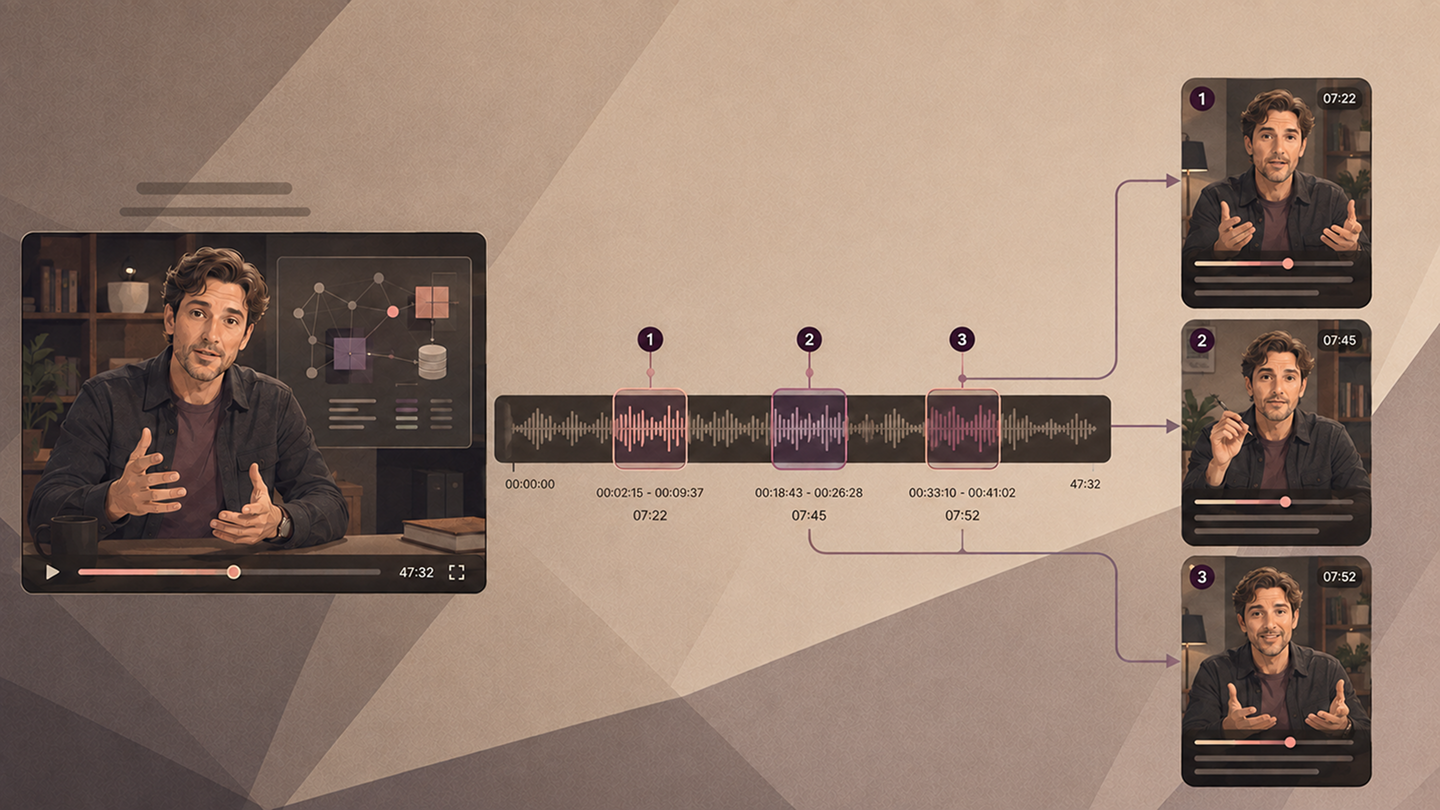
Start with three clips instead of asking for ten. It makes it easier to compare pacing, hooks, and caption density before you process the whole recording.
One clip might be 22 seconds. Another might need fifty. The useful length is the one that lets the idea land without turning the video into a rushed summary.
Make technical clips easy to follow
AI product news can become jargon-heavy fast. Before exporting, listen for terms that need a plain-language bridge.
For example, if the speaker says “long-running task,” the next sentence should make the idea concrete: a job that keeps working across several steps instead of stopping after one answer. If the clip mentions a benchmark, explain what it measures and do not present one vendor's test as a universal ranking.
That small amount of context makes a clip more useful outside the original AI audience.
Add captions and review every claim
Technical names are easy for automatic captions to miss. Check terms such as Fable 5.1, Mythos 5.1, Anthropic, zero data retention, cache reads, and the names of any tools or companies mentioned in the recording.
Read the clip once with sound on and once with sound off. The first pass checks meaning. The second checks whether the captions carry the idea on their own.
Write the hook after the edit
Once you know what the clip actually says, write a short title that matches it:
- What Fable 5.1 changes for long coding tasks
- Why lower model costs matter for AI teams
- Fable 5.1's safeguards, explained without the jargon
- The part of the Fable 5.1 launch most creators missed
You can ask CinLink for more options:
Use one prompt for the first pass
When the format is working, combine the workflow:
Then review the clips yourself. Confirm that the claims still match the source, the captions are readable, and every visual or audio asset is cleared for publication.
Turn launch coverage into a content series
A strong AI product launch does not need to become one rushed recap. Your own coverage can become a short series:
- One clip for the main announcement
- One clip for the practical user impact
- One clip for pricing or availability
- One clip for safety and privacy questions
- One clip for your team's honest reaction
Try CinLink Long Video to Shorts to find and cut the moments. Use Video Transcription to check the source, or the AI Subtitle Generator to prepare captioned versions.
Download CinLink and turn your next product launch, webinar, or AI podcast into a clearer set of short videos.
Quick questions
Can I use Anthropic's official Fable 5.1 launch video?
Do not assume you can reuse it. Use your own commentary, licensed media, or content your team has permission to edit. Check the relevant rights before publishing any third-party video, audio, music, logo, or screen recording.
How long should an AI product clip be?
Usually 20 to 60 seconds. Keep enough context for the explanation to be fair, then remove everything that does not help the idea land.
Can CinLink verify AI benchmark claims?
CinLink can help you find and organize the section where a claim is discussed, but you should verify important numbers against the original announcement or source before publishing.