AI Subtitle Generator

Generate accurate subtitles with less manual work

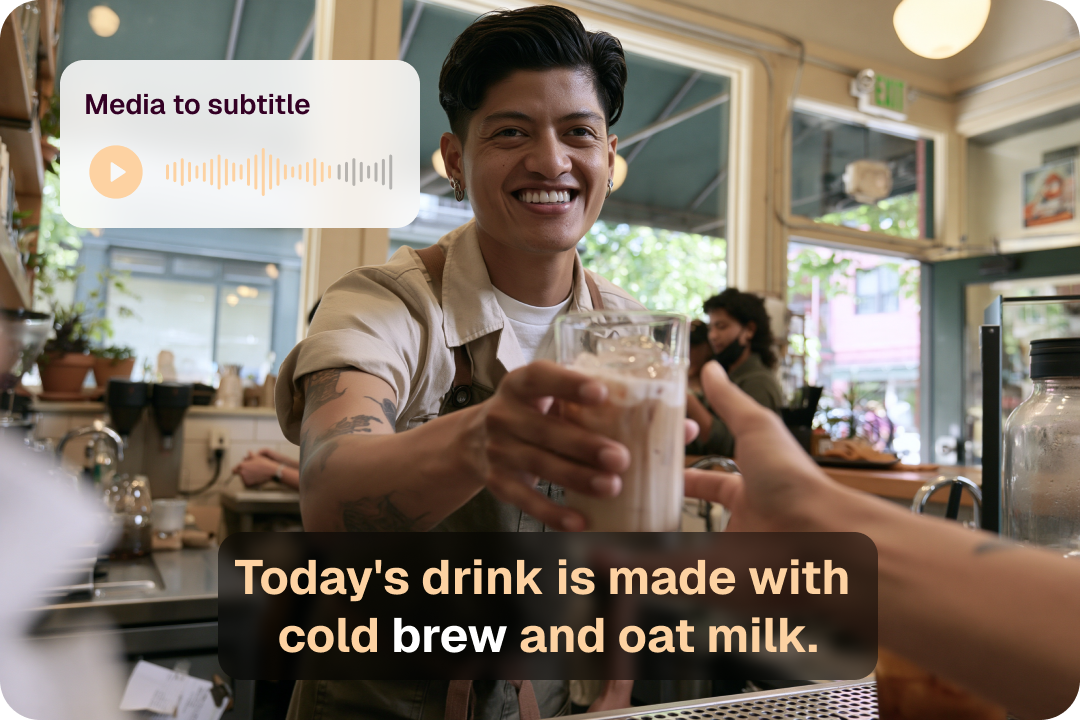
Upload a video and let CinLink turn speech into timed subtitles. Review every line, adjust timing, style captions, export SRT files, or burn subtitles directly into your final video.

Overview

Create publish-ready subtitles from any video

CinLink turns spoken audio into timed subtitle segments, helping creators move from raw footage to publish-ready captions faster. Start with an AI-generated subtitle track, then refine text, timing, style, and export format in one workflow.

Benefits

Powerful subtitle generation and editing

Everything you need to create accurate, editable, and export-ready subtitles from one video workflow.

Generate automatically

CinLink recognizes speech and creates accurate, timed subtitles in seconds, giving you a fast first draft without typing captions line by line.

Edit with full control

Edit text, adjust timing, split or merge subtitle segments, and fine-tune every detail before publishing.

Export your way

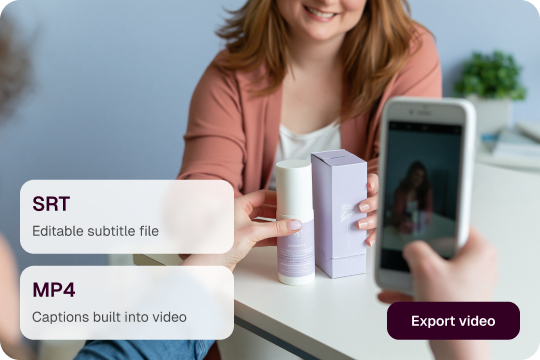
Export SRT files for platforms and editors, or burn styled subtitles directly into your final video.

Localization ready

Use generated subtitles as the starting point for translation, dubbing, and multilingual video workflows.

Workflow

How to generate subtitles for a video

Add your video, let AI create the subtitle track, refine the details, and export the result.

Add your video

Upload or select a local video file. CinLink prepares it for speech recognition and subtitle generation.

Generate subtitles

Upload or select a local video file. CinLink prepares it for speech recognition and subtitle generation.

Review and refine

Download an SRT file or create a video with permanent styled subtitles.

Export the result

Download an SRT file or create a video with permanent styled subtitles.

Export Formats

Export subtitles for the way you publish

Choose the right output for your platform, editor, or audience. Use SRT files when subtitles need to stay separate, or burned-in subtitles when captions should always be visible.

SRT subtitle files

Upload or select a local video file. CinLink prepares it for speech recognition and subtitle generation.

Burned-in subtitles

A final video file with styled subtitles already embedded.

User case

Perfect for any video content

Create readable subtitles for long videos, short clips, lessons, interviews, campaigns, and localization workflows.

YouTube Videos

Create subtitles that make long-form videos easier to follow, search, and localize.

Social Media Clips

Add styled captions so short videos can be understood without sound.

Courses & Tutorials

Turn spoken lessons into readable subtitles for review and reuse.

Interviews & Podcasts

Generate subtitle tracks for conversation-heavy videos and refine names, terms, and timing.

Marketing Videos

Use the original subtitle track as a base for translation, dubbing, and multilingual versions.

Localization Projects

Use the original subtitle track as a base for translation, dubbing, and multilingual versions.

Related Tools

Continue with related CinLink tools

Continue from subtitles into transcription, translation, dubbing, and video repurposing.

  • Video Transcription

    Convert video speech into editable text for subtitles, notes, summaries, and reuse.

  • Long Video to Shorts

    Turn long videos into short clips with subtitles, summaries, and highlights.

  • AI Video Dubbing

    Create dubbed versions when subtitles are not enough.

  • Video Translator

    Translate video content with subtitle and localization workflows.

  • Subtitle Translator

    Translate generated subtitles into other languages.

FAQ

Frequently asked questions

Everything you need to know before generating subtitles with CinLink.

What is an AI subtitle generator?
Can I edit subtitles after they are generated?
Can I export subtitles as SRT?
Can I burn subtitles into a video?

Ready to generate subtitles for your videos?

Create accurate subtitles in minutes, then edit, export, or publish with CinLink.