


Generate timestamps
Create subtitle segments with timing based on video speech.

SRT Generator
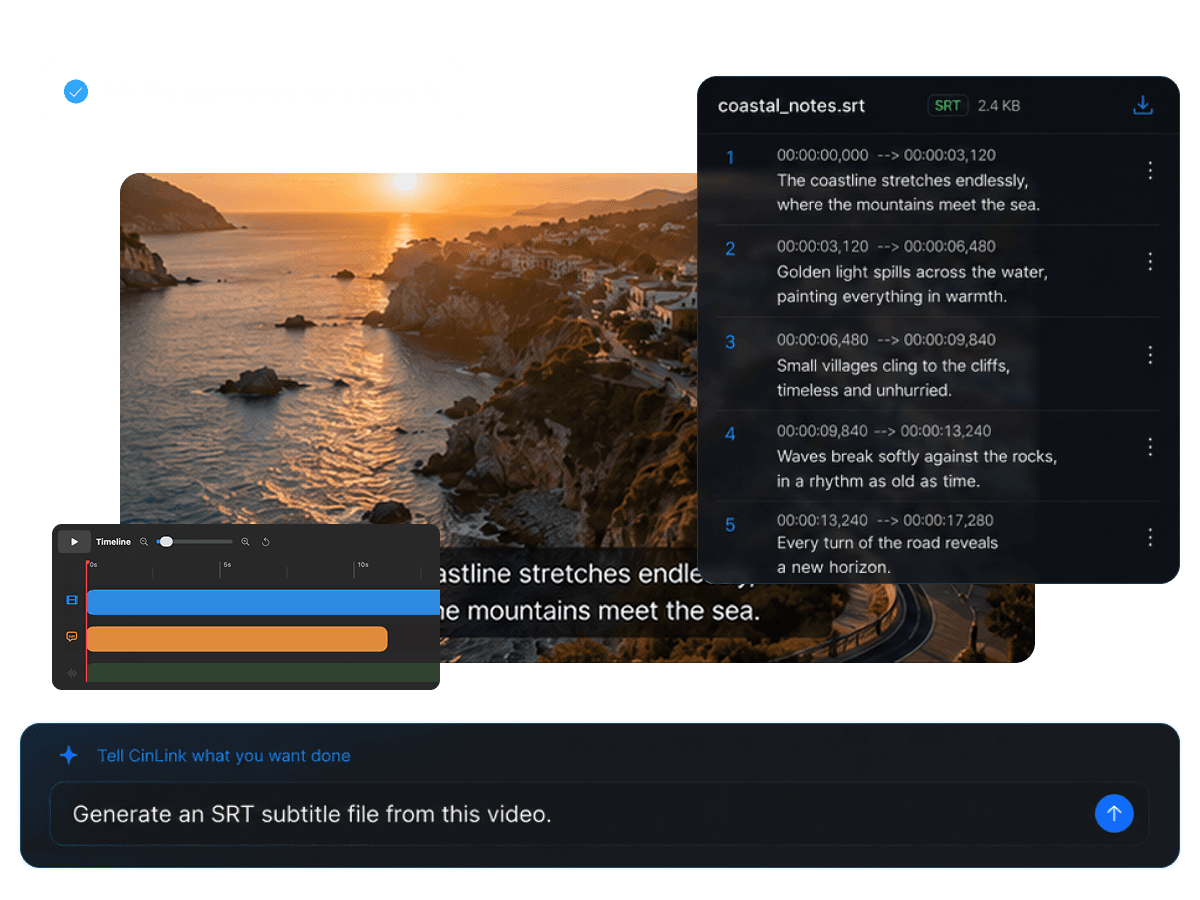
Upload a video, generate timed subtitles, review the text, and export a clean SRT file for YouTube, editing software, translation, or archive workflows.
SRT Generator
Generate subtitle files that fit your workflow
Overview
CinLink helps you turn speech into a structured subtitle file. Start with AI-generated subtitles, refine text and timing, then export an SRT file that can be used across platforms and editing tools.
Benefits
Generate, review, adjust, and export timestamped subtitle files faster.
Create subtitle segments with timing based on video speech.
Review text, fix terms, and adjust segments before downloading.

Export SRT for YouTube, editors, translation, or archives.

Use SRT as a base for translation and dubbing.
Workflow
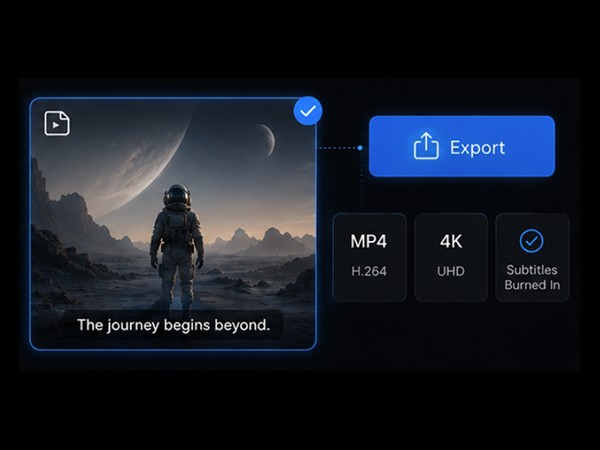
Add a video, generate subtitles, review timing, and export SRT.
Upload or select a video file with spoken audio.
Edit text and adjust subtitle segments before export.
Download a clean SRT file for your next workflow.
Export Formats
SRT files keep subtitles separate from the video, making them useful for platforms, editors, translation, and archives.


A subtitle file that can be translated or reused in video localization.
User case
Create subtitle files for platforms, editing, translation, education, marketing, and archives.

Upload SRT files as separate captions.

Bring subtitles into editing tools.

Use SRT as the source for multilingual subtitles.

Create subtitle files for educational videos.


Keep a searchable subtitle record with each video.
Related Tools
Generate, translate, burn, or repurpose subtitles after creating SRT files.
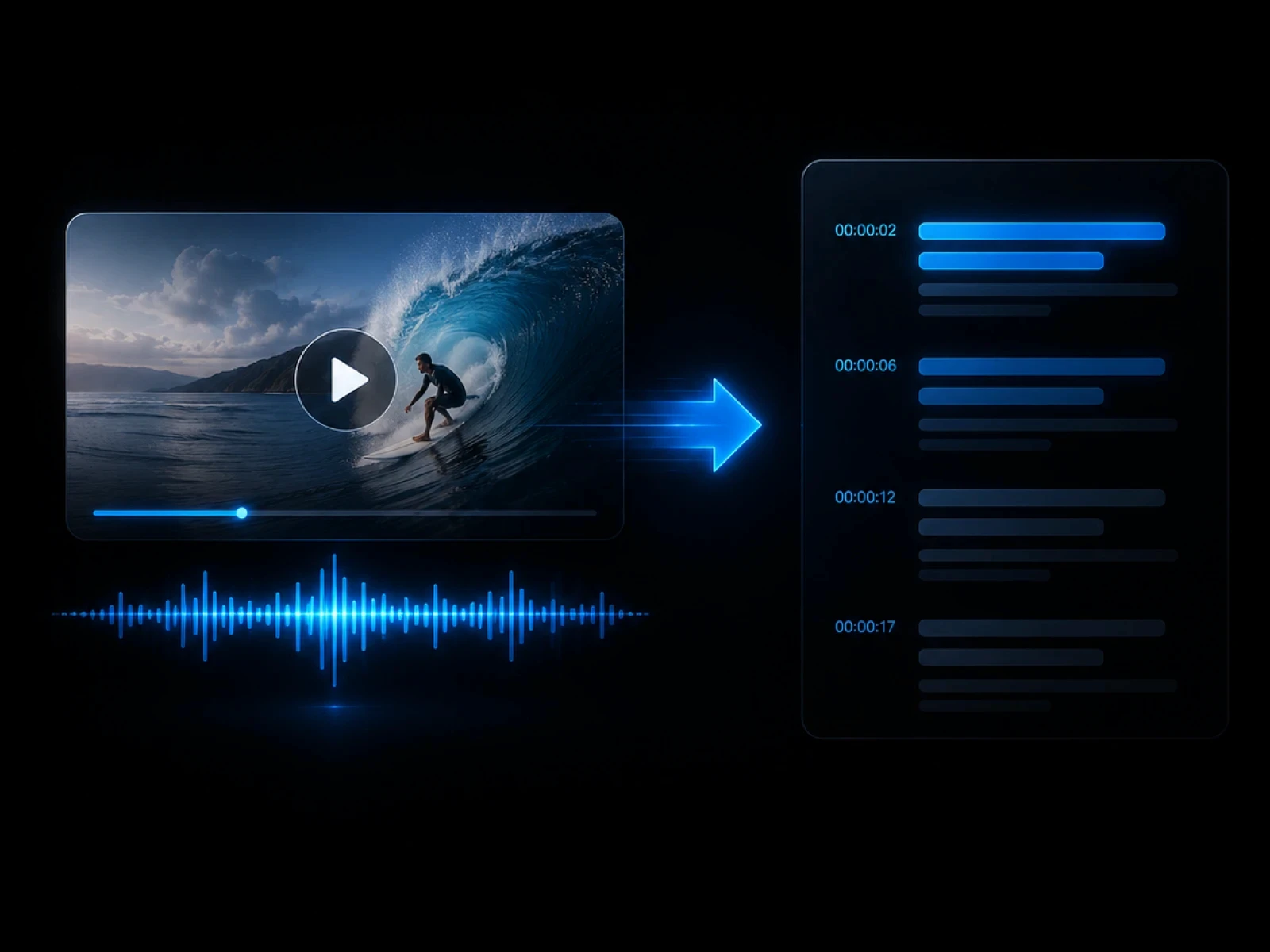
Create subtitle tracks from video speech.
Explore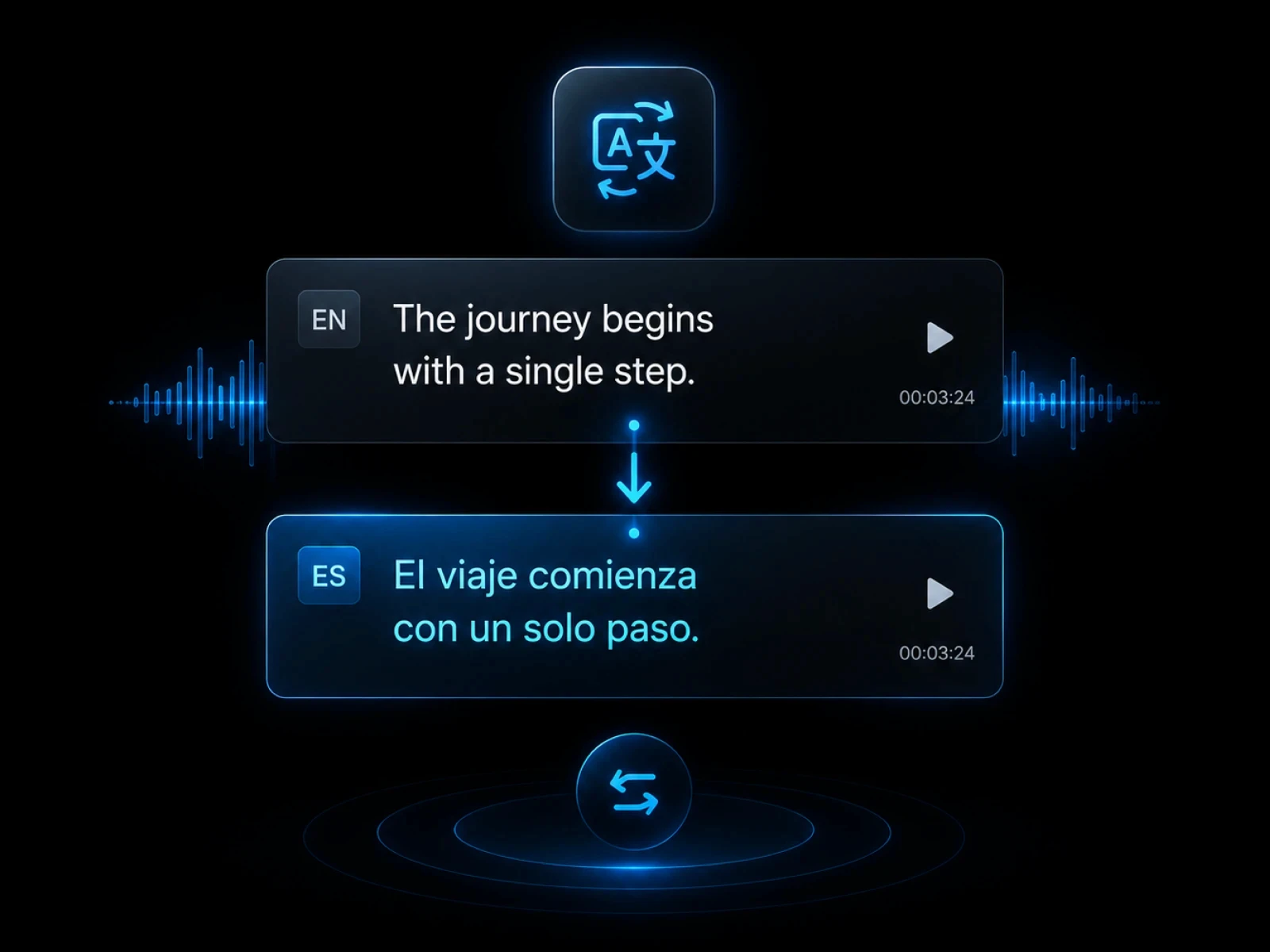
Embed subtitles into the final video.
Explore
Translate subtitle files into other languages.
Explore
Create text transcripts from video speech.
Explore
Use subtitles for localized video versions.
ExploreFAQ
Everything you need to know before transcribing videos with CinLink.
An SRT file stores subtitle text and timestamps separately from the video.
Yes. You can review and refine text and timing before downloading the file.
SRT files can be used on platforms, editing software, translation workflows, and archives.
Yes. SRT files are useful source files for subtitle translation and localization.
Generate timestamped subtitles and export clean SRT files with CinLink.