


Transcribe automatically
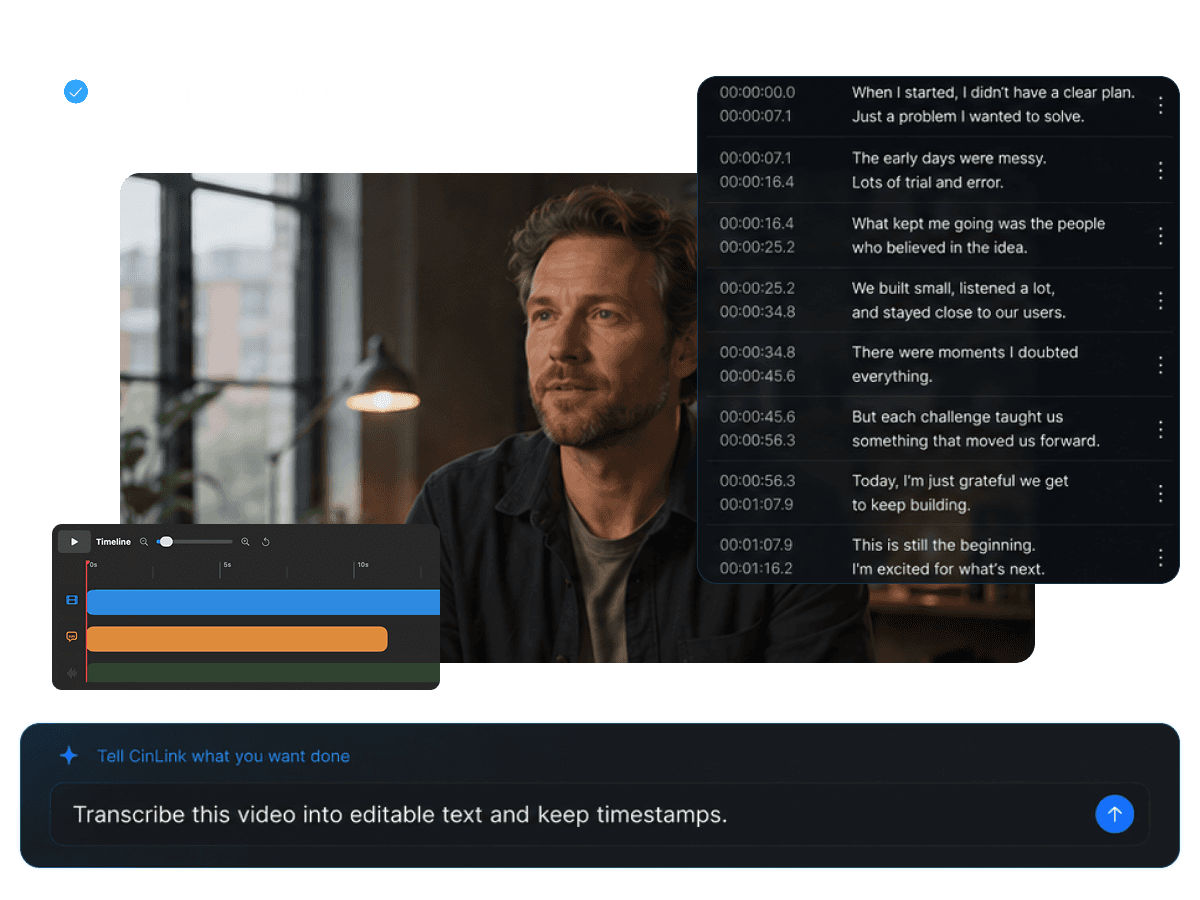
CinLink recognizes speech and creates a timestamped transcript without manual typing.

Video Transcription
Upload a video and let CinLink create a clean transcript with timestamps. Review the text, find key moments, and reuse the transcript for subtitles, summaries, notes, or editing.
Video Transcription
Create searchable transcripts from any video
Overview
CinLink turns spoken audio into structured text so creators can review, search, edit, and reuse video content faster. Start with an AI-generated transcript, then refine names, terms, punctuation, and key moments before using it in the next step.
Benefits
Accurate transcription for real video workflows
CinLink recognizes speech and creates a timestamped transcript without manual typing.
Jump from transcript lines to matching video moments to check context quickly.

Find names, topics, quotes, and important moments inside long videos faster.

Use transcripts for subtitles, summaries, notes, scripts, and clip selection.

Workflow
Add your video, let AI create the transcript, review the text, and reuse the result.
Upload or select a local video file with spoken audio.
Edit names, terms, punctuation, and transcript details before reuse.
Use the transcript for subtitles, summaries, notes, or editing.
Export Formats
Keep the transcript as structured text, turn it into subtitles, or use it as source material for summaries and editing tasks.


A transcript layer ready for subtitles, translation, and localization.
User case
Transcribe interviews, courses, meetings, podcasts, tutorials, and long-form videos.

Turn conversation-heavy videos into searchable text.

Create notes and subtitles from lesson recordings.

Convert spoken episodes into transcripts and show notes.

Capture decisions, quotes, and key discussion points.


Find important moments without watching everything again.
Related Tools
Move from transcription into subtitles, translation, dubbing, and repurposing.
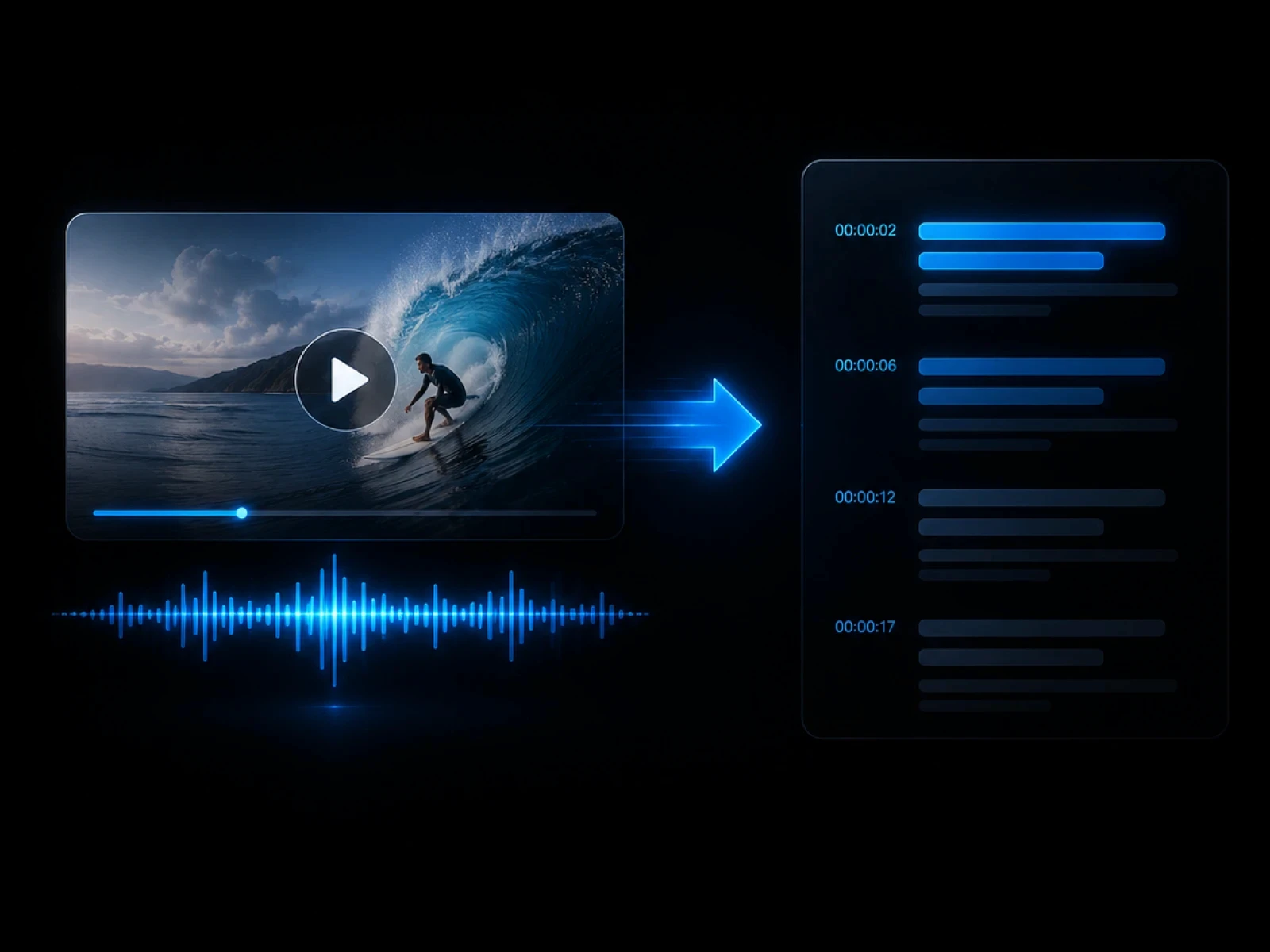
Turn transcripts into editable subtitles.
Explore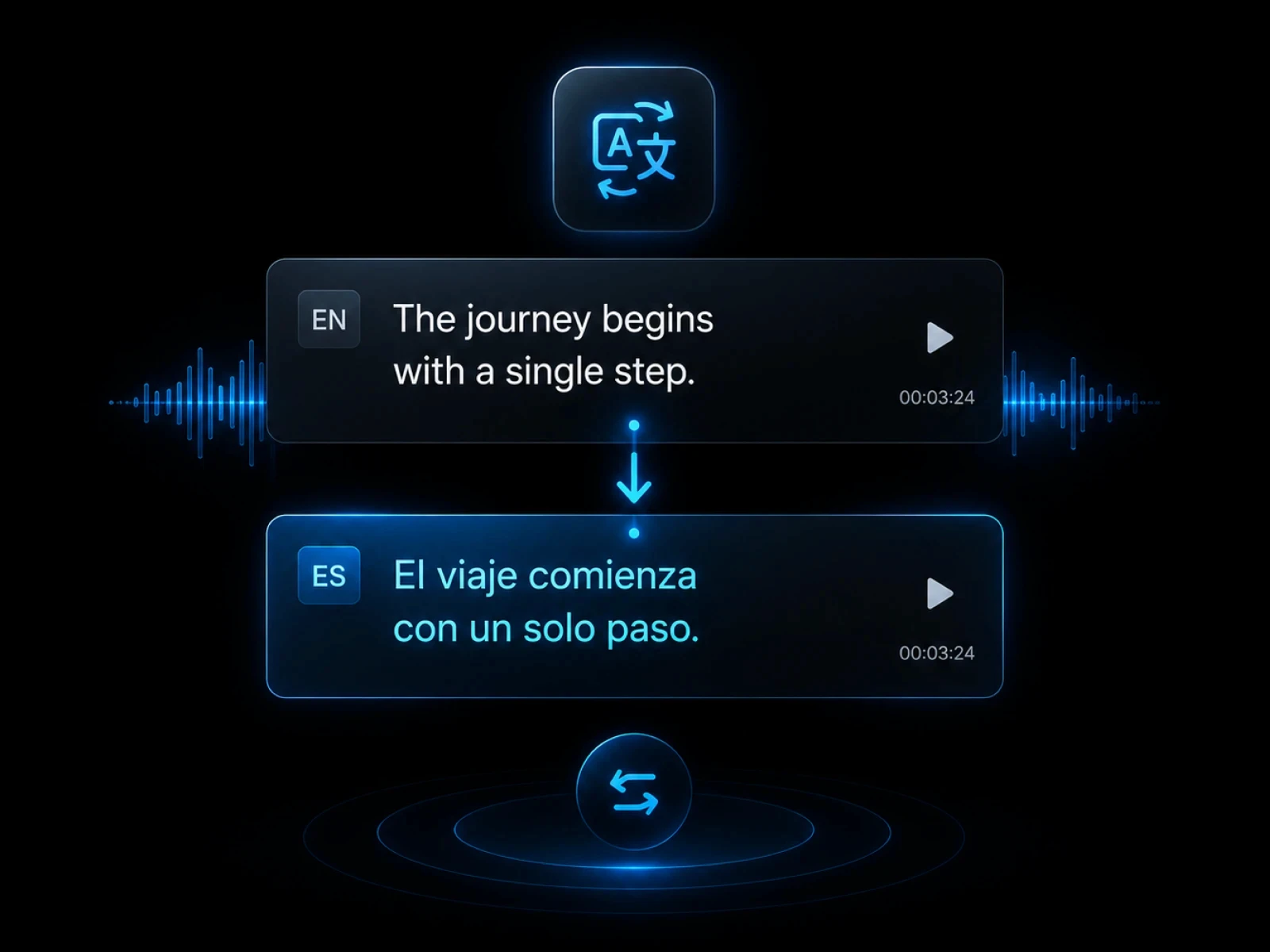
Create timestamped subtitle files.
Explore
Translate subtitle text into other languages.
Explore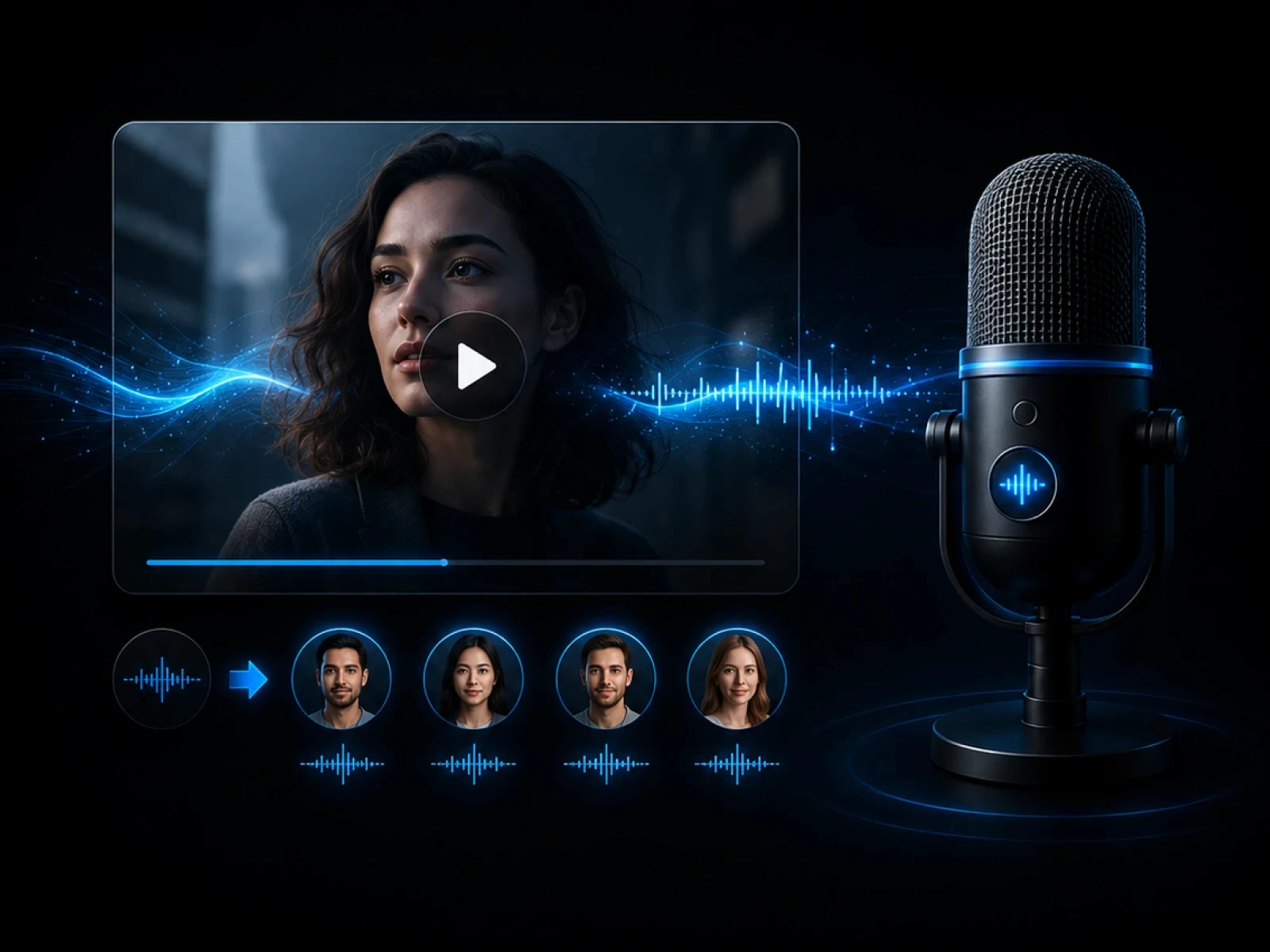
Translate spoken video content with subtitles.
Explore
Use transcripts to find highlights and create clips.
ExploreFAQ
Everything you need to know before transcribing videos with CinLink.
Video transcription turns speech in a video into written text. CinLink creates timestamped transcripts you can review, search, and reuse.
Yes. You can review and correct transcript text before using it in subtitles or other workflows.
Yes. A transcript can become the base layer for subtitles, translation, and localization.
Yes. It helps you search topics, quotes, and important moments without watching the full video again.
Turn speech into searchable text, then reuse it across your video workflow.