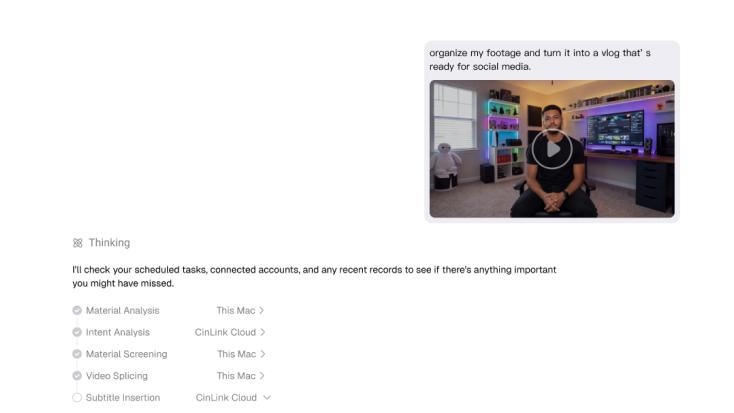
@Daily Vlog0807.mp4 Focus on showcasing the product’s key features.
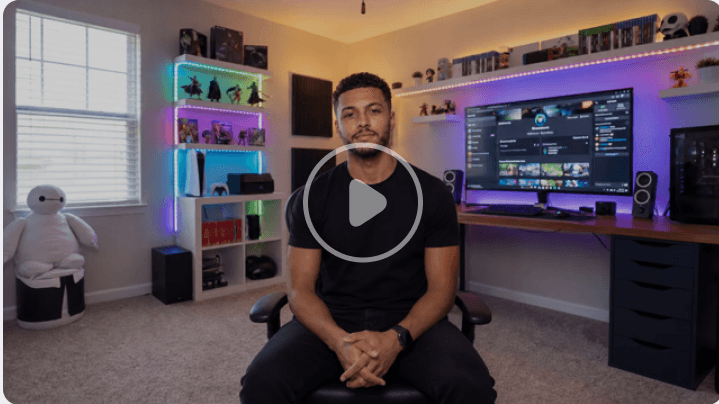
CinLink understands your instructions, orchestrates AI models, and runs heavy media tasks close to your files.
CinLink
What would you like to create?
@Daily Vlog0807.mp4 Focus on showcasing the product’s key features.
Building your workflow
The video is ready: High Definition Version.mp4

CinLink brings speech, visuals, on-screen text, scripts, and timecodes together in one searchable project.




















 Media
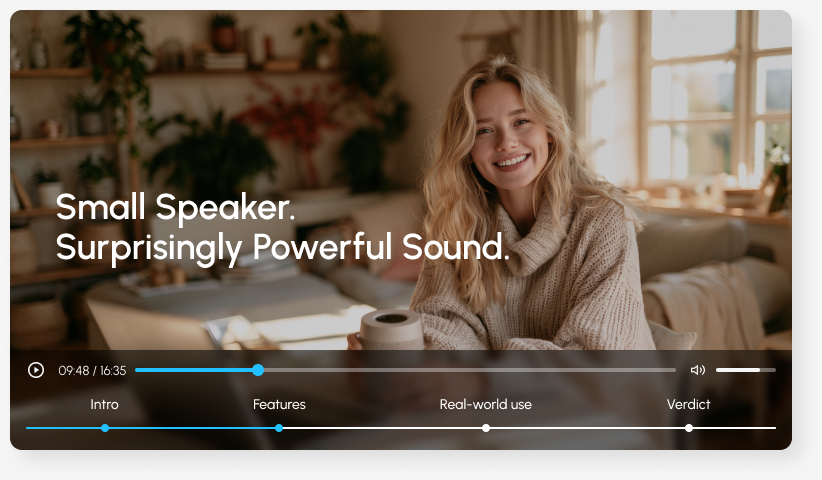
Media 07:29Intro
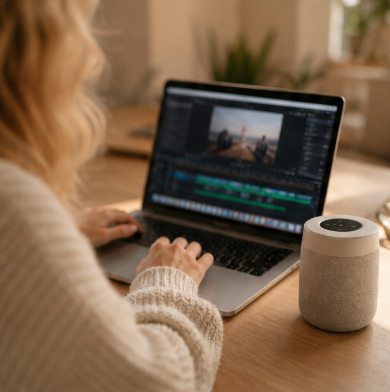 11:31Features
 34:02Real-world use
 16:57Verdict
Start with an idea or bring your own media. CinLink helps you make the first version, improve it, and prepare it to share.

Turn speech into timed captions, fine-tune the wording and style, and export an SRT file or a video with single-language or bilingual captions.
“ Add English captions, highlight key phrases in yellow, and export an SRT file. ”

Translate captions and dialogue, generate a new voice track, and review the wording, pacing, and sound before exporting your video.
“ Translate this video into Spanish, keep the tone upbeat, and add bilingual captions. ”
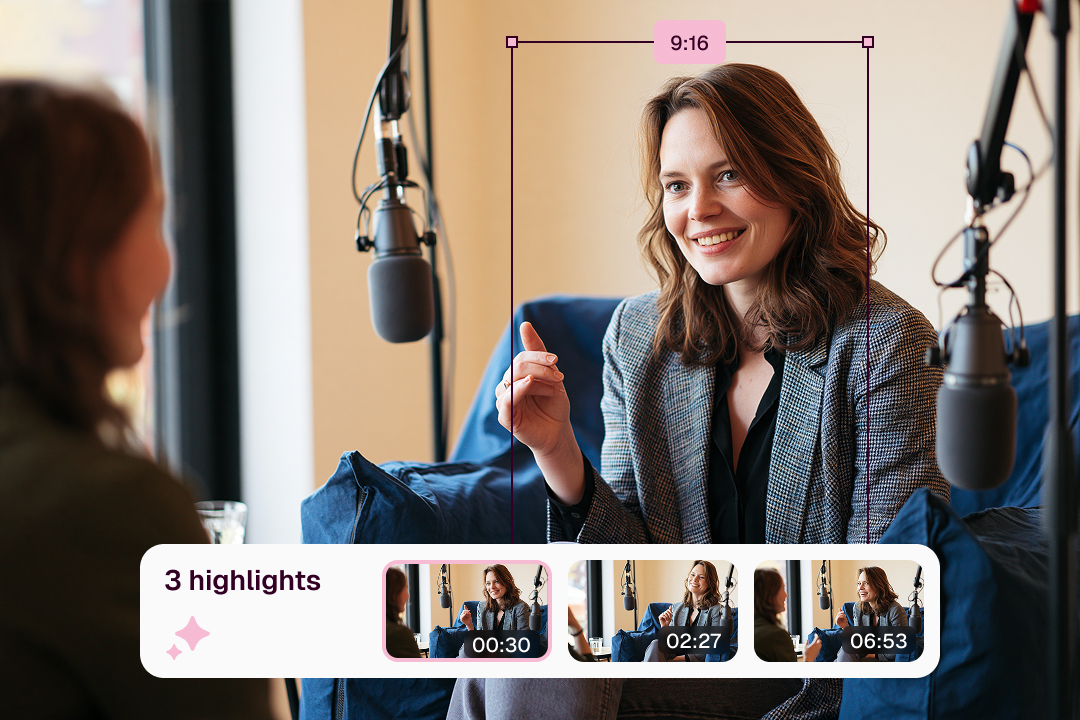
Pull highlights from interviews, podcasts, courses, or webinars, and turn them into short clips ready for social media.
“ Find three standout moments in this interview and turn each into a 30-second vertical clip. ”
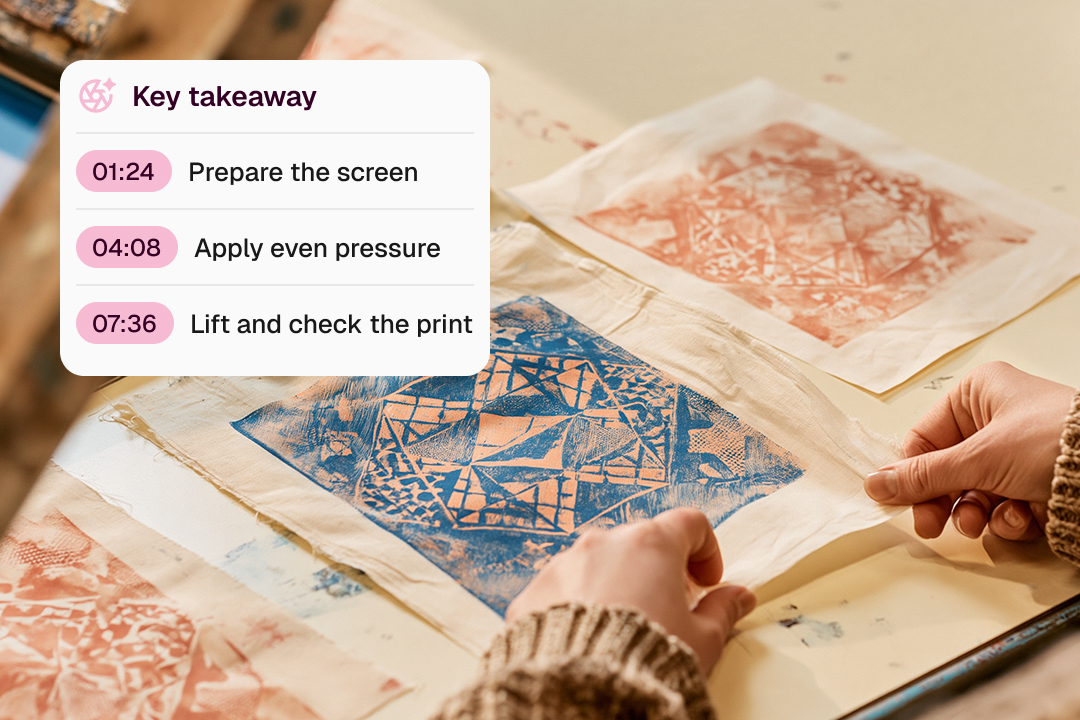
Turn long videos into outlines, summaries, and key takeaways, with timestamps that take you back to the moments that matter.
“ Summarize this workshop into five key takeaways and include a timestamp for each. ”
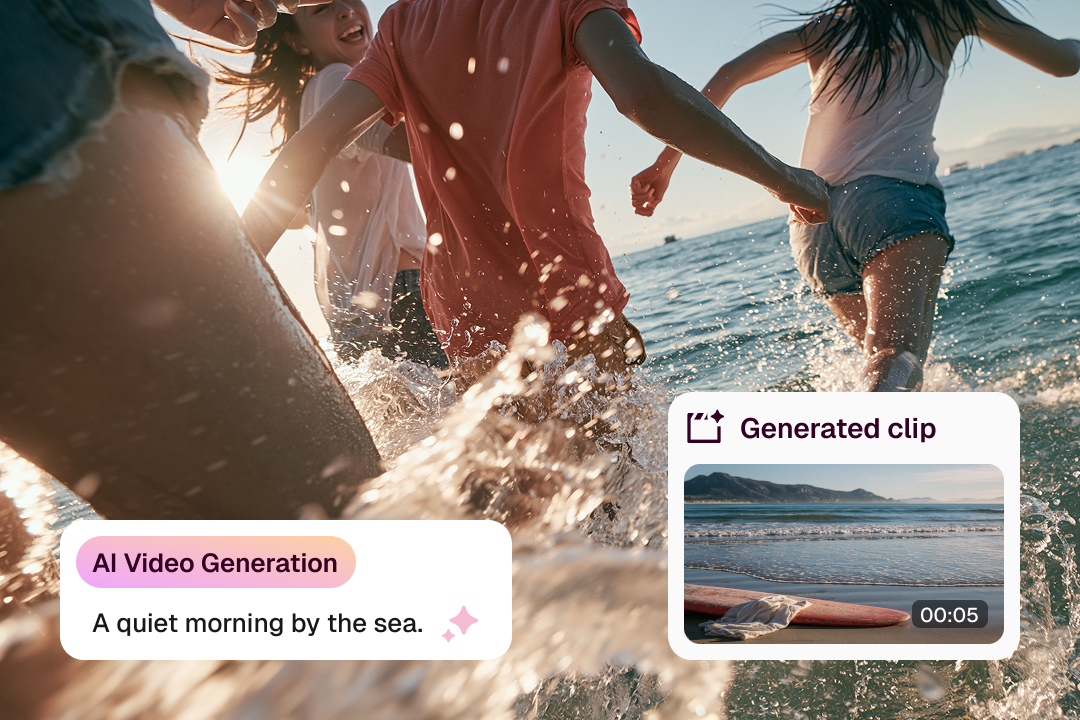
Create images and video clips from a description or reference. Fill a missing scene or add the B-roll your story needs.
“ Create a five-second shot of friends running into the sea at sunrise, with a handheld feel. ”

Enhance video quality, upscale resolution, adjust aspect ratios, and add a watermark. Export the format your publishing platform needs.
“ Enhance this clip, crop it to 9:16, add my watermark, and export it as an MP4. ”
From the first idea to every final version, CinLink helps you create, edit, translate, and repurpose in one workflow — so you spend less time on steps and more time making

Subtitles, summaries, highlight clips, and multi-platform versions — done in one pass.
“Cut this episode into three 45-second clips, with subtitles on each one.”

Organize client footage, finish rough cuts faster, and prepare delivery versions in batch.
“Sort this folder by theme and give me a rough cut the client can review.”

Accurately handle long lectures, interviews, and technical terminology, and produce multilingual content with ease.
“Transcribe this lecture, keep the technical terms, and generate bilingual subtitles in Chinese and English.”

Quickly repurpose existing footage into campaign, product, and channel content.
“Find the product demo in the launch event recording and make a 9:16 teaser video.”

Hand search, transcription, subtitles, and repetitive exports to AI — keep creative and fine-cut control in your hands.
“Find every answer about pricing and put them into a new sequence for me to fine-cut.”
CinLink begins as a focused desktop workspace. More ways to review, automate, and connect are planned.
A focused workspace for local media organization, creative editing, and complete video workflows.
Review, search, translate, and continue media work on the move.
Run batch jobs and scripted workflows for repetitive media tasks.
Connect CinLink’s media capabilities to your own AI agents and creative systems.
Review every result, ask for changes, compare versions, and export only when you are ready.
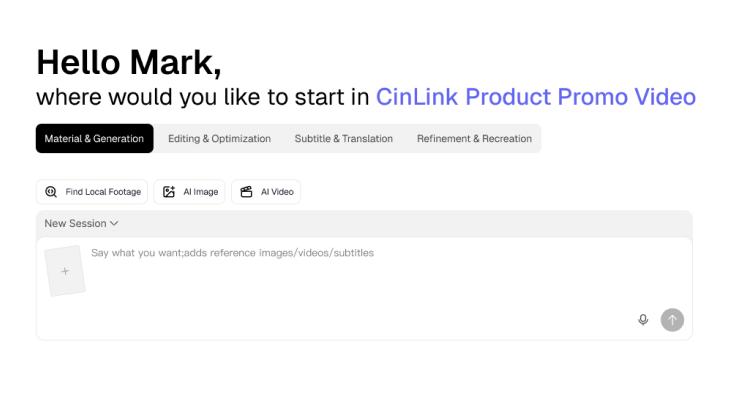
See the draft before anything is final.
Describe what should change and see the update.
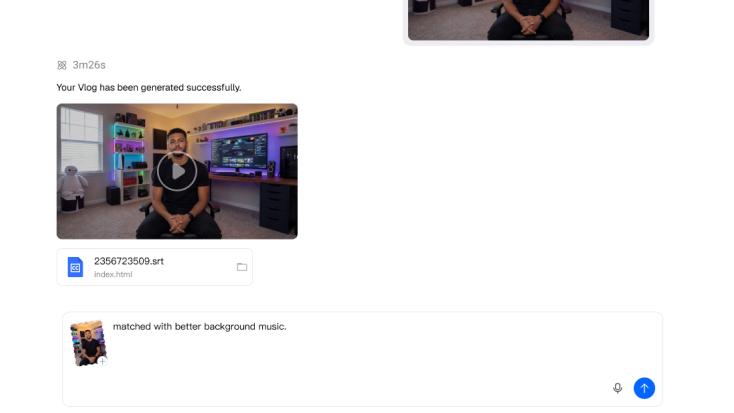
Nothing is exported until you approve it.
Your original footage stays under your control. CinLink's desktop workflow helps you process, review, and export your media.
Tell CinLink what you want to create, then shape the result with your own words.








