
Clearer Videos
Sharper Images

Give your videos a clearer, more polished look with CinLink. Choose your footage, describe what you want, and review the enhanced result before export.

2× Upscaling · Noise Reduction · Video & Image Support
Enhanced surfer footage
Original surfer footage
OriginalEnhanced

See What a Clearer Picture Can Do

Explore the difference in textures, edges, and noisy areas. Compare the original with the enhanced version to see what works for your media.

2× dimensionsAI noise reduction

Bring More Out of the Media You Already Have

Upscale videos and images, reduce noise, and keep editing—all in one workspace.

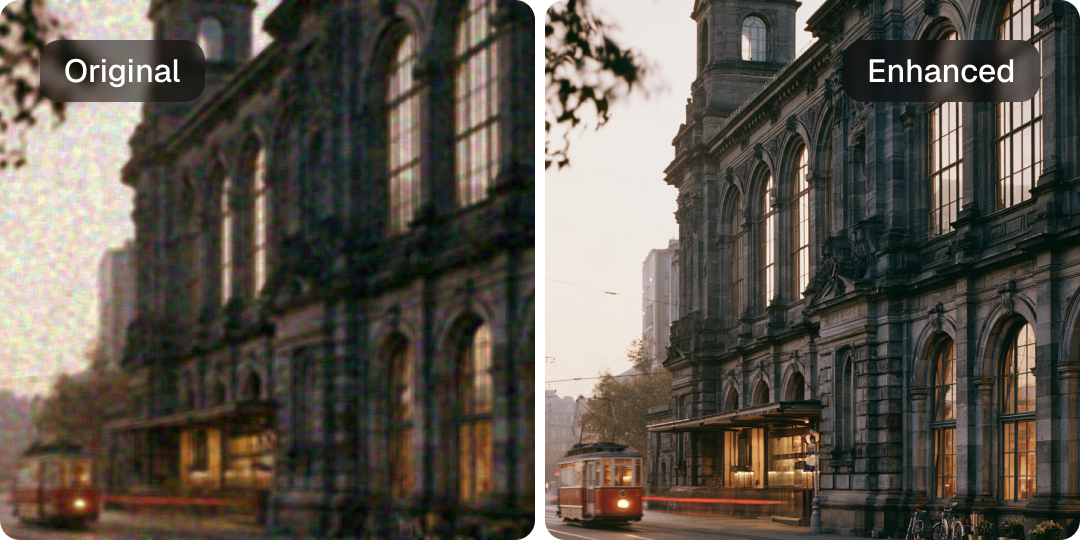
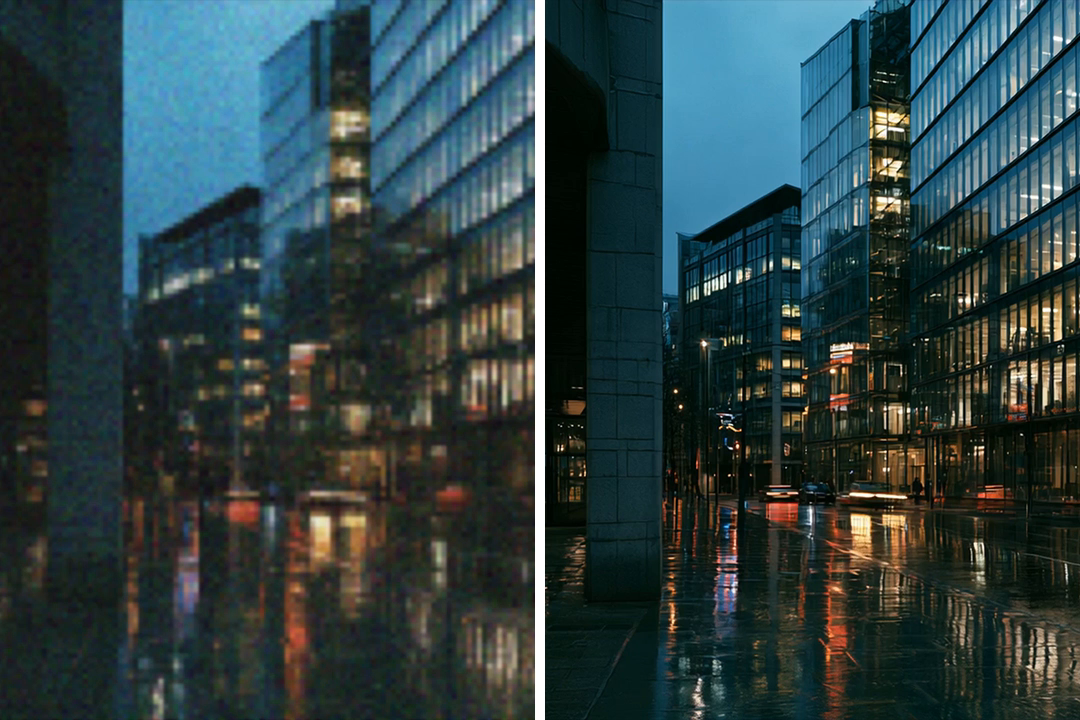
Original and enhanced city footageOriginalEnhanced

Give Your Videos a Clearer Finish

Upscale lower-resolution footage and reduce visual noise, frame by frame. Keep the original audio, frame rate, and proportions as you prepare your clips for their next edit.

"Upscale this clip to 2× and reduce the noise."
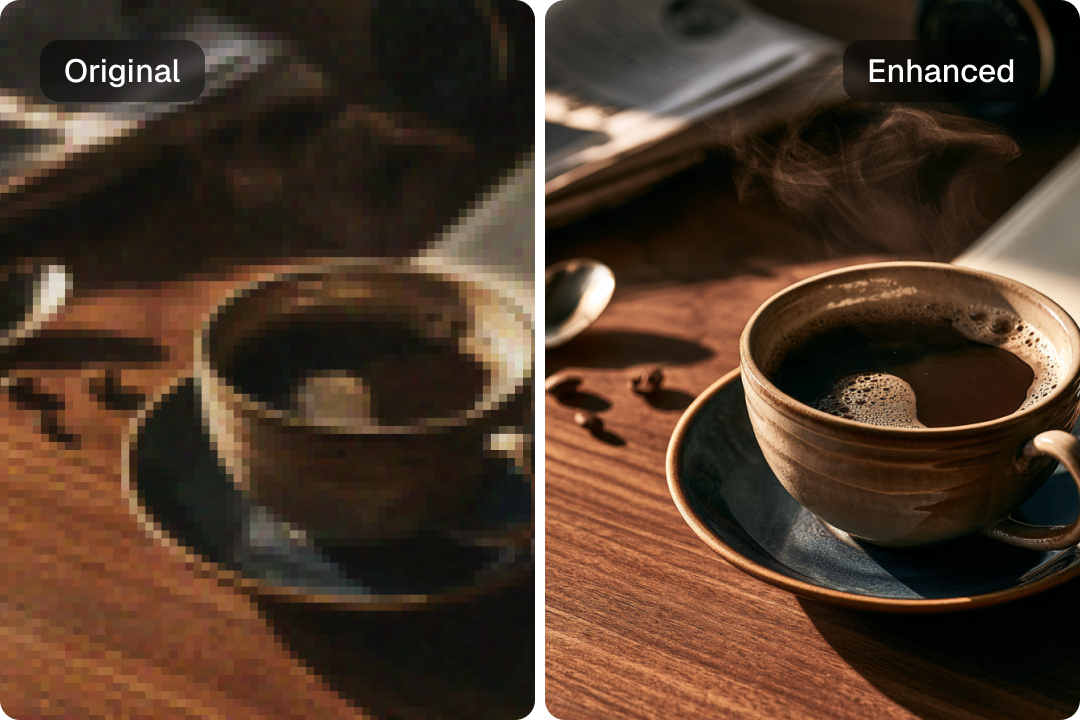
Original and enhanced coffee photograph

Make Your Images Work at a Larger Size

Enlarge photos, illustrations, and graphics to twice their original width and height. Reduce noise and export the enhanced result as a PNG for your next design, thumbnail, or video project.

"Enlarge this image to 2× with light noise reduction."
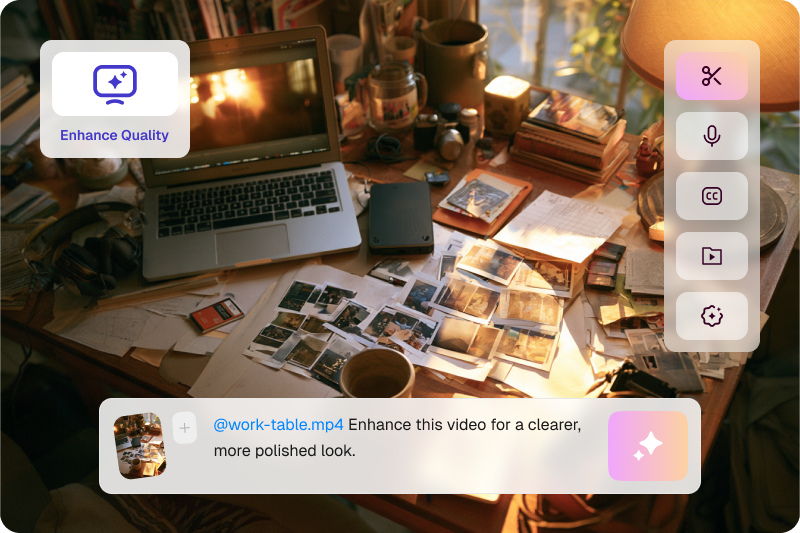
Enhancement request in the CinLink workspace

Just Say What You Want to Improve

Bring your media into CinLink and describe the result you need. Request enhancement on its own, or keep working with captions, cropping, and other edits in the same workspace.

"Enhance this video for a clearer, more polished look."

From Original To Enhanced
In Three Steps

A Clearer Starting Point for Your Next Project

Step 1

Add Your Media

Import the video or image you want to enhance.

Step 2

Describe the Enhancement

Ask CinLink to upscale your media and reduce noise.

Step 3

Review and Save

Check the enhanced result, save your file, or continue editing in CinLink.

A Clearer Starting Point
For Your Next Project

For creators working with every kind of media.

Original and enhanced social videoOriginalEnhanced

Social Videos

Enhance clips before adding captions and preparing them for your channels.

Product Images: original and enhanced comparison

Product Images

Enlarge existing product photos for layouts that need more room.

Older Footage: original and enhanced comparison

Older Footage

Reduce noise and increase the dimensions of archived clips you want to use again.

Illustrations & Animation: original and enhanced comparison

Illustrations & Animation

Upscale illustrated images and animated footage with processing suited to drawn artwork.

Frequently Asked Questions

Your questions about AI enhancement, answered.

Can I enhance both videos and images?

Yes. CinLink supports AI enhancement for both videos and still images, including 2× upscaling and noise reduction.

What does 2× upscaling mean?

It doubles the width and height of your media. For example, a 1280 × 720 video becomes 2560 × 1440. That means four times as many pixels overall.

Will my video keep its original audio?

Yes. Video enhancement preserves the original audio while processing the picture.

What format will I get?

Enhanced videos are exported as MP4 files, and enhanced images are exported as PNG files.

Can AI enhancement fix every blurry image or video?

Results depend on the source. Enhancement can reduce noise and improve how media looks at a larger size, but it cannot reliably recover details lost to severe blur or heavy compression.

Give Your Next Edit a Clearer Start

Bring a video or image. Tell CinLink what to improve. Take the enhanced result into your next project.

AI Video & Image Enhancer — 2× Upscaling | CinLink