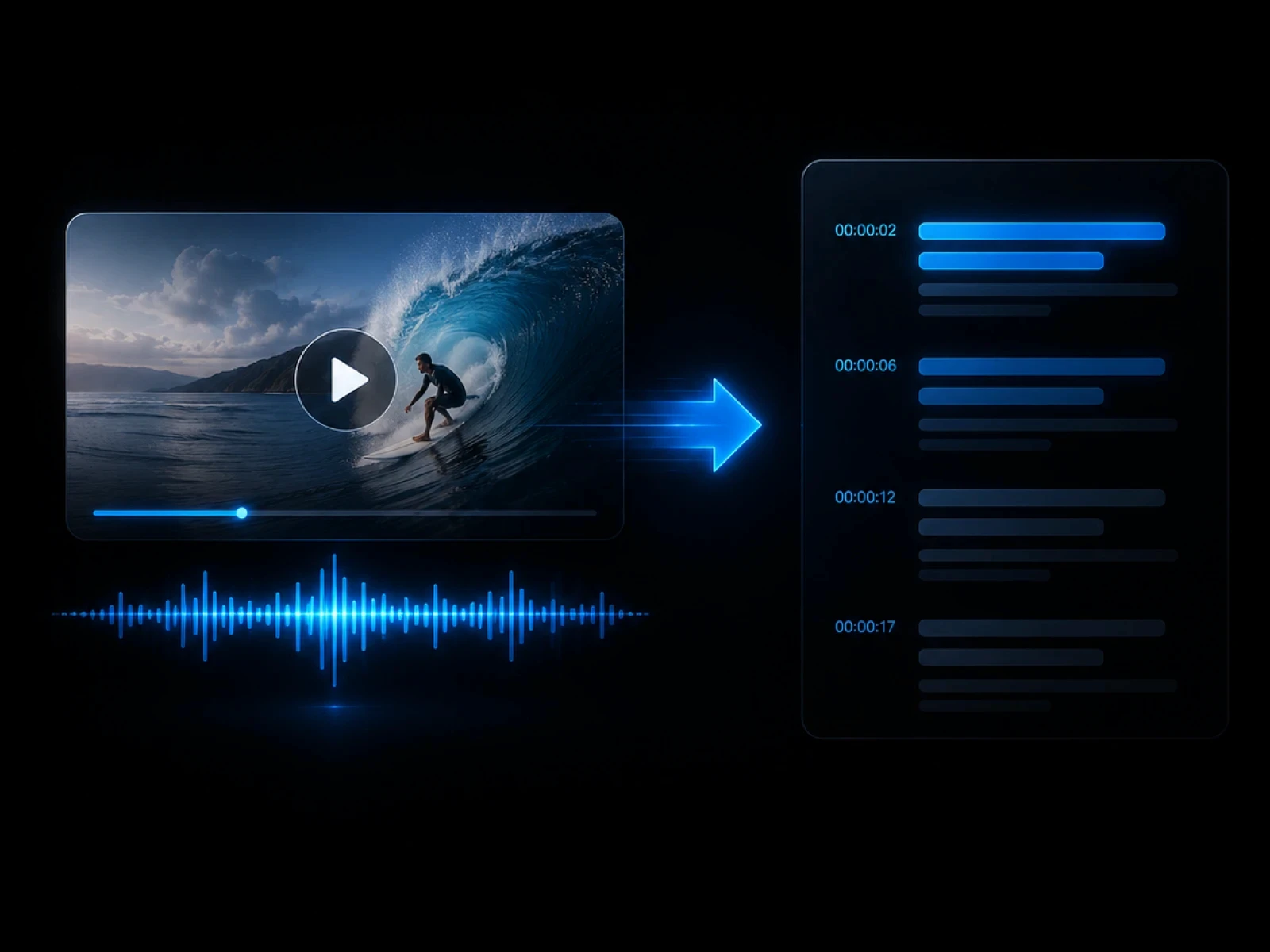
Find highlight moments
Use transcripts and summaries to identify moments worth turning into short clips.

Long Video to Shorts
Use CinLink to find key moments, create shorter edits, add subtitles, and prepare social-ready clips from long-form video content.
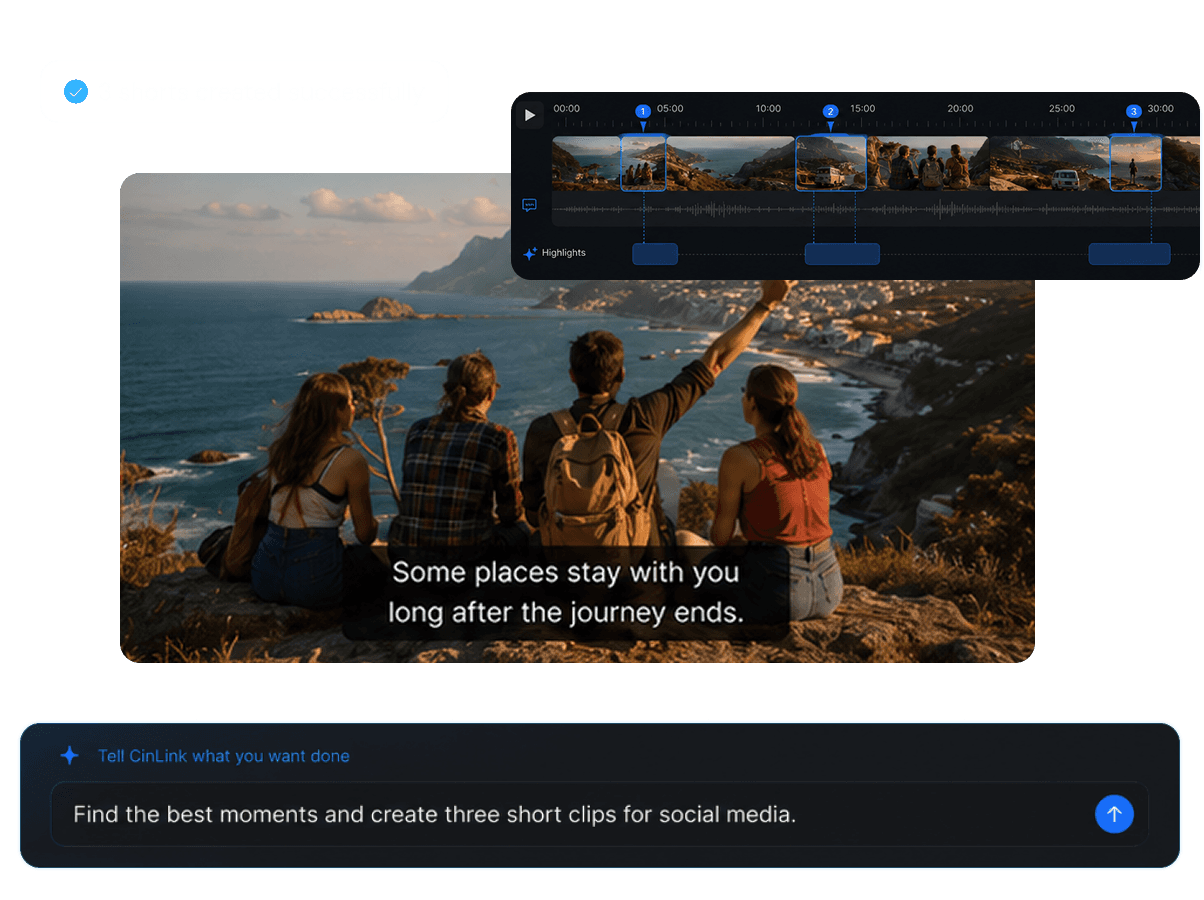
Long Video to Shorts
Repurpose long-form video into reusable clips
Overview
CinLink helps creators move from long recordings to short, useful content. Use transcription, summaries, subtitles, and highlight selection to turn one long video into multiple smaller assets.
Benefits
Find highlights, cut clips, add subtitles, and prepare content for social platforms.
Use transcripts and summaries to identify moments worth turning into short clips.
Turn selected moments into compact clips for faster viewing and sharing.

Create readable captions so social clips can be understood without sound.

Create reusable clips for Shorts, Reels, TikTok, campaigns, and content libraries.
Workflow
Add a long video, find highlights, create clips, and export social-ready content.
Upload or select the long video you want to repurpose.
Choose moments that work well as short clips.
Create short videos with subtitles and reusable assets.
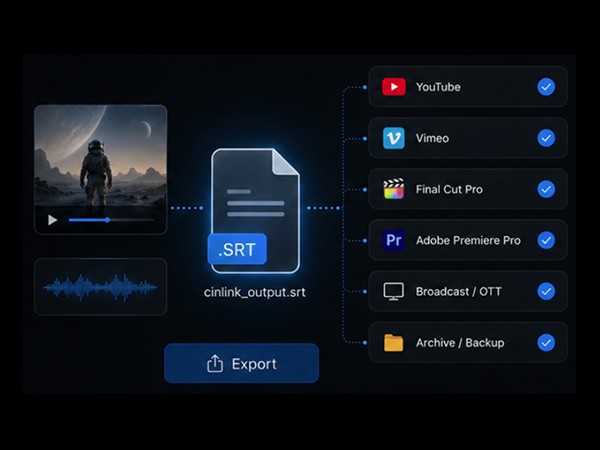
Export Formats
Prepare short videos, captions, and reusable clips for your publishing workflow.


Short clips with captions already included.
User case
Create clips from podcasts, webinars, interviews, courses, events, and product videos.

Turn long conversations into shareable highlights.

Extract key moments from long sessions.

Create short clips from strong answers or quotes.

Turn lessons into short learning snippets.


Cut product demos into focused feature clips.
Related Tools
Use transcription, subtitles, and translation to improve short clips.
FAQ
Everything you need to know before transcribing videos with CinLink.
It means repurposing long-form video content into shorter clips that are easier to share and watch.
Yes. CinLink can create subtitles for short clips so they work better on social platforms.
Yes. Transcripts make it easier to search quotes, topics, and key moments.
Podcasts, webinars, interviews, courses, events, and product demos are great sources for short clips.
Find highlights, add subtitles, and create reusable clips faster with CinLink.