How to Summarize the Lanterns Episode 2 Podcast with CinLink
Use the Lanterns Episode 2 companion podcast as a practical example for turning a long video into a transcript, summary, chapters, and highlights with CinLink.
Lanterns Episode 2, "Trust Fall," arrived with plenty for fans to unpack. HBO Max followed it with a companion video podcast hosted by Juju Green and featuring showrunner Chris Mundy, writer Vanessa Baden Kelly, and director James Hawes.
The official video runs for roughly 35 minutes. That is long enough to hold real detail, but short enough that viewers may still think, "I will watch it later." A good summary solves that problem. It gives you the main ideas first, then lets you jump back to the moments you care about.
This guide uses the Lanterns Episode 2 official podcast as a timely example. Use the workflow with video you own, have permission to edit, or are otherwise allowed to process.
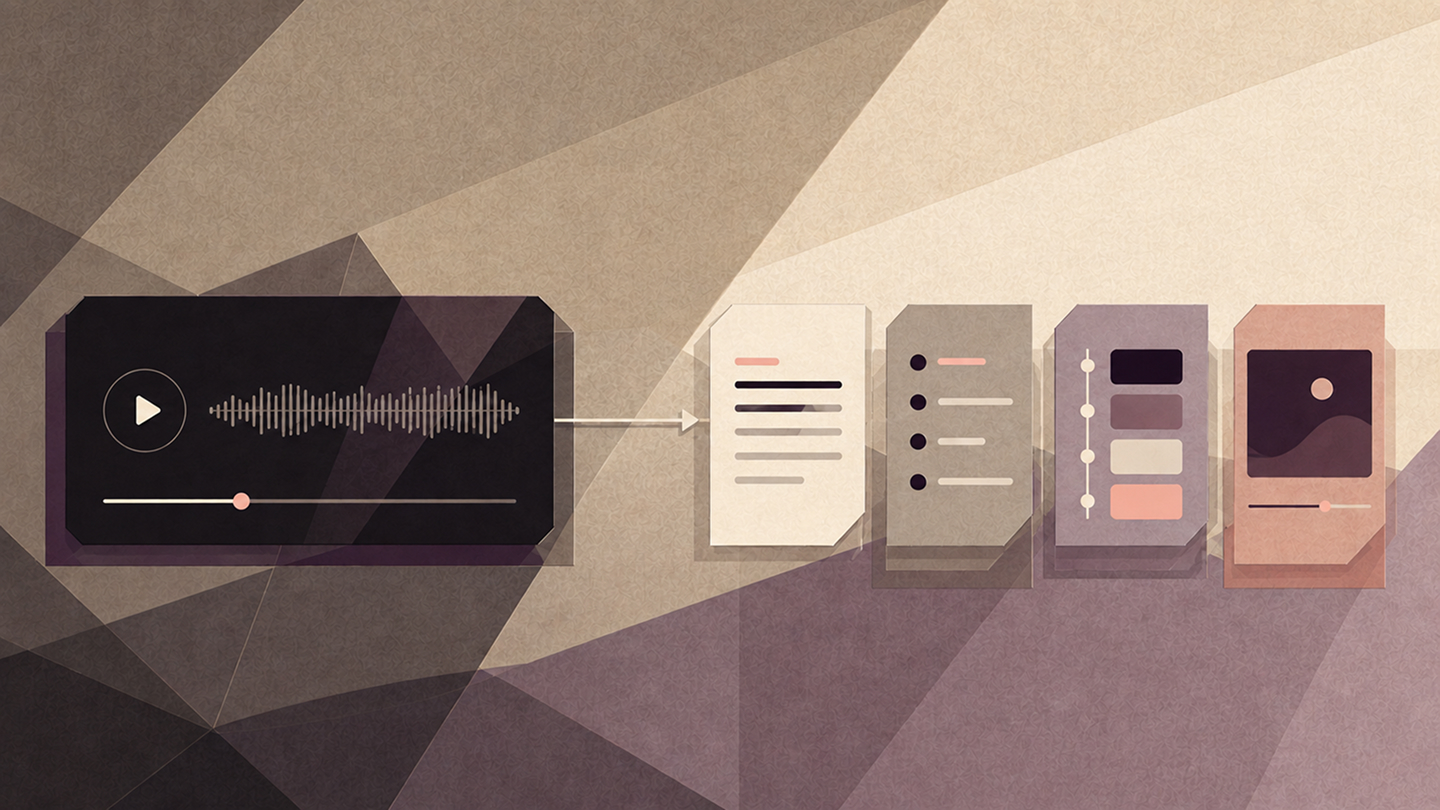
What should a useful podcast summary include?
A summary should do more than shrink the transcript. For a behind-the-scenes conversation like this one, the useful output is usually:
- A five-bullet overview
- A short section for each major topic
- Timestamps for the best moments
- Correct speaker names
- A few quotes or clip candidates to review
That gives a fan a fast way to understand the conversation. It also gives a podcast team a reusable set of notes for newsletters, social posts, and future edits.
1. Start with the video file you are allowed to use
Add the local podcast video to CinLink. Use the cleanest version available, especially if several people are speaking. Clear audio matters more than perfect picture quality here.
If you are studying a public podcast such as Lanterns: The Official Podcast, treat it as editorial inspiration unless you have permission to process and republish the material. The same workflow works best with your own companion show, cast interview, reaction video, or licensed media file.
2. Make a timestamped transcript first
Do not ask for the final summary immediately. A transcript gives you something concrete to check, especially when the conversation includes character names, production terms, and several guests.
Scan the first result before moving on. Fixing one repeated name now is easier than correcting it in every summary, chapter, and caption later.
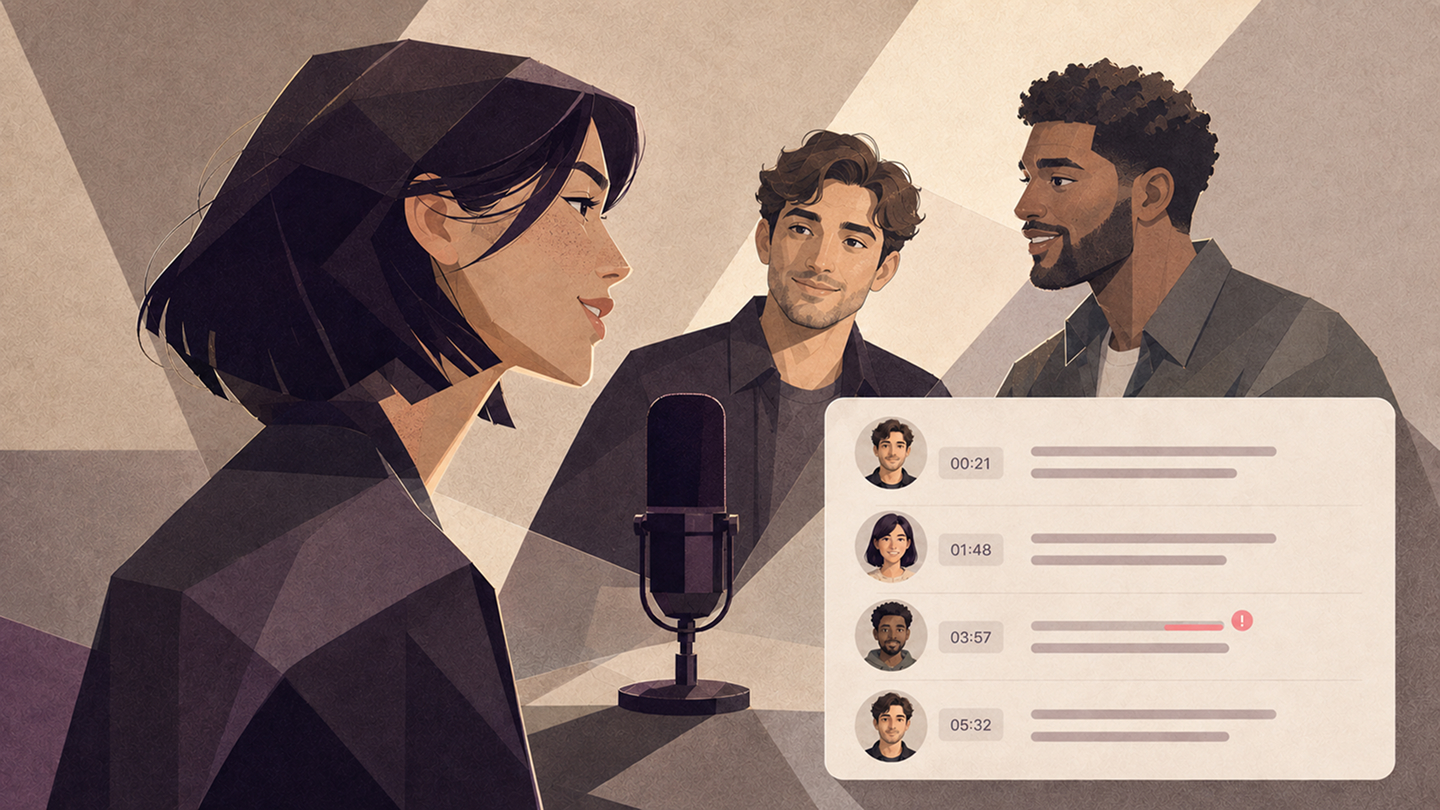
3. Ask for two levels of summary
One summary cannot serve every reader. Start with a quick overview, then ask for a slightly deeper breakdown.
The five bullets are for someone deciding whether to watch. The longer breakdown is for someone who wants the substance without replaying the full video.
4. Turn the conversation into chapters
Companion podcasts often move between story choices, character work, directing, and production details. Chapters make that movement easier to follow.
That last instruction matters for an episode discussion. A chapter can be useful without giving away the reveal in its heading.

5. Find highlights without losing context
Once the summary is solid, look for moments that could become short clips or quote cards. The most dramatic sentence is not always the best choice. Keep enough of the question and answer for the idea to make sense.
For your own show, this shortlist can feed directly into a social edit. For third-party material, it is still your responsibility to confirm that you have the rights to publish the clip.
6. Review the details a fan will notice
AI is fast, but fandom is precise. Check character names, guest credits, episode titles, and any quote you plan to publish.
- Open two or three timestamps and compare them with the source
- Check speaker labels after interruptions or overlapping speech
- Remove spoilers from the short overview if it will be public
- Make sure quoted lines are exact and still have their context
- Confirm your rights before sharing transcripts or clips
One prompt for the complete first pass
Once you know the format you want, you can combine the early steps:
That will not replace review, but it turns a 35-minute watch into a much faster editorial pass.
Use the same workflow for your own companion podcast
The Lanterns podcast is useful here because it shows how one episode can lead to a second layer of long-form content: interviews, production stories, and creator commentary. The same pattern works for film podcasts, game developer interviews, sports breakdowns, and weekly creator shows.
Use the CinLink AI Video Summarizer for the overview and timestamped notes. For a complete transcript, see Video Transcription. When an approved moment deserves its own edit, continue with Long Video to Shorts.
Download CinLink and turn your next long video conversation into something you can understand, review, and reuse.
Quick questions
Can CinLink summarize a multi-speaker video podcast?
Yes. Start with a timestamped transcript and ask for speaker labels. Review the labels where people interrupt or speak over one another.
Should a podcast summary include spoilers?
It depends on the audience. For a public overview, ask for a spoiler-free summary. Keep detailed episode analysis in a clearly labeled section.
Is a transcript enough?
No. A transcript preserves the conversation, while a summary, chapters, and timestamps make it easier to navigate and reuse.
Can I republish clips from an official podcast?
Not automatically. Only publish footage or transcript excerpts you own, have permission to use, or are using under a legal basis your team has reviewed.