How to Clip NBA Podcasts into Shorts: The Roommates Show Playbook
Inspired by The Roommates Show, learn a simple CinLink workflow for turning a long NBA podcast into short, captioned clips for Shorts, TikTok, and Reels.
Jalen Brunson and Josh Hart's The Roommates Show is a good reminder that a long NBA conversation is rarely just one piece of content. One episode can hold a sharp take, a locker-room story, a funny reaction, and a clean 30-second debate.
If you make a sports podcast, interview players, or edit a licensed show, those moments can become Shorts, TikToks, and Reels. The trick is finding them without scrubbing through the same hour of video again and again.
Here is a simple CinLink workflow you can use.
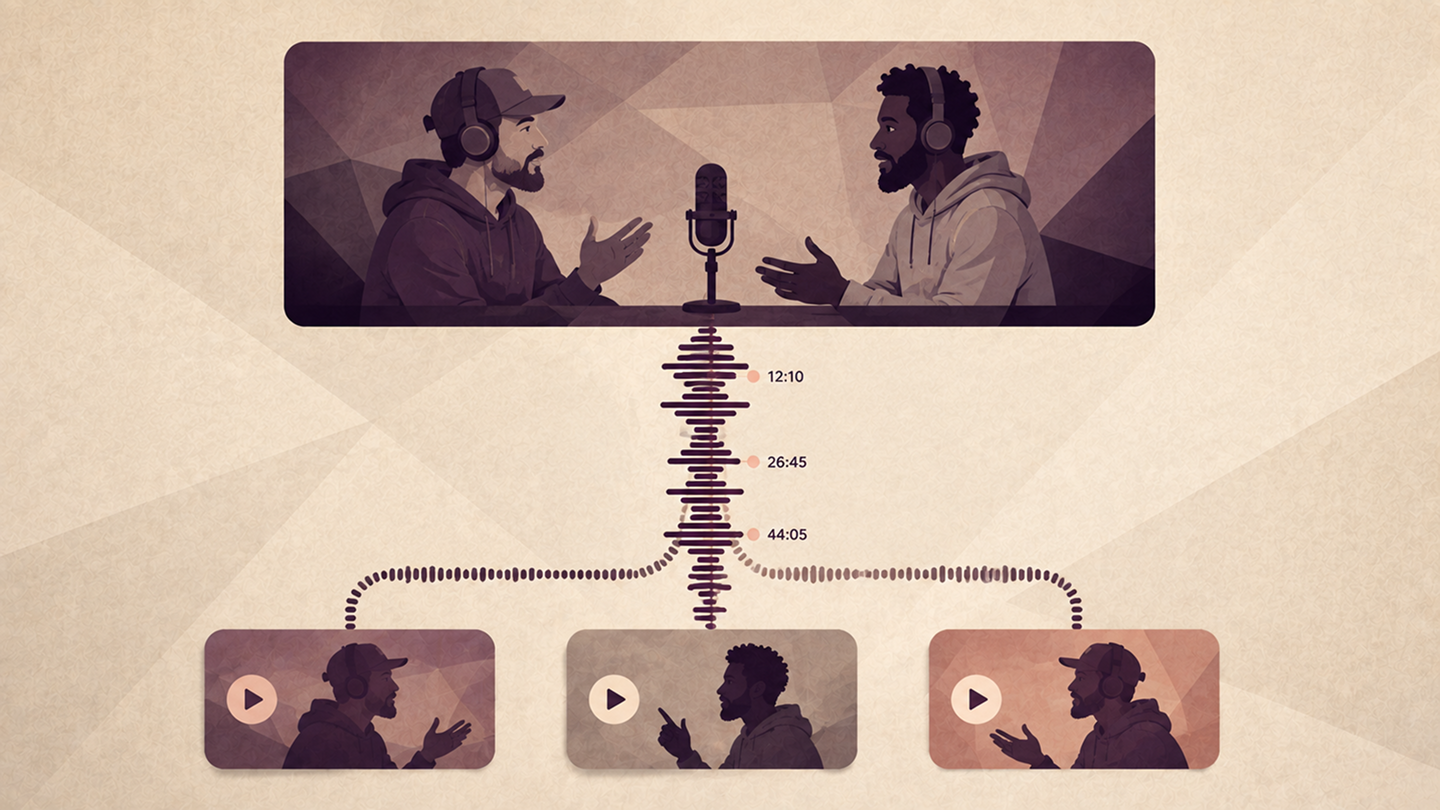
First, find the moments worth clipping
Do not start by dragging handles on a timeline. Start with the conversation.
Open the video in CinLink and ask for a timestamped map of the episode:
You now have a shortlist instead of an hour-long guessing game. Read the candidates and ask one question: would this still make sense to someone who never watched the full episode?
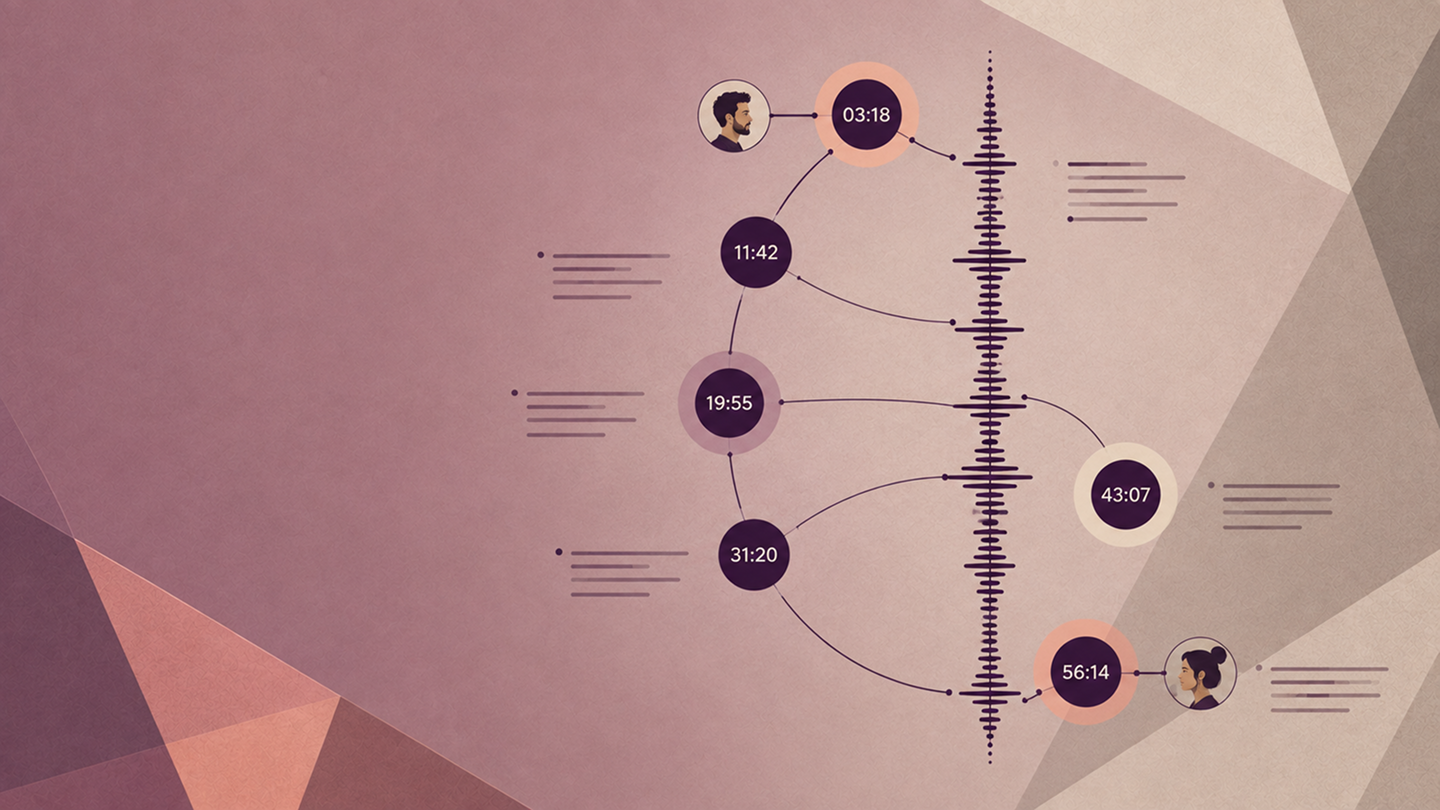
Keep the setup, not the dead air
The loudest quote is not always the best clip. A viewer usually needs the question, one line of context, and then the payoff.
For an NBA show, look for moments like:
- A player explaining what changed after a big game
- A host pushing back on a popular fan opinion
- A quick story from the locker room or road
- A funny exchange that works outside the full episode
Keep enough setup to make the speaker sound fair. Cut pauses, repeated phrases, and side trails that do not help the point land.
Cut three clips before you cut ten
Start small. Three clips will tell you whether the format, pacing, and captions feel right before you process the whole episode.
Want faster social clips? Ask for a second pass under 30 seconds. Some stories need a full minute; a reaction may only need 18 seconds. Let the idea choose the length.
Add captions people can actually read
Sports clips move quickly. Names, stats, and overlapping reactions are easy to miss, especially on a phone with the sound off.
Always review the transcript. One wrong surname or score can distract from an otherwise strong clip.
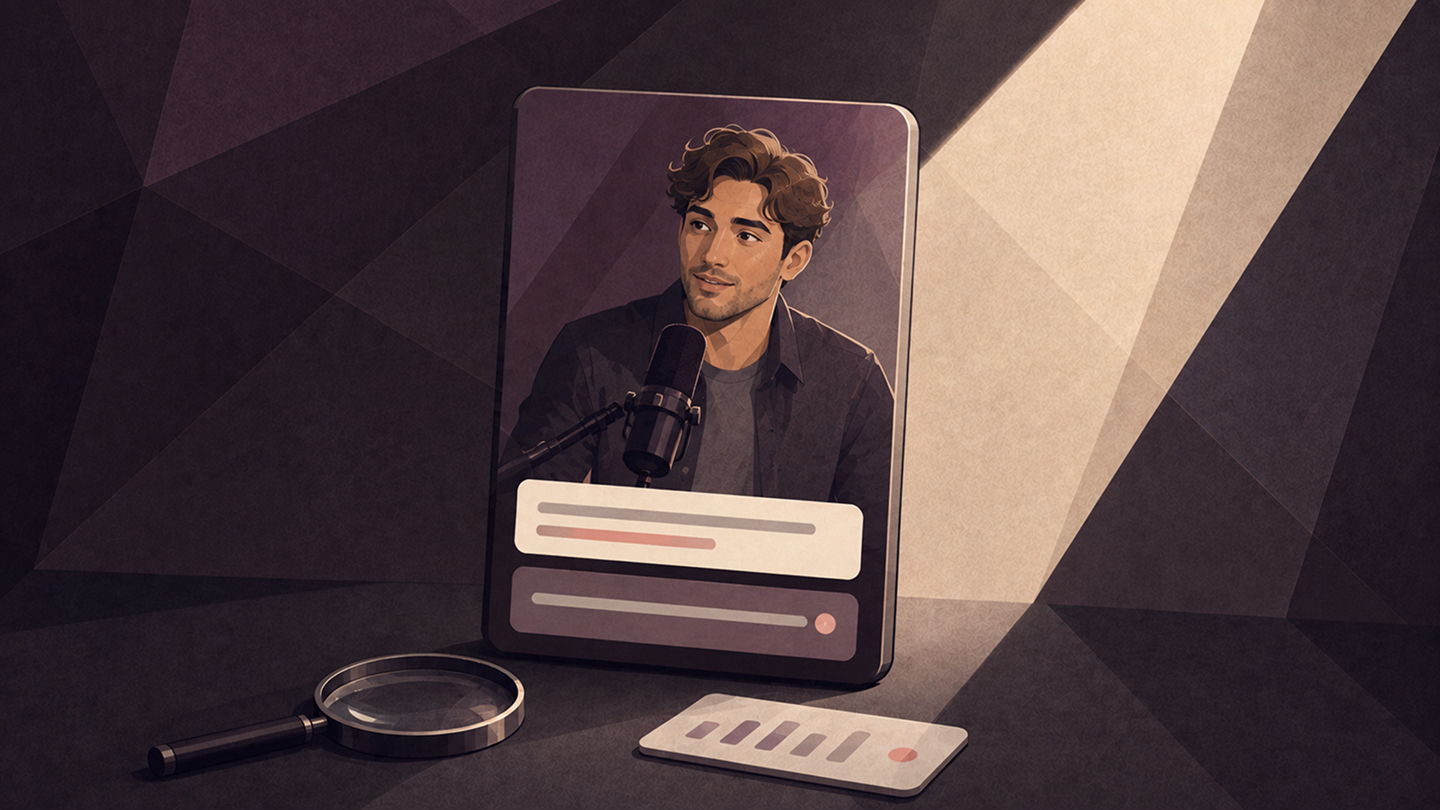
Write the hook after the edit
Once the clip is finished, its best hook is usually obvious. Keep it specific and honest:
- The answer that changed the whole debate
- What this player noticed before everyone else
- The locker-room story fans did not expect
- Why this matchup is harder than it looks
CinLink can turn the final transcript into title options:
Give every clip one human review
AI speeds up the rough work. You still make the editorial call.
- Does the clip make sense on its own?
- Are names, teams, and stats correct?
- Do the captions match the audio?
- Is the speaker's meaning still intact?
- Do you have permission to publish the footage?
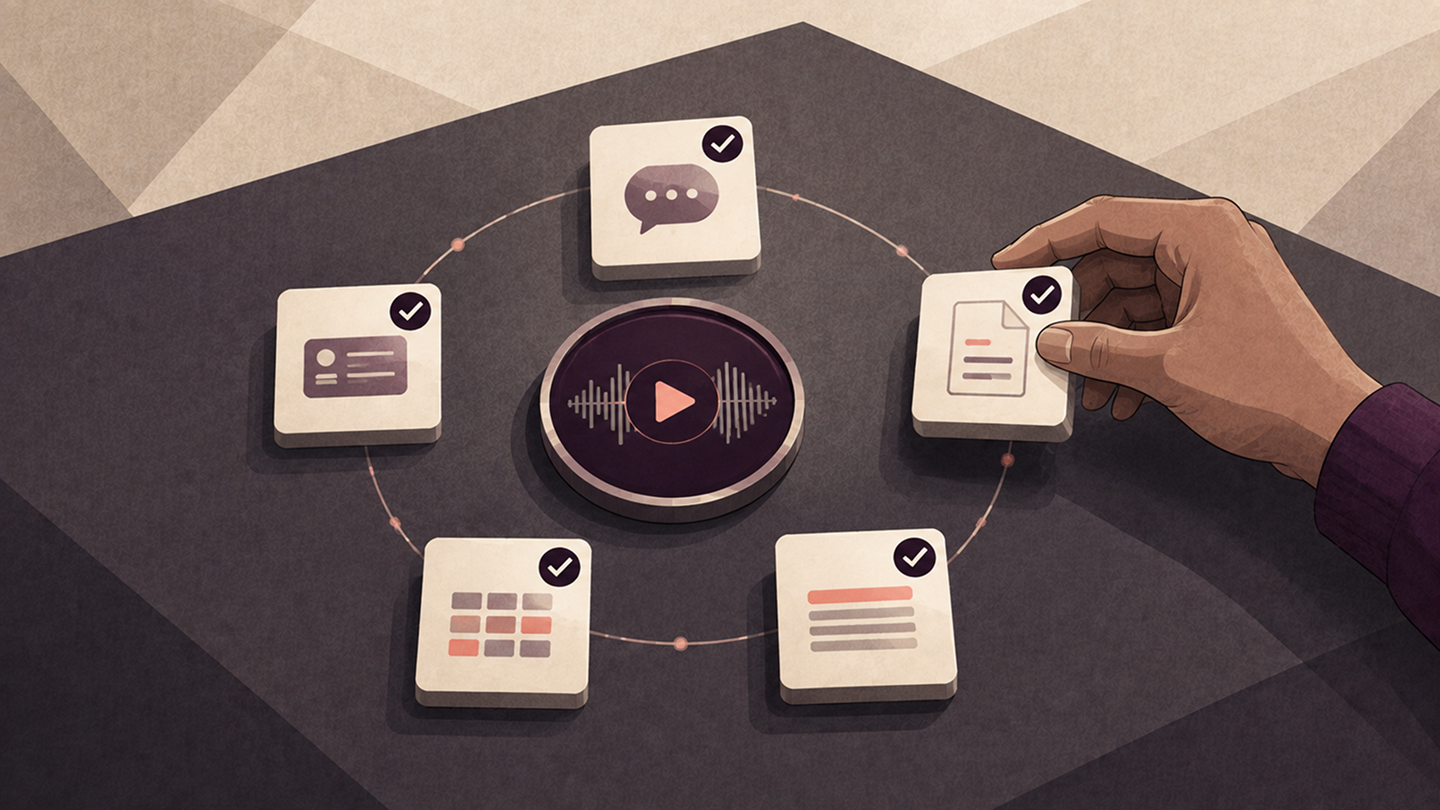
One prompt for the whole workflow
Once you know the style you want, run the first pass in one go:
Then review, adjust, and export. That is the real playbook: let CinLink handle the searching and first cut, while you decide what is worth publishing.
Turn your next podcast into clips
The Roommates Show is the inspiration here, not footage you should reuse without rights. Apply the same structure to your own podcast, a licensed interview, or media your team is allowed to edit.
Start with CinLink Long Video to Shorts. For caption-heavy workflows, see the AI Subtitle Generator. To understand a long episode before cutting it, try the AI Video Summarizer.
Download CinLink and turn one long conversation into a week of short-form content.
Quick questions
How long should an NBA podcast clip be?
Usually 20 to 60 seconds. Use the shortest cut that still gives the viewer enough context.
Can one episode become several clips?
Yes. A strong episode can produce reactions, stories, debates, quote clips, captions, and a written summary.
Can I clip any public sports podcast?
No. Only publish footage you own, have permission to use, or are using under a legal basis your team has reviewed. Public shows are useful inspiration, but being public does not make the footage free to reuse.