@Daily Vlog0807.mp4 Focus on showcasing the product’s key features.

Use CinLink to find highlights, create short clips, add subtitles, translate content, and review the result in one desktop workflow.
Desktop app · Start with your own mediaCinLink
What would you like to create?
@Daily Vlog0807.mp4 Focus on showcasing the product’s key features.
Building your workflow
The video is ready: High Definition Version.mp4
Bring your media, instructions, and review process together in a desktop workspace built for multi-step video projects.

Bring your media into a project designed for longer, multi-step workflows.
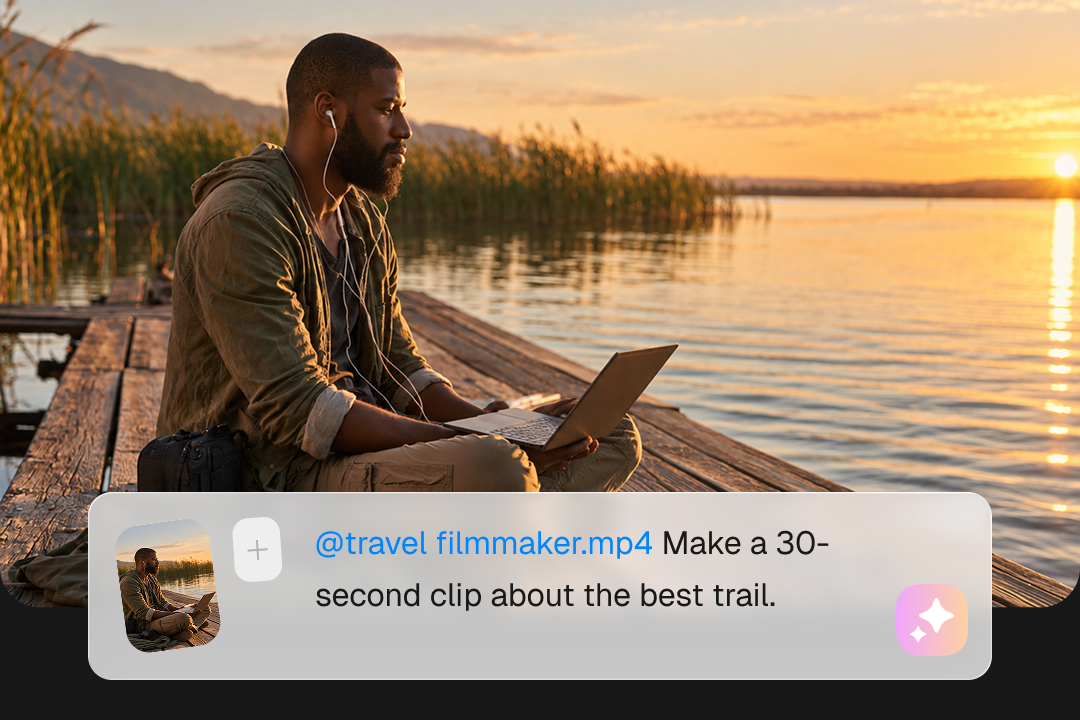
Describe the clips, subtitles, or translated versions you want in natural language.

Inspect suggested moments, refine the result, and decide what gets exported.
Compare how each tool helps you create clips, add subtitles, and refine your videos—from the workspace you use to the way you guide the edits.
| Your workflow | CinLink | Kapwing |
|---|---|---|
| Primary experience | Desktop-first media workspace | Browser-first online editor |
| Long video to short clips | AI-assisted highlights and clips | AI Clip Maker / Repurpose tools |
| Manual trim and refinement | Review and edit before export | Browser timeline and editing tools |
| Subtitles | Available · generate, edit and style | Available · subtitle tools |
| Translation and dubbing | Available in the CinLink workflow | Available · translation and dubbing |
| Natural-language workflow | Core CinLink interaction model | Prompt-guided AI tools + browser editor |
| Best fit | Multi-step desktop media projects | Online editing and collaboration |
Comparison based on publicly available product information as of September 2026.
Describe the moments, length, and format you want. Review the suggested clips, refine the subtitles, and choose what to export.
Download CinLink, add your source recording, and describe the clips you need. Review and refine the results before export.

Choose the version for your computer.

Start a project with the recording you want to repurpose.

Specify the topic, length, and format you have in mind.

Check the suggested clips, refine the cuts and subtitles, and export when ready.
Learn about CinLink’s desktop workflow, editing tools, and how to get started with your existing videos.
No. CinLink is an independent product and is not affiliated with, endorsed by, or sponsored by Kapwing.
Yes. Turn selected moments from a longer video into shorter clips, then review and refine the cut.
Yes. Add subtitles to your clips and review them before export.
CinLink includes video translation and dubbing workflows. Check the available language and voice options in the product for your project.
CinLink is a desktop application for macOS and Windows. Download the app to work on your video projects.
To get started in CinLink, add your original source video to a new project.
CinLink offers downloads for macOS and Windows. Choose your platform on the download page.
Download CinLink and start with your next podcast, interview, webinar, or product demo.

