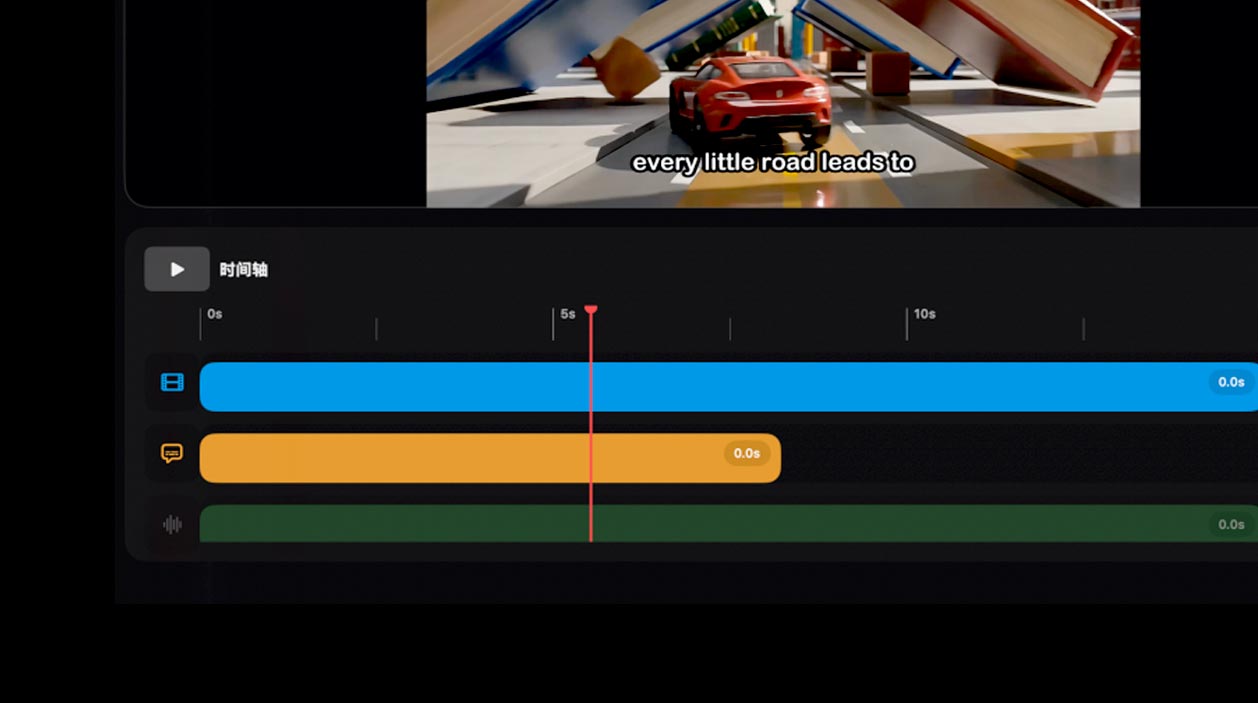
Your Media Shaped by What You Say

Your Media Shaped by What You Say

CinLink understands your instructions, orchestrates AI models, and runs heavy media tasks close to your files.

CinLink understands your instructions, orchestrates AI models, and runs heavy media tasks close to your files.

Natural Language Control

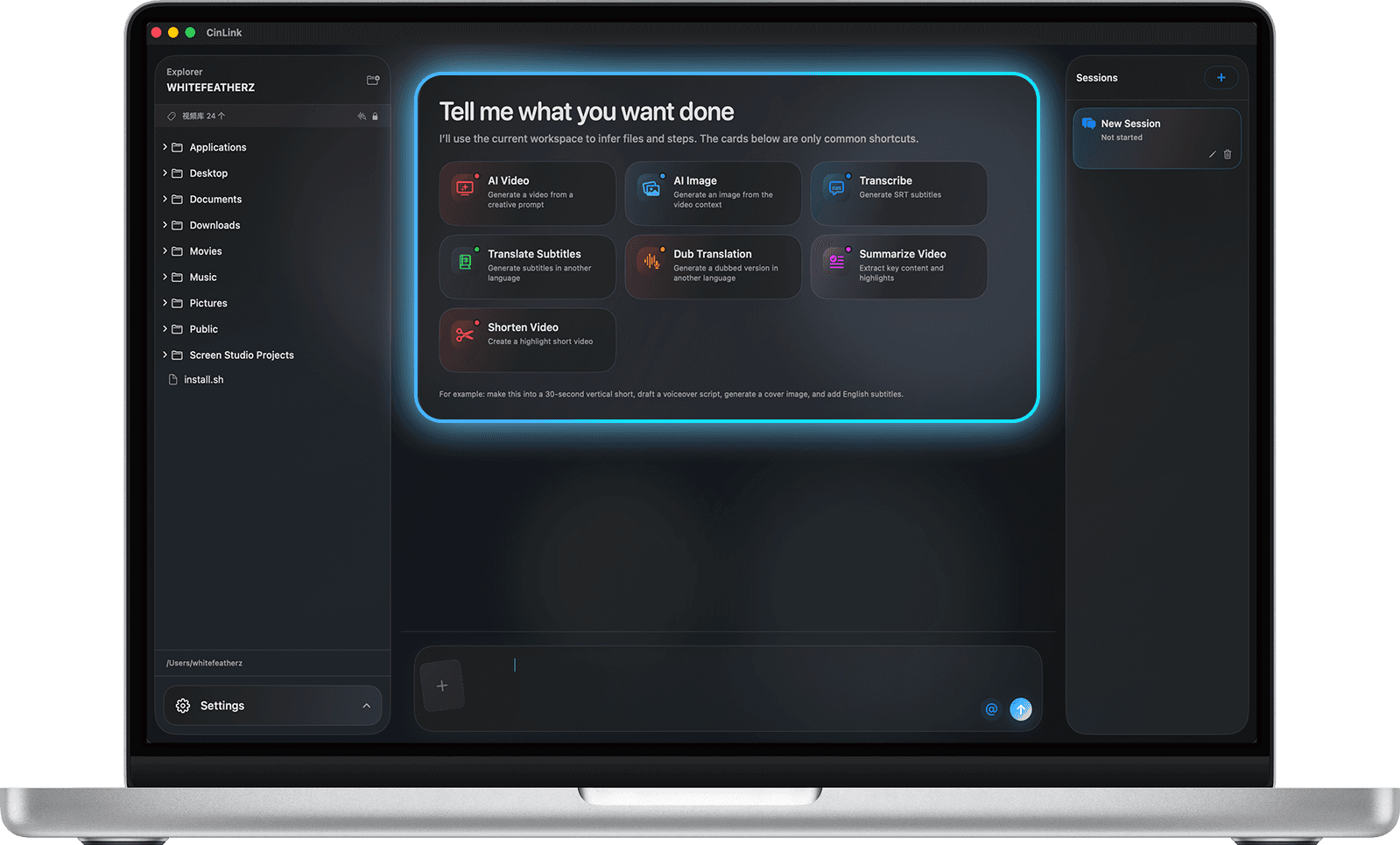
Say the outcome, not the steps.

Say the outcome, not the steps.

Hybrid AI Execution
Hybrid AI Execution

Cloud AI plans. Local tools process heavy media.

Cloud AI plans. Local tools process heavy media.

Works with Your Files

Videos, audio, subtitles, images, and project assets.

Videos, audio, subtitles, images, and project assets.

Agent-style Workflow

CinLink plans, runs, previews, and exports.

CinLink plans, runs, previews, and exports.

Hybrid AI Media Workspace

Understand Your Local Video Footage. Work With It Naturally.
Local-first Processing

Your media stays on your device.

Local-first Processing

Your media stays on your device.

Natural-language Search

Find clips by describing what you need.

Natural-language Search

Find clips by describing what you need.

Private by Design

Reduce unnecessary cloud uploads.

Private by Design

Reduce unnecessary cloud uploads.

Core Features

Create Without Switching Tools

CinLink brings media generation, video editing, subtitle translation, dubbing, and content repurposing into one natural-language workspace.

Generate

Turn ideas, prompts, references, and creative directions into images, videos, and visual assets.

Turn ideas, prompts, references, and creative directions into images, videos, and visual assets.

Generate

Turn ideas, prompts, references, and creative directions into images, videos, and visual assets.

Turn ideas, prompts, references, and creative directions into images, videos, and visual assets.

Edit

Trim, rearrange, subtitle, summarize, restyle, and transform footage by describing what you want.

Edit

Trim, rearrange, subtitle, summarize, restyle, and transform footage by describing what you want.

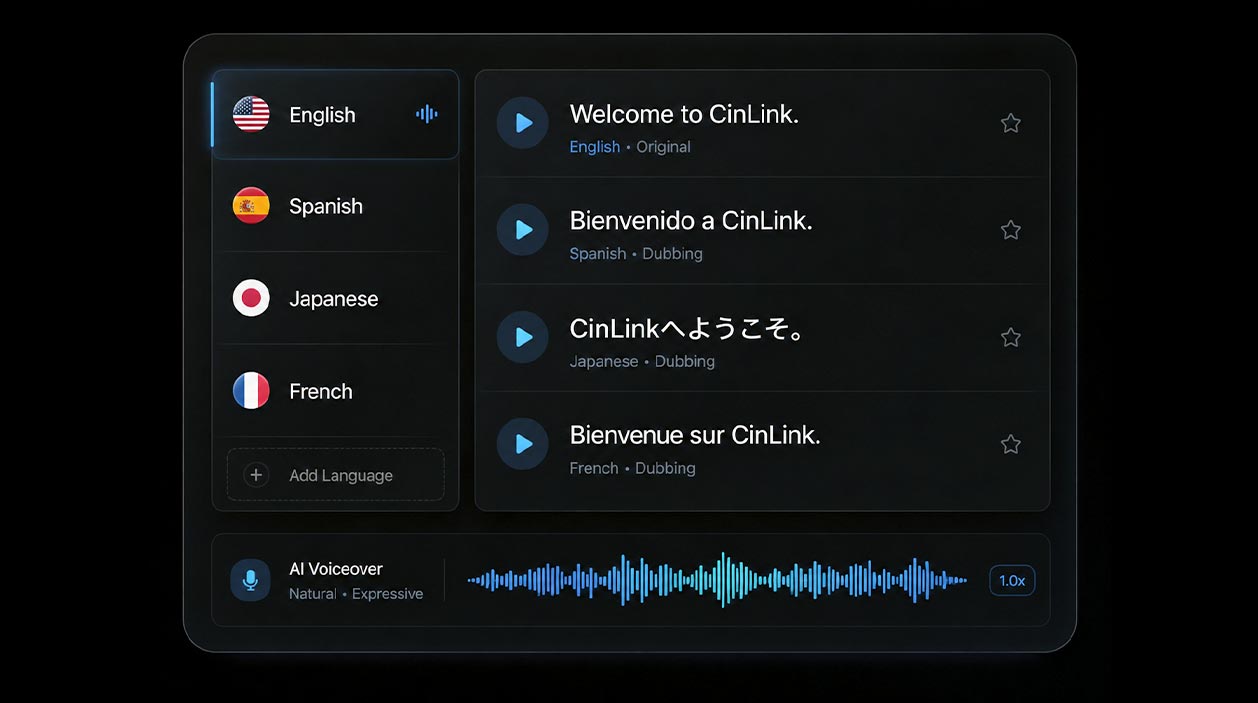
Translate & Dub

Translate subtitles, localize dialogue, and generate multilingual voiceovers for global audiences.

Translate & Dub

Translate subtitles, localize dialogue, and generate multilingual voiceovers for global audiences.

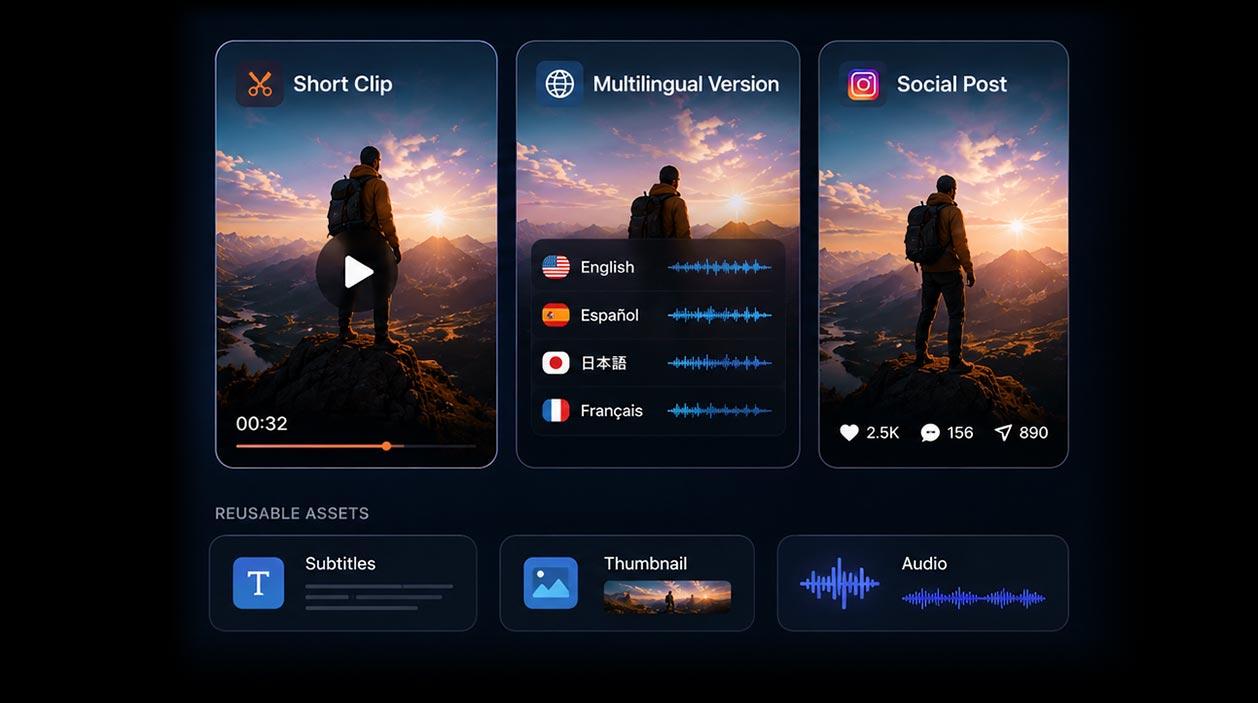
Repurpose

Turn long videos into short clips, multilingual versions, social posts, highlights, and reusable assets.

Repurpose

Turn long videos into short clips, multilingual versions, social posts, highlights, and reusable assets.

Workflow

From One Sentence to Finished Media.

Tell CinLink what you want to create, edit, translate, or transform. It understands the task, connects the right media skills, and helps you generate, cut, subtitle, dub, export, or keep refining through conversation.

Describe What You Need

Tell CinLink what you want to create, edit, translate, or transform in plain language.

Let CinLink Connect the Steps

CinLink understands the task and connects the right media skills — from search and subtitles to translation, dubbing, editing, and export.

Export or Keep Refining

Review the result, export a ready-to-use file, or keep refining it with follow-up instructions.

Reviewable. Editable. Exportable.

Platform

Built for Every Way You Work.

CinLink is not locked inside one app. Use it on desktop, mobile, command line, or as a skill inside your own AI agent workflows.

Desktop

A focused workspace for local media organization, creative editing, and complete video workflows.

Desktop

A focused workspace for local media organization, creative editing, and complete video workflows.

Mobile

Review, search, translate, and continue media work on the move.

Mobile

Review, search, translate, and continue media work on the move.

CLI

Automate repetitive media tasks, batch processing, and scripted workflows.

cinlink--help

CLI

Automate repetitive media tasks, batch processing, and scripted workflows.

cinlink--help

Agent Skills

Connect CinLink’s media capabilities to your own AI agents and creative systems.

Agent Skills

Connect CinLink’s media capabilities to your own AI agents and creative systems.

Use Cases

Say It Like This. Get It Like That.

CinLink is not locked inside one app. Use it on desktop, mobile, command line, or as a skill inside your own AI agent workflows.

  • “Create a product video from this image.”

  • “Translate this video into English and add subtitles.”

  • “Cut this video into a short clip for social media.”

  • “Create a 30-second product launch video from this image and add upbeat music.”

  • “Create a campaign teaser from these product shots, captions, and brand keywords.”

  • “Summarize this webinar and create social clips.”

  • “Turn these user-generated videos into a clean brand testimonial montage.”

  • “Cut this interview into three short clips with subtitles and key highlights.”

  • “Find the part where the speaker talks about pricing.”

  • “Add an English voiceover and match it with the subtitles.”

  • “Find the best clips from this folder and group them by topic.”

  • “Make this cut shorter, smoother, and ready to export.”

Shape Your Media With Words.

Shape Your Media With Words.

Download CinLink and start creating, editing, translating, and transforming media in a local-first AI workspace.

Download CinLink and start creating, editing, translating, and transforming media in a local-first AI workspace.